TL;DR:
- Liquid damage recovery involves diagnosing, cleaning, and repairing devices exposed to liquids, with the goal of retrieving data before corrosion causes permanent harm. Professionals follow a precise process that includes immediate power-off, ultrasonic cleaning, microscopic inspection, and micro-soldering to restore device functionality or recover data. Delays, type of liquid, and improper DIY methods significantly impact recovery success and cost.
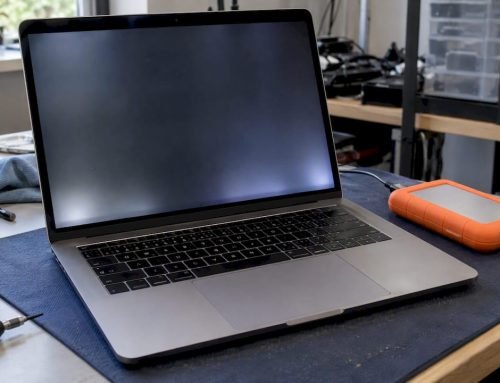
Liquid damage recovery is the specialized technical process of diagnosing, cleaning, repairing, and restoring devices exposed to any liquid intrusion, with the primary goal of retrieving data and recovering device functionality before corrosion causes permanent destruction. The industry term for this process is “liquid damage repair,” and understanding both terms matters because the recovery phase, securing your data, is often achievable even when full device restoration is not. Whether your MacBook took a coffee spill, your iPhone slipped into a pool, or your iMac encountered a water leak, the steps taken in the first 24–48 hours determine whether your data survives. Ultrasonic cleaning, logic board inspection, and micro-soldering are the professional tools that separate successful recoveries from permanent losses.
What is liquid damage recovery and how does it work?
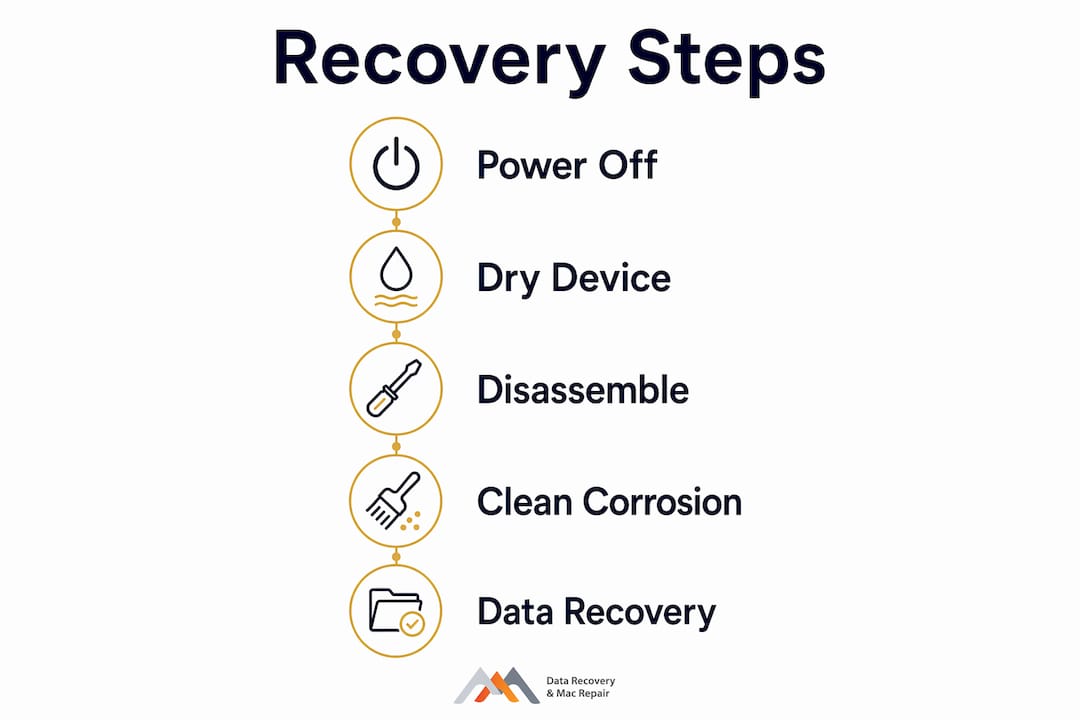
Liquid damage recovery follows a precise, sequential process that professionals execute under controlled conditions. Each step builds on the last, and skipping any stage reduces the chance of a successful outcome.
Immediate power-off and intake inspection. The first action is cutting all power to the device. Electricity flowing through a wet circuit accelerates corrosion and causes short circuits that destroy components permanently. A technician then photographs and documents the device’s condition before disassembly.
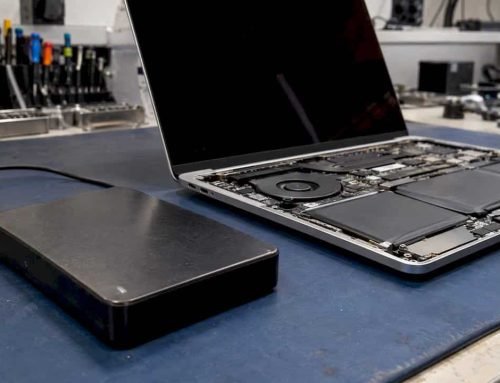
Full disassembly and logic board removal. The logic board, which is the central circuit board housing the CPU, GPU, and storage controller, is removed completely. On Apple MacBooks with soldered NVMe SSDs, this step requires specialized tools and knowledge of APFS volume structures to avoid data loss during handling.
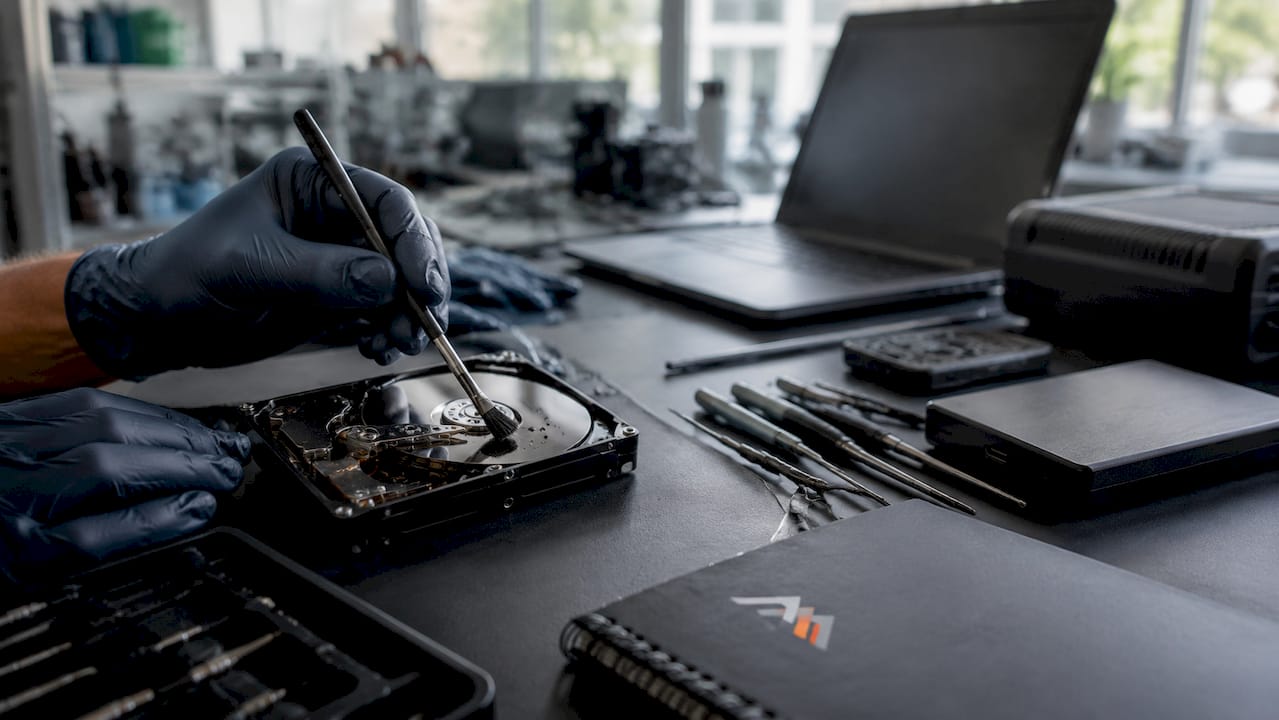
Ultrasonic cleaning. Ultrasonic cleaning uses high-frequency sound waves in chemical baths to dislodge corrosion and mineral deposits from beneath microchips that manual cleaning cannot reach. This is the gold standard for logic board cleaning and the step most home remedies cannot replicate.
Microscopic inspection. After cleaning, technicians examine the board under magnification to identify corroded traces, burned components, or failed capacitors. This step reveals damage invisible to the naked eye.
Moisture displacement and controlled drying. Isopropyl alcohol (90% or higher) displaces remaining water molecules from circuit pathways. The board then dries in a controlled environment, not a bag of rice.
Component-level repair and micro-soldering. Damaged resistors, capacitors, or power management ICs are replaced using micro-soldering stations. Battery replacement is standard at this stage since liquid exposure degrades lithium cells rapidly.
Data integrity testing and functional verification. The device boots into diagnostics, and APFS volume integrity, NVMe read/write speeds, and FileVault encryption status are all verified before the device is returned to the owner.
Pro Tip: Do not attempt to charge or power on your MacBook after a spill. Even a brief power attempt on a wet logic board can destroy the T2 or M-series security chip, making data extraction significantly more complex.
What types of liquid cause damage and how do they affect recovery?
Liquid damage includes all fluids: coffee, soda, beer, juice, pool water, and sweat. Not all liquids are equal in the damage they cause, and the type of liquid directly affects both the cost and the success rate of recovery.
Pure water is the least destructive liquid because it contains no dissolved solids. It still causes corrosion through oxidation, but it leaves no residue behind after drying. Sugary, acidic, and saline liquids are far more aggressive. Coffee and soda leave sticky residues that bond to circuit traces and attract moisture long after the initial spill. Saltwater, including sweat and ocean water, accelerates electrochemical corrosion at a rate that can destroy a logic board within hours.
| Liquid Type | Corrosion Speed | Cleaning Difficulty | Recovery Complexity |
|---|---|---|---|
| Pure water | Moderate | Low | Standard |
| Coffee or tea | Fast | Moderate | Elevated |
| Soda or juice | Fast | High | High |
| Saltwater or sweat | Very fast | High | Very high |
| Beer or wine | Fast | Moderate to high | High |
Sugary and acidic liquids require more aggressive ultrasonic cleaning cycles and often multiple passes with specialized solvents. This increases both labor time and cost. Sugary, acidic, and saline liquids create faster and more severe corrosion than pure water, requiring cleaning methods well beyond simple drying.
Pro Tip: Treat every liquid spill with the same urgency regardless of the liquid type. Even a small amount of sugary drink can cause progressive corrosion that destroys a logic board within 48 hours if left untreated.
Common myths and mistakes that make liquid damage worse
Several widely repeated pieces of advice actively harm devices and reduce recovery success rates. Recognizing these mistakes before acting on them can save your data.
The rice method does not work. The rice method is ineffective and introduces dust and starch particles into the device, which complicate professional cleaning. Rice absorbs ambient humidity, not liquid already inside a circuit board. Using it delays proper treatment and allows corrosion to advance.
Powering on the device immediately causes short circuits. Many users instinctively press the power button to check if the device still works. This sends current through wet pathways and burns out components that would otherwise be repairable.
Waiting to see if the device recovers on its own is dangerous. Devices may appear functional days or weeks after exposure while hidden corrosion progressively destroys circuitry. A MacBook that boots normally today can fail completely within two weeks if the logic board was not professionally cleaned.
Using a hair dryer or oven to dry the device causes heat damage. Excessive heat warps PCB substrates, melts solder joints, and damages display components. Controlled drying at room temperature with isopropyl alcohol displacement is the correct method.
Assuming IP68 water resistance protects the device. IP68 water resistance is not permanent; seals degrade over time due to heat, drops, and aging. A device marketed as waterproof two years ago may have compromised seals today.
The correct immediate steps are: power off, do not charge, remove any case, gently blot external moisture with a dry cloth, and contact a professional repair center the same day.
What can you realistically expect from professional liquid damage recovery?
Professional data recovery labs report success rates up to 95% for liquid-damaged devices when they are powered off immediately and serviced within 24–48 hours. That figure drops significantly with every hour of delay, particularly when sugary or saline liquids are involved.
The distinction between data recovery and full device restoration matters here. Data recovery focuses on retrieving important files from devices that may never fully power on again. Technicians use NAND access, chip extraction, and direct board-level data reads to pull files from heavily compromised hardware. Full device restoration, meaning the device boots and operates normally, is a separate and more demanding outcome that depends on the extent of component damage.
| Service Tier | Typical Cost | Timeline | Success Rate |
|---|---|---|---|
| Free diagnostics | $0 | Same day | Assessment only |
| Basic cleaning and drying | $200–$300 | 1–3 days | Up to 70% |
| Full ultrasonic cleaning and repair | $300–$500 | 2–5 days | Up to 90% |
| Micro-soldering and component replacement | $500+ | 3–7 days | Case dependent |
| Data extraction only (non-functional device) | $300–$600 | 2–5 days | Up to 95% |
Basic repairs range from $200 to $500 depending on device complexity and corrosion severity. Micro-soldering on Apple logic boards with T2 chips or M-series processors adds cost because of the precision required and the proprietary nature of Apple’s security architecture.
Same-day appointments and “no recovery, no charge” policies from local providers in West LA reduce the financial risk of attempting professional recovery. These policies mean you pay only when data or device functionality is successfully restored, making professional intervention a lower-risk choice than most users assume.
Key Takeaways
Liquid damage recovery succeeds or fails based on three factors: the time between exposure and professional cleaning, the type of liquid involved, and the quality of ultrasonic cleaning and micro-soldering performed on the logic board.
| Point | Details |
|---|---|
| Act within 24–48 hours | Professional intervention within this window delivers success rates up to 95% for data recovery. |
| Avoid the rice method | Rice introduces contaminants and delays proper cleaning, worsening corrosion damage. |
| Liquid type determines severity | Sugary, acidic, and saline liquids corrode circuits faster and require more aggressive cleaning. |
| Data recovery differs from device repair | Files can often be retrieved even from devices that will never power on again. |
| IP68 ratings degrade over time | Water resistance seals wear out, so no device should be treated as permanently waterproof. |
What I’ve learned after years of liquid damage cases in West LA
The single most consistent pattern I see is delay. A client brings in a MacBook Pro two weeks after a coffee spill because it “seemed fine at first.” By the time it arrives, the logic board has active corrosion spreading across the power management section, and what would have been a $350 cleaning job becomes a $600 micro-soldering repair, or worse, a data extraction from a non-functional board.
The second pattern is misplaced confidence in IP68 ratings. Clients with newer iPhones assume the device is protected. What they don’t account for is that the seals on a two-year-old phone that has been dropped three times are not the same seals that left the factory. The liquid damage repair process for these devices is identical to any other phone once the liquid is inside.
My honest recommendation: prioritize your data over the device. A MacBook can be replaced. The photos, client files, and project work stored on an APFS volume with FileVault encryption cannot always be reconstructed. When a device gets wet, the goal is data first, device second. A qualified repair center with ultrasonic cleaning equipment, micro-soldering capability, and experience with Apple’s proprietary security chips gives you the best chance at both. Choosing a shop based on price alone, without verifying they have the right equipment, is the most expensive mistake you can make.
— Kaya
Professional liquid damage recovery services in West LA
Macwestlosangeles has provided Apple liquid damage repair and data recovery services since 2006, serving West LA, Santa Monica, Beverly Hills, Brentwood, Westwood, Venice, Hollywood, and Culver City. The team offers free diagnostics with a strict “no recovery, no charge” policy, meaning you pay nothing if data cannot be retrieved. Technicians are experienced in APFS, NVMe, RAID (0, 1, 3, 5), and logic board component repair, including T2 and M-series chip handling. Same-day appointments are available for urgent cases. For comprehensive data recovery from liquid-damaged Macs and other devices, call 310-866-0828 or visit the office at 12041 Wilshire Blvd, Ste 26, Los Angeles, centrally located near UCLA and the Getty Center.
FAQ
What is the first thing to do after a liquid spill on a device?
Power off the device immediately and do not attempt to charge it. Removing power stops current from flowing through wet circuits, which is the primary cause of short-circuit damage.
How long does liquid damage recovery take?
Most professional liquid damage repairs take 2–5 days, depending on corrosion severity and whether micro-soldering is required. Same-day diagnostics are available at many local service centers.
Does insurance cover liquid damage on electronics?
Standard homeowner’s or renter’s insurance may cover liquid damage if the policy includes personal property protection, but most manufacturer warranties explicitly exclude it. AppleCare+ covers two incidents of accidental damage, including liquid damage, subject to a service fee.
Can data be recovered from a device that won’t turn on after liquid damage?
Yes. Technicians use direct NAND access, chip extraction, and board-level data reads to retrieve files from devices that will never power on again. Success rates reach up to 95% with rapid professional intervention.
Is the rice method effective for drying out a liquid-damaged device?
No. Rice does not remove liquid from inside circuit boards and introduces dust and starch particles that complicate professional cleaning. Place the device in a dry environment and contact a repair professional the same day.