TL;DR:
- Stopping all disk writes immediately can prevent further data loss on a failing drive. Macwestlosangeles offers free diagnostics and a no recovery, no charge policy for data recovery services in Los Angeles. Proper handling and choosing a certified lab with advanced tools increase the chances of successful recovery.
Stop all disk writes immediately and call Macwestlosangeles at 310-866-0828 for a free diagnostic and same-day appointment. Every additional write to a failing drive reduces the recoverable surface area, and a certified lab assessment costs you nothing upfront. Macwestlosangeles has handled Mac and multi-platform data recovery since 2006, operating with an ISO-class cleanroom, write-block imaging, and a strict No recovery, no charge policy across APFS, NVMe, and RAID systems.
At a glance — what you get with Macwestlosangeles:
- Free diagnostics with a written quote before any work begins
- No recovery, no charge (signed authorization required before lab work proceeds)
- Same-day intake for urgent cases in West LA, Santa Monica, Beverly Hills, and surrounding areas
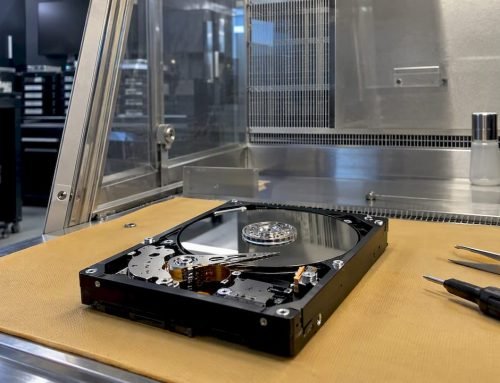
- ISO-class cleanroom for mechanical and head-swap procedures
- APFS, FileVault, NVMe, RAID (0, 1, 3, 5), and logic board component repair capability
- Operating continuously since 2006 from 12041 Wilshire Blvd, Ste 26, Los Angeles
Table of Contents
- What devices can a professional data recovery lab actually recover?
- Why did your data disappear, and can it be recovered?
- What does the professional recovery process look like?
- How much does professional data recovery cost, and how long does it take?
- How do you choose the right data recovery service provider?
- What to do immediately after data loss
- What lab capabilities and security practices should you expect?
- Macwest Data Recovery & Mac Repair: local LA specialist since 2006
- Key Takeaways
- The part most guides skip over
- Ready to recover your data? Here’s how to reach Macwestlosangeles
- Useful sources and further reading
- FAQ
What devices can a professional data recovery lab actually recover?
Professional labs work across a wider range of storage media than most clients expect. The short answer: if data was written to it, there is a recovery pathway worth exploring.
Recoverable device types:
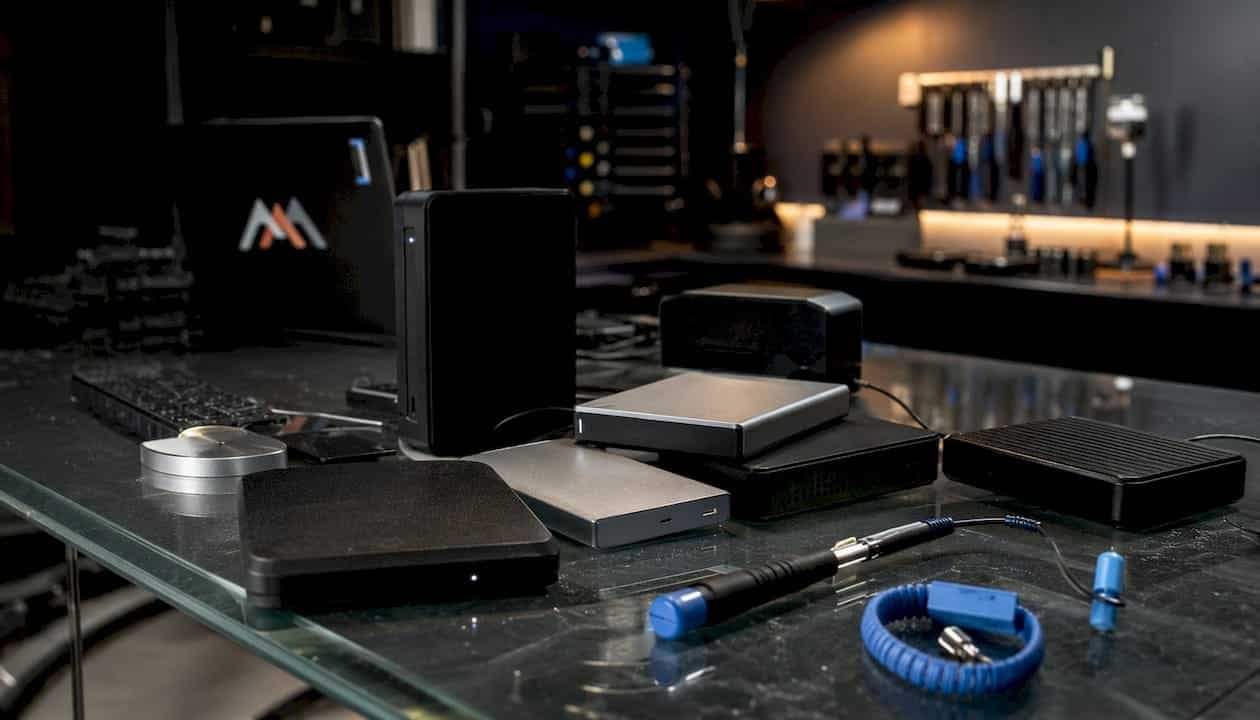
- HDDs (SATA, SMR, helium-sealed desktop and laptop drives)
- SSDs (SATA and NVMe, including soldered M.2 and PCIe variants)
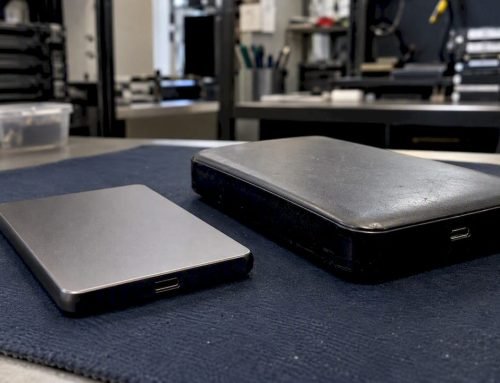
- External drives (USB 3.x enclosures, portable bus-powered drives)
- USB/thumb drives and SD/microSD/CF memory cards
- Mobile phones and tablets (iOS and Android, including secure-enclave encrypted devices)
- RAID arrays (RAID 0, 1, 3, 5, 6, and nested levels)
- NAS systems (Synology, QNAP, Drobo, and custom builds)
- Servers (SAS, SCSI, enterprise SATA, and NVMe arrays)
- Camera media (CFexpress, XQD, P2 cards)
Platform-specific factors matter significantly. APFS volumes with FileVault encryption require the original recovery key or Apple ID credentials; without them, the encrypted container is mathematically inaccessible. NVMe SSDs use proprietary controllers (Phison, Marvell, Samsung Phoenix) that require controller-specific deserialization tools, and SSD recovery success varies widely depending on whether hardware encryption is active. Self-encrypted drives without the key are generally unrecoverable regardless of lab capability. Damaged NAND with physical cell degradation and mechanically scored platters represent the hard limits of what any lab can restore.
Why did your data disappear, and can it be recovered?
Understanding the failure mode is the single most important factor in predicting recovery success. The table below maps the most common causes to typical recoverability and urgency level.
| Failure type | Typical recoverability | Urgency |
|---|---|---|
| Accidental deletion / format | High (if no overwrites) | Moderate — stop writes now |
| Logical corruption / partition loss | High to moderate | Moderate |
| Firmware failure | Moderate | Moderate to high |
| Electronic / PCB failure | Moderate to high | Moderate |
| Mechanical head failure | Moderate (cleanroom required) | High — power off immediately |
| Water / liquid damage | Moderate (act fast) | Critical — do not power on |
| Fire / impact / platter scoring | Low to moderate | High |
| Ransomware / encryption | Low without key | High — isolate device |
Time is the variable that moves every row in that table toward the lower end. Each subsequent write to a failing drive can overwrite sectors that hold your data. Mechanical failures are the most time-sensitive: a drive with failing read/write heads that continues spinning can score the platters within minutes, converting a recoverable case into permanent loss. Logical failures are more forgiving, but running chkdsk or a DIY recovery app on a drive that is already clicking or grinding accelerates deterioration and can eliminate recovery options entirely.
For RAID and NAS systems, the risk is compounding. An incorrect rebuild or a swapped drive order can propagate writes that overwrite parity and make array reconstruction impossible. Label every drive with its original slot position before touching anything.
What does the professional recovery process look like?
The standard workflow runs: intake → free diagnostic → written quote → client approval → imaging → recovery → QC → secure handover. Each stage has a defined decision point, and no billable work begins without your written authorization.
Step-by-step breakdown:
- Intake. You describe symptoms, timeline, and any recent events (dropped drive, power surge, accidental format). Macwestlosangeles accepts same-day walk-ins at 12041 Wilshire Blvd, Ste 26.
- Free diagnostic. The lab performs a visual inspection, electronics check, firmware interrogation, and preliminary imaging attempt. Most serious labs complete this in 24–72 hours; a cleanroom opening for mechanical diagnosis may carry a separate fee of $90–$180 at some facilities.
- Written quote. You receive a flat-rate or scoped quote with a clear statement of the failure type, recovery approach, turnaround tier, and the exact terms of the no-recovery policy.
- Client approval. You sign the authorization. No lab work proceeds without it.
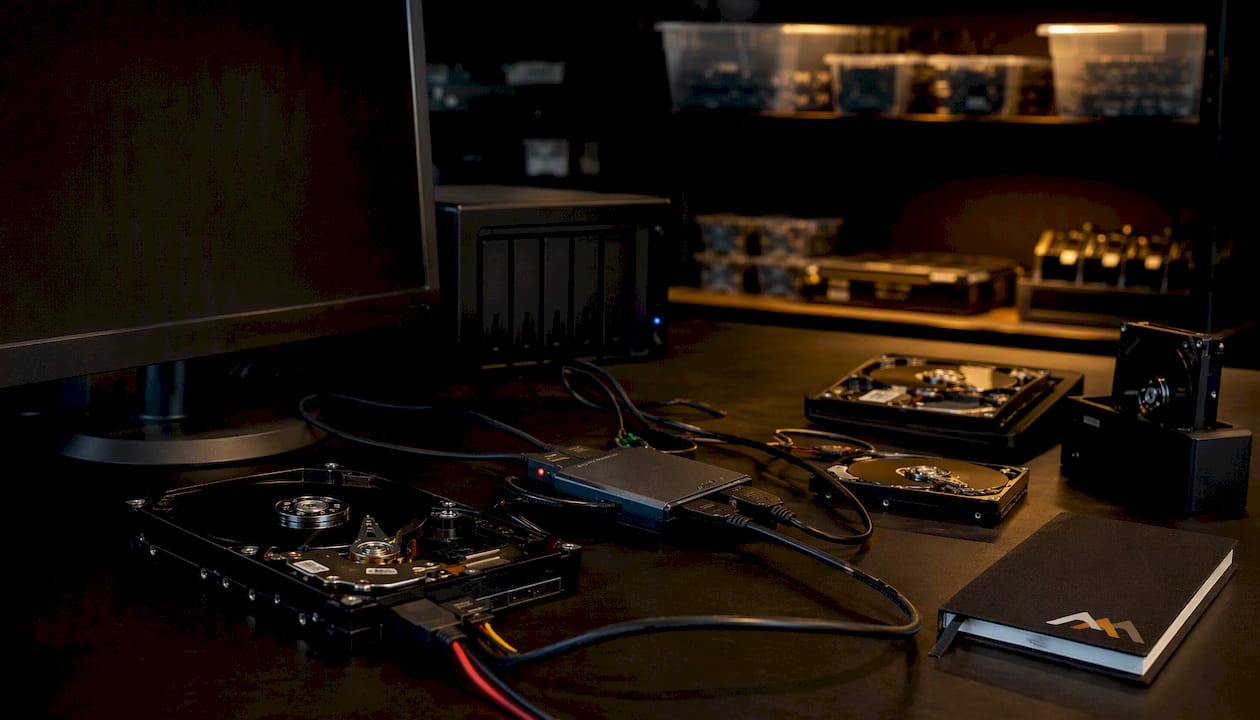
- Imaging and cloning. The drive is imaged sector-by-sector under hardware write-block. A proper professional workflow uses write-blockers and cloning tools to preserve the original media state throughout the process.
- Recovery and reconstruction. File system repair, partition reconstruction, or NAND deserialization is performed on the clone, not the original.
- Quality control. The recovered file set is checked for completeness, directory structure integrity, and file-open verification. You receive a file list to confirm what was recovered before final delivery.
- Secure handover. Data is returned on a new drive or via encrypted transfer. Reputable labs provide chain-of-custody documentation, a deletion certificate upon request, and proof-of-ID handling for regulated data (HIPAA, legal discovery).
The “no data, no charge” guarantee typically means you owe nothing if the lab cannot recover files you consider useful. Confirm in writing whether any cleanroom-opening or forensic fee is excluded from that guarantee before signing.
How much does professional data recovery cost, and how long does it take?
Recovery pricing follows failure difficulty, not file count or drive capacity. A 256 GB SSD with controller damage can cost more to recover than a 4 TB drive with a simple deletion problem.
| Failure type | Typical price range (US) | Typical turnaround |
|---|---|---|
| Logical (deletion, format, partition) | $350–$700 | 1–3 business days |
| Complex logical (APFS corruption, firmware) | $350–$700 | 2–5 business days |
| Electronic / PCB failure | $1,100–$2,000 | 2–5 business days |
| Standard mechanical (head swap, cleanroom) | $1,100–$2,000 | 3–7 business days |
| Severe mechanical / platter damage | $1,800–$3,800+ | 5 business days |
| RAID / NAS array | $1,800–$3,800+ | 5 business days |
| SSD chip-off / NAND deserialization | $1,500–$2,800+ | 7 business days |
Price drivers beyond failure type include: donor part availability for rare drive models, RAID complexity (stripe size, parity scheme, number of failed members), rush/emergency fees, and whether the device requires logic board component repair before imaging can begin. Free diagnostics are standard at reputable labs; always confirm whether a cleanroom opening fee applies before sending a device.
How do you choose the right data recovery service provider?
Prioritize lab capability, transparent quoting, data security practices, and local same-day intake if the situation is urgent. A trustworthy provider gives you a clear diagnosis, a probability estimate, and a fixed quote after the diagnostic, with documented expectations for time and cost.
Decision checklist:
- Confirmed cleanroom class (ISO 5 / Class 100 for head swaps and platter work)
- Write-block imaging and sector-by-sector cloning as standard procedure
- Specialized toolset: PC-3000 for HDD/SSD, NAND deserializers for chip-off work
- Donor drive inventory for rare or discontinued models
- Published “no data, no charge” policy with written terms
- Written quote before any lab work begins
- Chain-of-custody documentation and data deletion policy after handover
- Published privacy and compliance policies (HIPAA, GDPR where applicable)
- Verifiable business address and consistent review history
Questions to ask before sending your device:
- What is your diagnostic turnaround, and is it free?
- What ISO class is your cleanroom?
- Do you perform logic board component repair in-house?
- What is your exact no-recovery policy, and are any fees excluded?
- How is recovered data delivered, and when is it deleted from your systems?
- What identification or authorization is required for regulated data?
Red flags to avoid: no verifiable physical address, demands for a non-refundable upfront diagnostic fee before any assessment, vague guarantees without written terms, no written quote, and a price that ignores the complexity of the failure in front of them.
Pro Tip: Experience in data recovery directly affects outcomes. Ask how many cases of your specific failure type the lab has handled, and request a sample success rate for that category.
What to do immediately after data loss
Stop all disk writes immediately. If your drive is making clicking, grinding, or repetitive beeping sounds, power it off at the wall and do not restart it.
Emergency checklist:
- Clicking or grinding drive: power off the machine immediately; do not attempt to boot again.
- External drive: unplug it from USB/Thunderbolt and set it aside on a flat, padded surface.
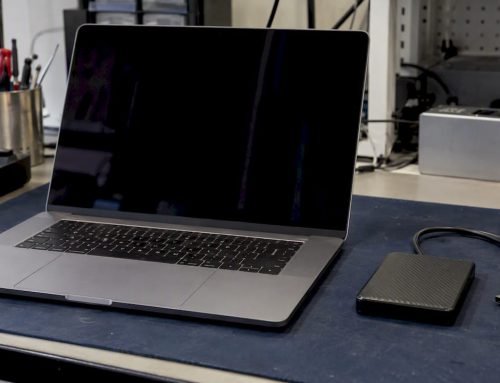
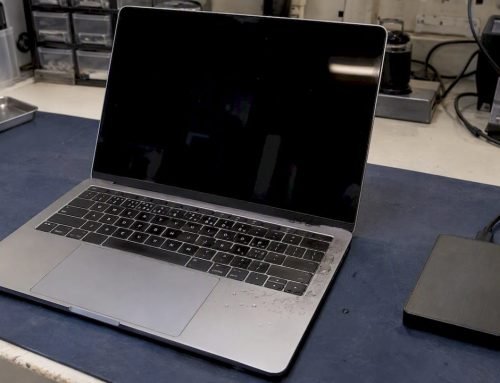
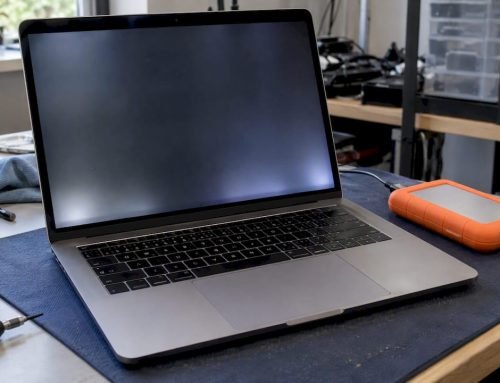
- Spilled liquid on a MacBook: do not power on or charge the device; liquid damage steps require immediate professional assessment.
- Deleted files or accidental format: stop using the drive; every new file written reduces recoverable space.
- Phone with black screen: do not attempt a factory reset; bring it in for assessment first.
- RAID or NAS failure: note the exact drive order and slot positions before touching anything; do not initiate a rebuild.
- Ransomware: isolate the device from the network immediately; do not pay a ransom before consulting a recovery specialist.
Pro Tip: Never run repair utilities such as chkdsk, First Aid, or consumer recovery software on a drive that is clicking or making abnormal noises. Applying software fixes to a mechanically failing drive can cause catastrophic platter wear within minutes, converting a recoverable case into permanent loss.
What lab capabilities and security practices should you expect?
A credible lab operates with documented procedures at every stage, not just a cleanroom badge on the website.
Technical capabilities to verify:
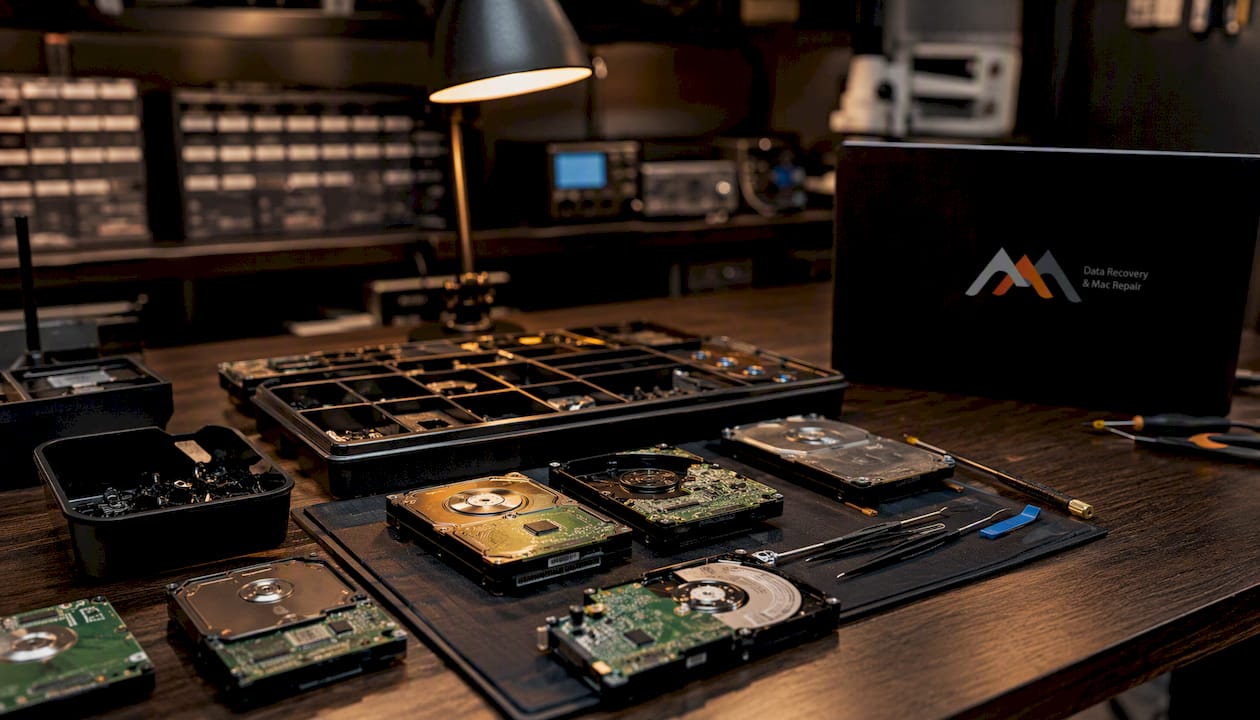
- ISO 5 / Class 100 cleanroom: required for any procedure that opens a hard drive enclosure; particle contamination during a head swap destroys platters.
- Write-block imaging: hardware write-blockers (Tableau, WiebeTech) prevent any write to the source media during imaging.
- Sector-by-sector cloning: the entire drive surface is imaged before any reconstruction begins, preserving the original state.
- PC-3000 platform: the industry-standard hardware/software suite for HDD and SSD diagnosis, firmware repair, and imaging.
- NAND deserialization: required for chip-off SSD recovery; success depends on controller family and whether vendor firmware tools are available.
- Logic board component repair: component-level soldering and microchip replacement for drives and MacBooks with electronic failure.
Security and compliance practices:
- Chain-of-custody log from intake to handover
- Encrypted delivery (password-protected drive or secure download link)
- Written data deletion policy with a certificate of deletion available on request
- Physical lab access controls and documented QA checks
- HIPAA-compliant handling for medical records; legal chain-of-custody for forensic cases
Review the service agreement for scope, quoted price, exceptions to the no-recovery policy, lead time commitments, and confidentiality terms. For deeper guidance on what to look for, the data security during recovery framework covers chain-of-custody and encrypted handover in detail.
Macwest Data Recovery & Mac Repair: local LA specialist since 2006
Macwestlosangeles has provided data recovery services to individuals and businesses across Los Angeles since 2006, with free diagnostics and a No recovery, no charge policy on every case.
Core services:
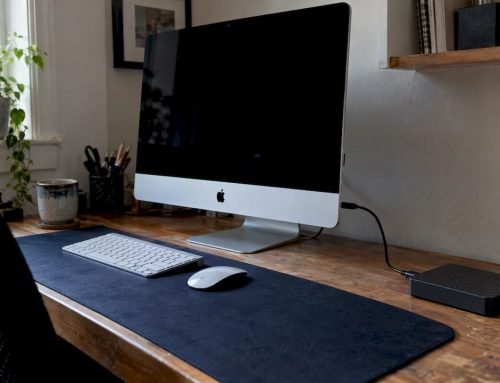
- MacBook, iMac, Mac Mini, and Mac Pro data recovery
- HDD, SSD, NVMe, and external drive recovery
- RAID (0, 1, 3, 5) and NAS array reconstruction
- Logic board component-level repair (liquid damage, power failure, GPU failure)
- Mobile phone and tablet data recovery
- Same-day and emergency intake for urgent cases
- Hard drive data recovery for SATA, NVMe, and enterprise SAS drives
Local coverage: West LA, Santa Monica, Beverly Hills, Brentwood, Westwood, Venice, Hollywood, and Culver City. The lab is centrally located at 12041 Wilshire Blvd, Ste 26, between the 405 and Santa Monica Freeways, near UCLA and the Getty Center.
Book a same-day appointment: call 310-866-0828.
Key Takeaways
When data loss strikes, the fastest path to recovery is stopping all writes, powering off a clicking drive, and calling a certified lab with free diagnostics and a No recovery, no charge policy before attempting any DIY fix.
| Point | Details |
|---|---|
| Stop writes immediately | Every new write after data loss reduces recoverable sectors; power off mechanical drives at first sign of noise. |
| Free diagnostic is standard | Reputable labs diagnose in 24–72 hours at no charge; cleanroom openings may carry a $90–$180 fee at some facilities. |
| Pricing follows failure type | Logical recovery typically costs $350–$700; mechanical cases are $1,100–$2,000; RAID and chip-off work can exceed $3,800. |
| Verify lab credentials | Confirm ISO 5 cleanroom, write-block imaging, PC-3000 toolset, and a written no-recovery policy before sending a device. |
| Macwestlosangeles | Serving Los Angeles since 2006 with free diagnostics, No recovery, no charge, and same-day intake at 310-866-0828. |
The part most guides skip over
There is a pattern in data loss cases that almost never gets discussed plainly: the damage that happens after the drive fails, not before. A drive that clicks twice and then gets handed to a well-meaning IT person who runs chkdsk, reboots it three times, and tries two recovery apps arrives at a lab in far worse condition than it left the desk. The original failure was often a recoverable head event. What follows it is frequently not.
The same logic applies to RAID arrays. The instinct to rebuild immediately is understandable, but an incorrect rebuild on a degraded array can overwrite the parity data that makes reconstruction possible. Labeling drives and calling a specialist before touching anything is not overcaution. It is the difference between a $1,500 recovery and a $0 outcome.
What I find consistently underestimated is how much the first 30 minutes after a failure determines the final result. The technical work in a lab is sophisticated, but it operates on whatever state the device arrives in. A free diagnostic call costs nothing and takes five minutes. The alternative can cost everything.
Ready to recover your data? Here’s how to reach Macwestlosangeles
Macwestlosangeles offers something straightforward that most people in a data loss situation need most: a free diagnostic with no obligation, a written quote before any work begins, and a No recovery, no charge guarantee. There are no surprise bench fees for standard evaluations, and same-day intake is available for urgent cases across West LA, Santa Monica, Beverly Hills, and the surrounding areas.
To book, call 310-866-0828 or visit the data recovery service page to review service scope and schedule an appointment. Have the following ready when you call: device type and model, a brief description of symptoms, whether the device uses FileVault or hardware encryption, and a timeline of events leading to the loss. That information lets the technician give you an accurate first assessment on the call and prepare the right tools for intake.
Useful sources and further reading
- 3-2-1 Backup Strategy 2026: Complete Guide — Save My Disk: authoritative guide to backup architecture and the 3-2-1-1-0 extension for SMBs.
- Hard Drive Data Recovery 2026: Complete Guide — Save My Disk: covers DIY vs. lab decisions, SSD controller limits, and APFS-specific considerations.
- Data Recovery Cost 2026: Real Prices, Lab Comparison & DIY vs Pro Guide — Save My Disk: detailed US price benchmarks by failure type.
- How Does Professional Data Recovery Work? — Data Recovery FAQ: step-by-step lab workflow from intake to handover.
- Best Practices After Device Failure — Data Recovery London: emergency steps, RAID handling, and the risk of DIY tools on mechanical failures.
- Data Loss Prevention Tips for Mac Users — Macwestlosangeles: practical backup and prevention strategies for Mac users in Los Angeles.
FAQ
Is it worth paying for professional data recovery?
Yes, when the data has real value and no backup exists. Professional labs recover files that DIY software cannot reach, particularly in mechanical, firmware, and RAID failure scenarios, and the No recovery, no charge policy means you pay only for a successful result.
How much does professional data recovery typically cost?
For simple logical failures, typical professional data recovery costs range from $350–$700. Mechanical failures usually cost $1,100–$2,000, and RAID, severe mechanical, or SSD chip-off cases can run from $1,800 to over $3,800 depending on complexity and urgency.
How much does Geek Squad charge for data recovery?
Geek Squad’s data recovery pricing is publicly listed on the Best Buy website and varies by service tier; for complex mechanical or RAID failures, a specialized independent lab typically offers more advanced cleanroom capability and a clearer no-recovery policy.
What’s the first thing to do when data loss happens?
Stop all disk writes immediately. If the drive is making clicking or grinding sounds, power off the machine at the wall and call a certified lab, such as Macwestlosangeles at 310-866-0828, for a free diagnostic before taking any other action.
How do I know if a data recovery provider is trustworthy?
Look for a verifiable physical address, a written no-recovery policy, a free diagnostic with a flat-rate quote before work begins, ISO-class cleanroom confirmation, and documented chain-of-custody practices. Avoid any provider that demands a non-refundable upfront fee before assessing the device.