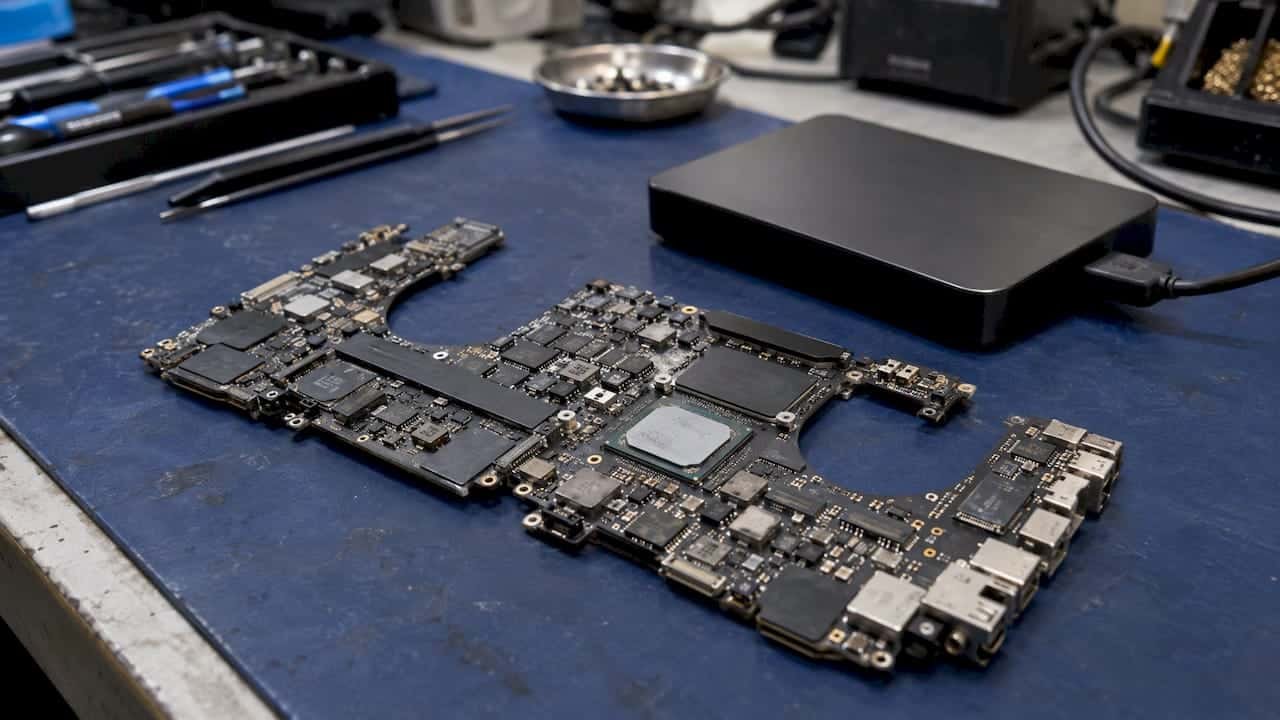
The cost of a Mac logic board repair depends on three things: which component on the board has failed, which Mac you own, and whether the board is repaired at component level or swapped as a whole. Apple does not publish a fixed logic board price, so a real number only exists after someone has diagnosed the machine. At MacWest Data Recovery & Mac Repair, serving Los Angeles since 2006, diagnostics are free, you get a quote before any work starts, and same-day appointments are available at 12041 Wilshire Blvd, Ste 26. Call 310-866-0828 to book.
This guide explains what moves the price of a MacBook, iMac or Mac mini board repair, how to read a quote, and how to decide whether the repair is worth it. It is written for Mac owners in West LA, Santa Monica, Beverly Hills, Hollywood and Culver City, and for the businesses that depend on those machines.
TL;DR
- Logic board repair cost is set by the failed component, the Mac model and the method (component-level repair or full board replacement), and it is confirmed only after diagnostics.
- Apple says it must inspect a Mac before giving an out-of-warranty estimate, so no list price exists; our diagnostics are free and we operate on a no recovery, no charge policy for data recovery work.
- Before any repair, protect your files: stop all disk writes, avoid repeated power-ons, and book a same-day appointment if the drive holds data you cannot replace.
Table of Contents
- What a logic board is and why the quote varies so much
- What Apple says about logic board pricing
- Symptoms and the repair they usually point to
- Component repair versus whole-board replacement
- Why your data matters when the board is being repaired
- Mac mini logic board cost: what is different
- Is the repair worth it?
- What a good logic board quote should include
- Where to go in West Los Angeles
- Book a free diagnosis
- Our perspective
- FAQ
- Sources
What a logic board is and why the quote varies so much
The logic board is the main circuit board of a Mac. It carries the processor, the power management circuitry, the charging controller, the display and keyboard connections and, on most modern Macs, the memory and the storage as well. Because so many functions sit on one board, “logic board problem” can mean anything from a single failed power-management chip to a board that has been flooded by liquid.
That range is the reason online price ranges for this repair are so wide. Two Macs that both “won’t turn on” can have faults that differ by an order of magnitude in labor and parts. A quote is only meaningful when it names the fault.
The main price drivers are:
- The failed component. A shorted charging circuit, a failed power-management chip, a damaged display connector and a corroded board after liquid exposure are different jobs with different amounts of bench time.
- The Mac model and year. Apple Silicon and T2-era boards integrate the processor, memory and storage tightly, which changes both what can be repaired and what a replacement part costs.
- The method. Component-level repair with micro-soldering fixes the failed part. Full replacement swaps the entire board, which is the route many manufacturers take.
- Collateral damage. Liquid damage often spreads corrosion across the board, adding cleaning and extra component replacement.
- Data needs. If the files on the machine matter, the job is planned around protecting them, which affects how the repair is sequenced.
What Apple says about logic board pricing
Apple’s own repair page states that it does not list a personalized out-of-warranty price up front: the computer has to be inspected before Apple provides an estimate, which may be subject to tax and shipping. The same page says Apple guarantees service and replacement parts for 90 days or the remainder of your warranty, whichever is longer, and that authorized providers set their own fees (Apple Support, Service and Repair for Mac Laptops).
Two practical conclusions follow. First, any single figure you see online for “the” logic board price is an average of very different jobs. Second, the number that matters is the one written on your own diagnosis.
Symptoms and the repair they usually point to
The table below is a quick orientation, not a quote. It shows the symptoms we hear most often and the kind of board-level work they usually lead to after diagnostics.
| Symptom | Common board-level cause | Typical repair path |
|---|---|---|
| Mac will not charge, no MagSafe or USB-C light | Failed charging controller or power-path component | Component-level repair of the charging circuit |
| Mac will not power on, no fans, no chime | Power-management fault or short on a power rail | Locate the short, replace the failed part, test under load |
| Black screen but fans spin | Display connector, backlight circuit or GPU-related fault | Connector or circuit repair; see our backlight guide |
| Restarts or kernel panics repeatedly | Failing memory, power delivery or storage controller | Diagnostics first; repair or replacement based on the findings |
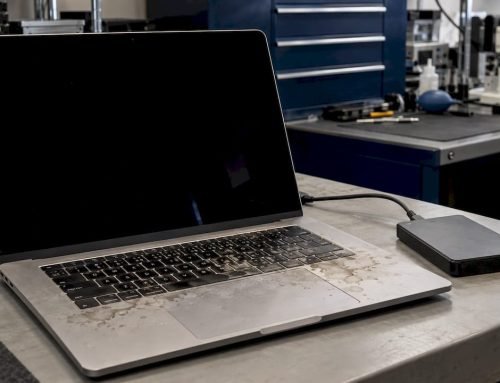
| Mac was exposed to liquid | Corrosion across multiple traces and chips | Ultrasonic cleaning, then component replacement; see liquid damage repair |
| Intermittent shutdowns, hot spot near ports | Short on a rail or failing capacitor | Thermal diagnosis, then micro-soldering |
For a longer list of warning signs, read our guide to logic board failure signs.
Component repair versus whole-board replacement
This is the choice that changes the total the most, so it deserves a plain explanation.
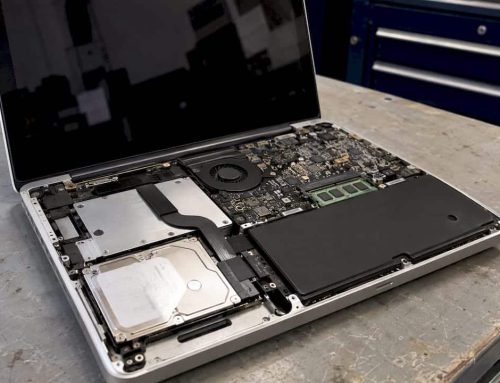
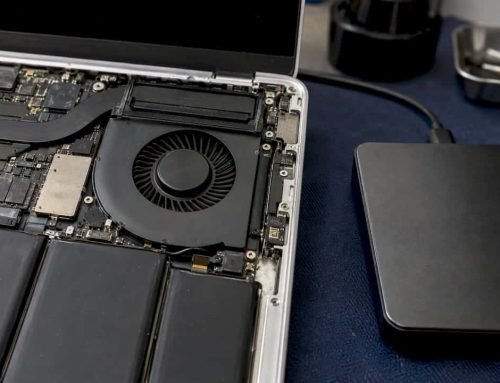
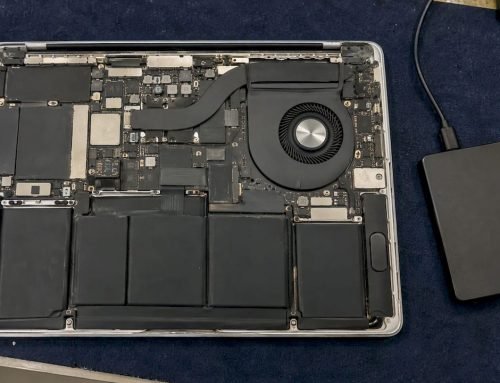
Component-level repair means a technician identifies the exact failed chip, capacitor, connector or trace and repairs it using micro-soldering equipment and a microscope. Your original board, and everything stored on it, stays in the machine. Our approach is built around in-house engineering with precision micro-soldering and forensic imaging, including component-level logic board repairs on Apple Silicon Macs that Apple Stores often deem unrecoverable.
Full board replacement swaps the whole board for a replacement. It can be the right answer when the board is damaged beyond repair, but on a Mac whose storage is soldered to the board it raises a serious data question, covered next.
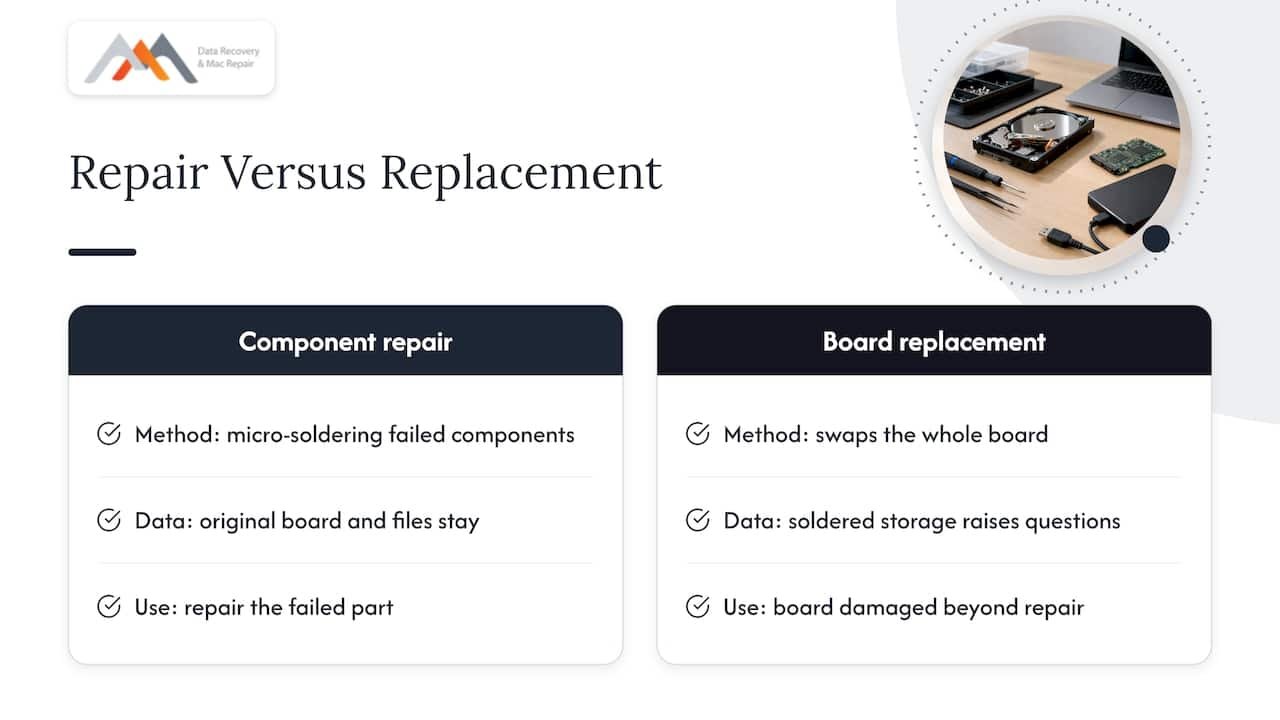
When you compare two quotes, ask which method each one uses. A low number for a replacement and a higher number for a repair are not the same service.
Why your data matters when the board is being repaired
Stop all disk writes immediately if your Mac has shown any of the symptoms above and holds files you do not have elsewhere. Every extra boot, update or file save is a write that can overwrite recoverable data or push a struggling drive further into failure.
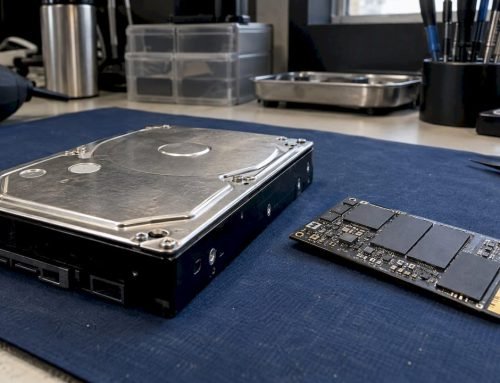
On recent Macs the SSD is not a separate drive. On Apple Silicon and T2 machines the storage is soldered to the logic board, and on many models the NVMe storage controller is part of the system design. The volume is formatted as APFS and, when FileVault is on, encrypted with keys tied to the hardware. That means a dead board can lock your files inside a machine that will not start, and a replacement board does not automatically bring the old data with it.
This is why we plan the repair around your files:
- We run free diagnostics to find the fault and tell you what is wrong before any charge.
- If the data is the priority, we recover it first, using NAND access and forensic imaging where the board allows it.
- We then repair the board at component level so the original storage, and your data, stay with the machine whenever the fault allows.
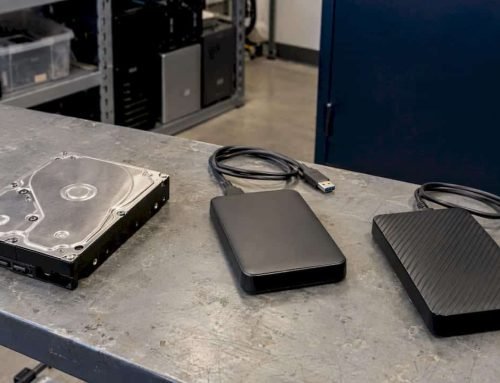
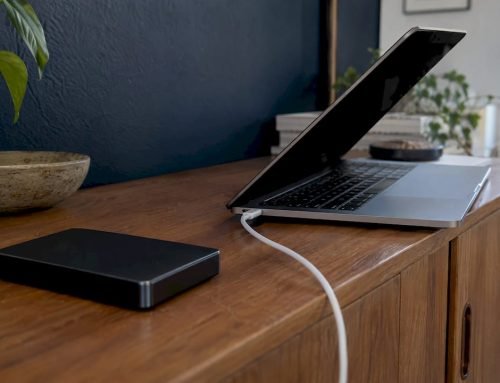
For a deeper explanation, see MacBook logic board data loss and our step-by-step logic board repair guide. If you only need the files, our Mac data recovery service works on its own, and under our no recovery, no charge policy you do not pay if we cannot recover your data.
While you wait for your appointment, do not open the case, do not try to charge a liquid-exposed machine repeatedly, and do not run recovery software on the failing drive.
Mac mini logic board cost: what is different
People searching for a Mac mini logic board replacement cost usually have an older Intel mini that will not boot or a newer Apple Silicon mini that has lost power. The pricing logic is the same as for laptops, with a few differences:
- No battery or display to complicate the diagnosis. The mini is a compact power-and-logic design, so faults tend to be isolated to the power supply section, the board’s power rails or the storage.
- Model matters more. Older minis with separable drives behave differently from current models with soldered storage.
- Repair is often practical. Because the fault is usually a specific component, component-level repair can be a sensible alternative to replacing the board.
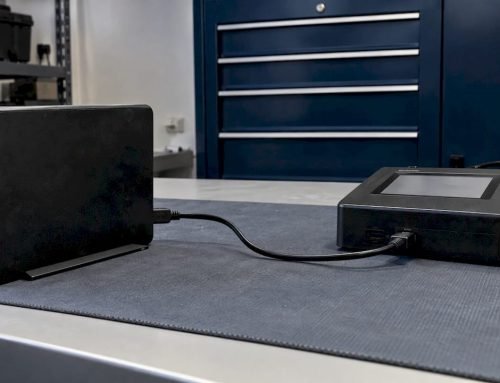
If you run a mini as a small office server or media machine, tell us what it holds. A mini that is the only copy of a project, a database or a shared volume is a data recovery case first and a repair case second. For multi-drive setups attached to it, we also handle RAID 0, 1, 3 and 5 recovery; see RAID data recovery.
Is the repair worth it?
A useful decision rule compares three numbers: the diagnosed repair quote, what your Mac would be worth if it worked, and how many years of macOS support remain for it. Here is an invented illustration, not a real quote. If a quote equals a small share of what a working machine sells for and the Mac still receives updates, repair usually makes sense. If the quote approaches or exceeds what a working machine is worth, replacing the computer is the more rational path, though the data question still has to be solved.
To estimate the working value of your model, you can look at sold price checks for used parts and machines and compare them with your written quote.
Other factors that tip the decision toward repair:
- The Mac holds files that are not backed up.
- The machine is configured for business use, with software, licenses and settings that take days to rebuild.
- The fault is a single failed component rather than widespread corrosion.
- Your model is one that Apple Stores would send for whole-board replacement, which can mean a higher bill and a different data outcome.
We give you the diagnosis and the quote before you decide, so you can run these numbers with real figures.
What a good logic board quote should include
Whether you come to us or compare other offers, a quote you can rely on spells out the following:
- The diagnosis. Which component or circuit failed, in words you can repeat.
- The method. Component-level repair or whole-board replacement.
- Parts and labor. Listed separately, so you can see what you are paying for.
- What happens to your data. Whether storage stays with the board, whether a backup or recovery is included, and what happens if the repair fails.
- The warranty. How long the repair is covered. For reference, Apple states a 90-day guarantee on its own service and parts (Apple Support).
- Turnaround. Same-day, next-day or longer, and whether an emergency option exists.
- The fee if the repair fails. A clear statement of what is owed if the Mac cannot be fixed.
At MacWest, the diagnostic itself is free, and for data recovery work the policy is no recovery, no charge.
Where to go in West Los Angeles
Our lab sits at 12041 Wilshire Blvd, Ste 26, between the 405 and Santa Monica, close to UCLA and the Getty Center. That makes it a short trip from Westwood, Brentwood, Santa Monica, Beverly Hills, Venice, Hollywood and Culver City. Coming in person means your Mac and your data stay in one local lab with no shipping step, and it means you can speak with the people doing the work.
For laptops, desktops and workstations, see our Mac repair service in Los Angeles. For Mac Pro owners, our Mac Pro repair guide covers what to expect.
Book a free diagnosis
If your Mac will not power on, will not charge or shows signs of logic board failure, we can diagnose it for free and give you a price for the exact fault. We offer same-day appointments and emergency Mac repair for individuals and businesses across West LA. Call 310-866-0828 or visit our Mac repair page to arrange a time. If the priority is the files, start with our data recovery service.
Our perspective
Most people come to us after hearing a single, frightening figure for a logic board. That figure usually reflects a whole-board swap, and it tends to be quoted without a conversation about what is actually broken on the board.
We approach the job the other way round. We diagnose the fault first, because the failed component decides the price, and we repair at the component level with micro-soldering whenever the board can be saved. That keeps your original storage and your files in place, which matters on Macs where the SSD is soldered to the board.
When the files are the real value, we plan around them: stop writing to the disk, get the machine to us the same day, and let us image and recover before any repair begins. Since 2006 that order of work has been the one that protects the most data for our clients in Los Angeles.
Kaya
FAQ
How much does a logic board repair cost?
The price depends on the failed component, the Mac model and whether the board is repaired or replaced, so it is confirmed only after diagnostics. Apple itself says it must inspect a Mac before it gives an out-of-warranty estimate. Our diagnostics are free, and you receive the quote for your exact fault before work begins.
Can a Mac logic board be repaired instead of replaced?
Often, yes. Many failures come from a single component such as a charging chip, a power-management part or a connector, and these can be fixed with micro-soldering and component-level repair. Severe corrosion or physical damage can make replacement necessary, and we tell you which applies after the free diagnosis.
Will I lose my data if the logic board is replaced?
On Macs with soldered storage, swapping the board can put your files at risk, because the data lives on the board itself. That is why we recover or image the data first when it matters and prefer component-level repair that keeps the original board. If you have not backed up, stop all disk writes and call us before authorizing any repair.
How much does a Mac mini logic board repair or replacement cost?
It follows the same rule as laptops: the model, the failed component and the method set the price. Mac minis often suffer isolated power faults, which can suit component-level repair. Bring it in for a free diagnosis and we will quote the exact repair.
Can you repair my Mac the same day?
We offer same-day appointments and emergency Mac repair at our West LA lab. Turnaround for the repair itself depends on the fault found during diagnostics, and we confirm it when we give you the quote. Call 310-866-0828 to reserve a time.