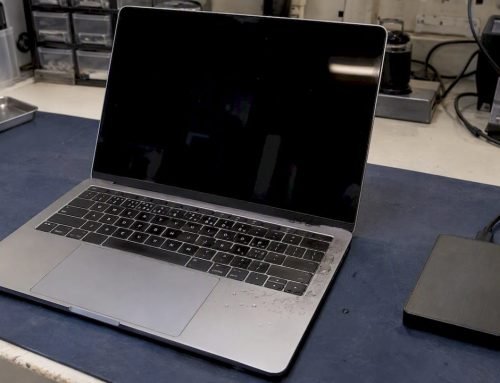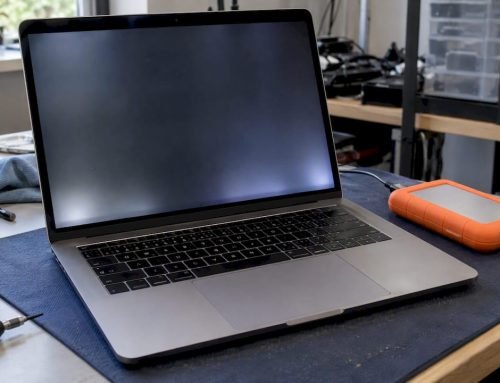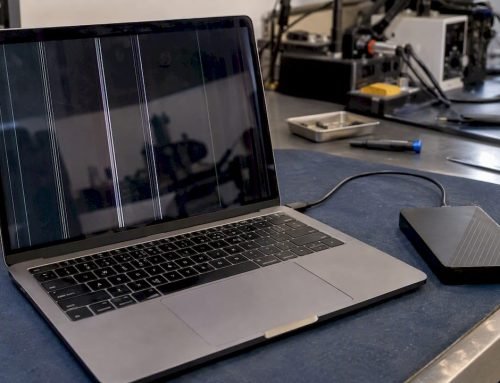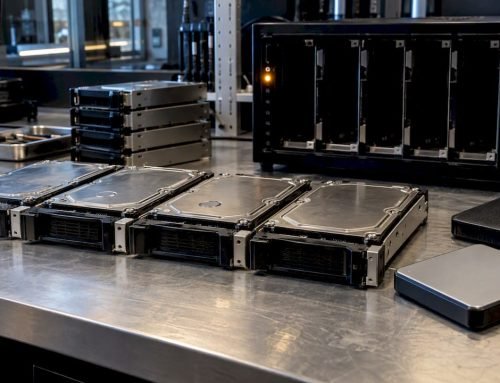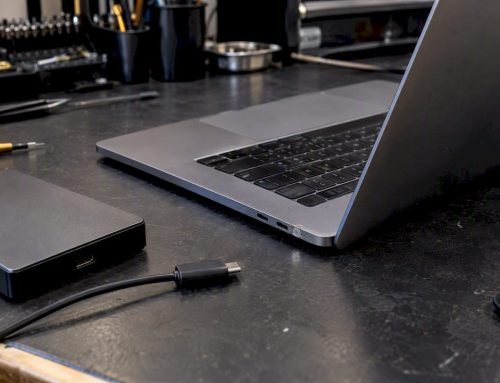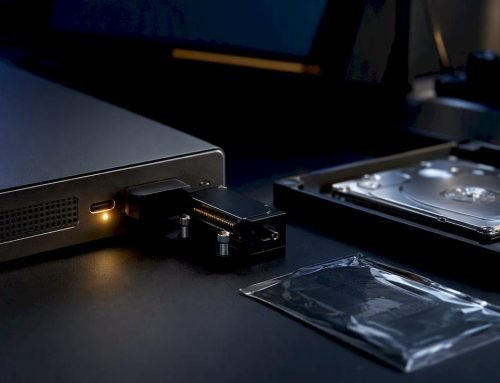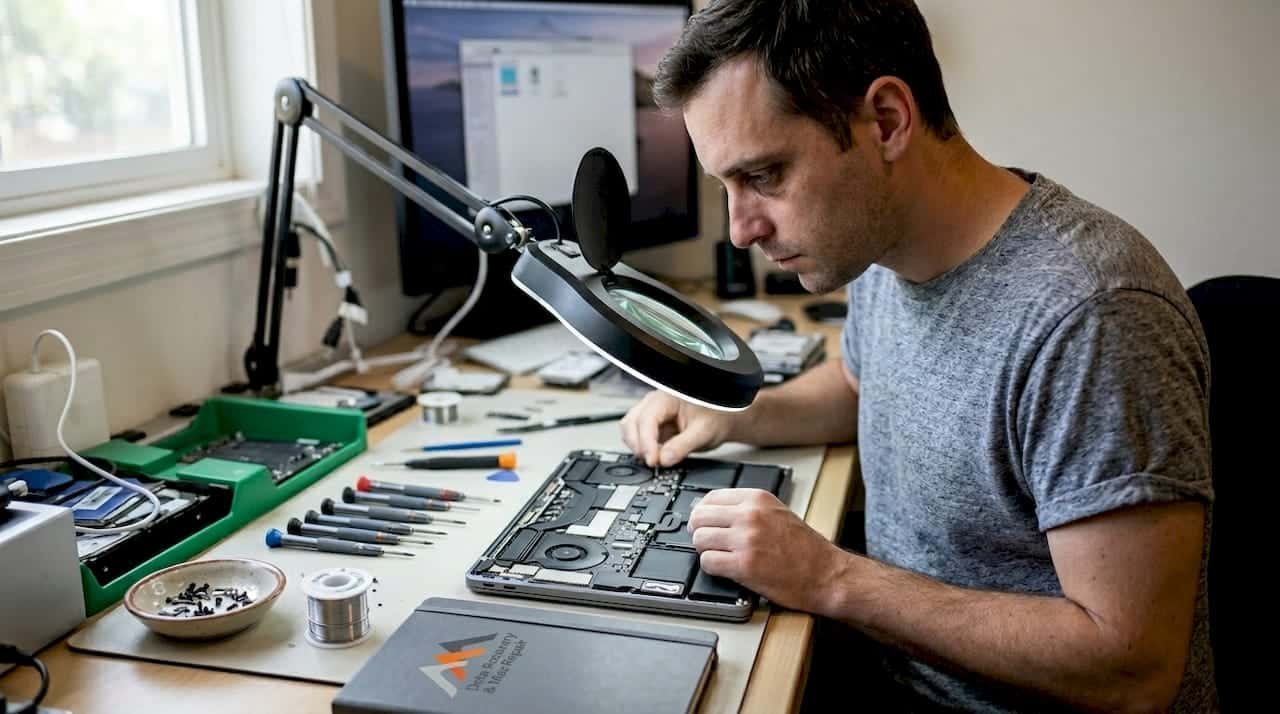
Your MacBook won’t turn on, the screen flashes and goes dark, or it shuts down randomly and refuses to restart. That sinking feeling is real, and so is the risk to your data. Logic board failure is one of the most stressful hardware problems a MacBook owner can face, but it is not automatically a death sentence for your device or your files. Since 2006, Macwest Data Recovery & Mac Repair has helped Los Angeles clients recover from exactly these scenarios. This guide covers the major causes of logic board failure, what professional repair looks like step by step, how your data is protected throughout the process, and how to verify your MacBook is fully functional afterward.
Table of Contents
- Recognizing MacBook logic board failure: Symptoms and causes
- What you need before starting logic board repair
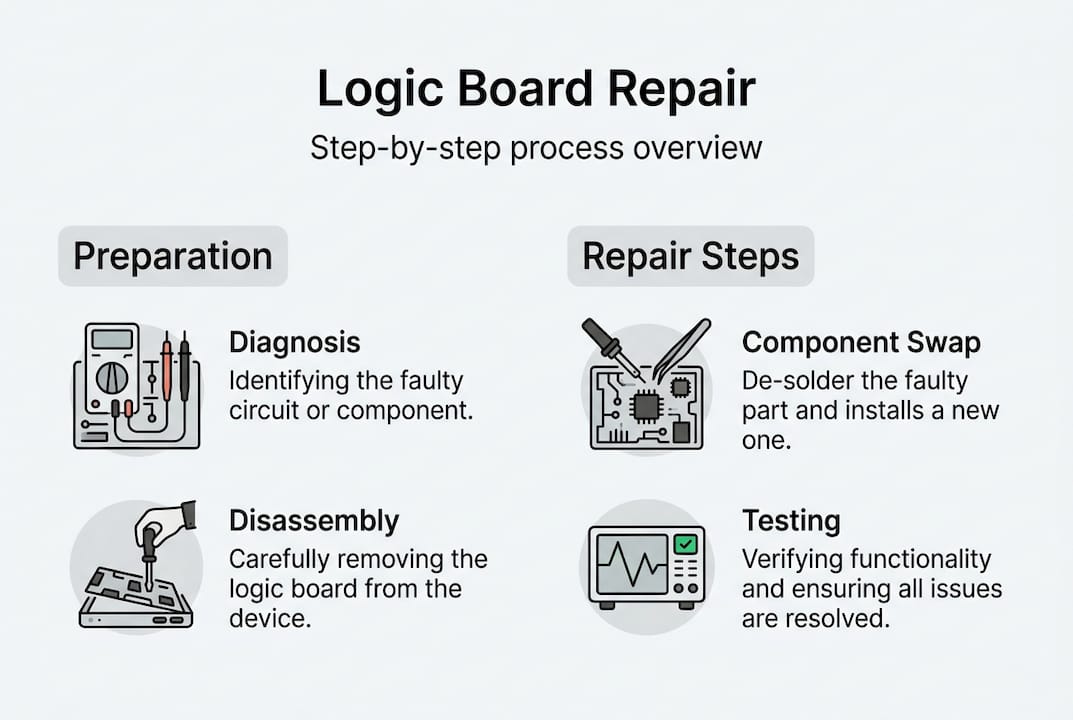
- The professional MacBook logic board repair process: Step by step
- After repair: Testing, data recovery, and preventing future issues
- Why MacBook logic board repair is often a better choice than replacement
- Get your device and data restored fast in Los Angeles
- Frequently asked questions
Key Takeaways
| Point | Details |
|---|---|
| Identify board symptoms | Unusual restarts, charging issues, or total failure can signal logic board problems. |
| Prepare before repair | Backing up data and using professional tools improve the odds of full recovery. |
| Follow expert steps | Modern repair shops use diagnostics and micro-soldering to restore most damaged boards. |
| Verify and prevent | Comprehensive post-repair checks and some simple preventive actions reduce repeat failures. |
Recognizing MacBook logic board failure: Symptoms and causes
Knowing whether your symptoms point to a logic board problem is the first step toward an effective fix. The logic board is the central circuit board that connects every component in your MacBook, from the CPU and GPU to memory, storage, and power management. When it fails, the effects can be subtle at first or immediately catastrophic.
Common symptoms of MacBook logic board failure include:
- MacBook powers on but the screen stays black or shows only a white or gray screen
- Random shutdowns or restarts with no warning
- Kernel panics (the gray “your computer restarted” screen) appearing frequently
- USB, Thunderbolt, or audio ports stop responding
- GPU glitches such as flickering lines or distorted graphics
- Battery not charging or power adapter not recognized
- MacBook gets extremely hot even under light workloads
- System fails to recognize internal NVMe storage or RAM
The causes behind these symptoms fall into a few consistent categories. Liquid damage is the leading cause of logic board failure, and the GPU is especially vulnerable after 3 to 4 years of use. Power surges from faulty chargers or unprotected outlets can destroy power management ICs instantly. Physical drops or pressure can crack solder joints or damage components at a level invisible to the naked eye. Prolonged overheating, often caused by dust accumulation blocking airflow, degrades components over months or years.
One thing many clients are surprised to learn is that logic board problems are often gradual. A MacBook may run fine for weeks with intermittent issues before a total failure, which is why early diagnosis matters.
If you have had any liquid near your MacBook, do not attempt to power it on. Turn it off immediately, disconnect all cables, and contact a liquid damage repair specialist as soon as possible. Corrosion from even a small spill can spread across the board within hours.
Pro Tip: The first 24 hours after liquid exposure are critical. Every hour you wait increases the risk of corrosion spreading to additional board components, which raises both the repair complexity and cost significantly.
What you need before starting logic board repair
Proper preparation improves the chances of successful recovery for both your device and your data. Whether you are handing your MacBook to a professional or exploring the scope of the problem yourself, having the right information and materials ready saves time and prevents additional damage.
Before any repair begins, you should:
- Record every symptom in detail, including when it first appeared and what preceded it
- Photograph any visible damage, liquid stains, or burn marks
- Attempt a Time Machine or iCloud backup if the machine still boots
- Remove all external accessories, dongles, and storage devices
- Note your macOS version and whether FileVault encryption is active on your APFS volume
- Write down your AppleCare or warranty status
For professional technicians, logic board repair requires specialized tools that most users do not have at home. The table below summarizes what a qualified repair shop brings to the job.
| Tool or resource | Purpose |
|---|---|
| ESD anti-static mat and wrist strap | Prevents electrostatic discharge from damaging board components |
| Official Apple schematics and board views | Identifies component locations and circuit paths |
| Hot air rework station | Reflows solder and removes BGA chips |
| Microscope (40x or greater) | Enables component-level inspection and micro-soldering |
| DC power supply | Tests board behavior without risk to battery |
| Logic board cleaning kit | Removes corrosion and flux residue safely |
| Precision torx and pentalobe screwdrivers | Disassembles MacBook without stripping screws |
Safety warning: Attempting logic board repair without ESD protection, official schematics, or micro-soldering experience can permanently destroy your board and eliminate any chance of data recovery options that would otherwise be available. Component-level repair is not a DIY project unless you have professional training and proper equipment.
For the vast majority of MacBook users in Los Angeles, professional repair is the correct choice. The cost of a mistake on a logic board is far greater than the cost of expert service from the start.
The professional MacBook logic board repair process: Step by step
Transparency matters when you are trusting someone with both your device and your data. Here is exactly how a qualified Los Angeles repair shop approaches logic board recovery.
- Initial diagnostics. The technician connects the MacBook to a DC power supply and uses diagnostic software to measure power rail voltages and identify which circuits are failing. This step determines whether the board is repairable or whether data recovery takes priority.
- Board removal. The MacBook is carefully disassembled using pentalobe and torx tools. The battery is disconnected first to eliminate any power risk, and the logic board is removed from the chassis following Apple schematics.
- Visual and ultrasonic inspection. The board is examined under magnification for corrosion, burned components, cracked traces, and liquid residue. An ultrasonic cleaning bath may be used to safely remove corrosion before further diagnosis.
- Component-level diagnosis. Using specialized probes and board views, technicians trace voltage across individual ICs to pinpoint failures. Physical damage, corrosion, and IC failures are addressed with skilled micro-soldering and component-level diagnostic tools.
- Micro-soldering and component replacement. Faulty chips, capacitors, or MOSFETs are removed using a hot air station and replaced with professional replacement parts sourced to Apple specifications.
- Reassembly and bench testing. The repaired board is reinstalled and tested off the bench before being returned to the chassis. Power, display output, NVMe storage recognition, and port functionality are all verified.
- Full system restore and final check. The complete MacBook is powered on, macOS is tested, and the repair service hands you back a working machine with documentation.
To help you weigh your options, here is a direct comparison of repair versus replacement.
| Factor | Logic board repair | Full board replacement |
|---|---|---|
| Typical cost | $200 to $600 | $600 to $1,200+ |
| Turnaround time | 2 to 5 days | 3 to 7 days |
| Data preservation | High (board stays in device) | Lower (requires separate recovery) |
| Success rate | 80 to 95% for skilled shops | Near 100% but data risk increases |
For repair service details specific to your MacBook model, reaching out for a free diagnostic assessment is always the right first call. We offer same-day appointments.
Pro Tip: Ask any repair shop directly whether they perform component-level micro-soldering in-house or outsource the work. Shops with in-house soldering capability typically have faster turnaround and better accountability for outcomes. You can also see the screen replacement process as a reference for how detailed our repair documentation is.
After repair: Testing, data recovery, and preventing future issues
Multiple issues can surface at once, so thorough post-repair testing is critical. A MacBook that powers on is not necessarily a MacBook that is fully functional. Every repaired logic board should go through a structured verification process before it is returned to active use.
Post-repair checks every technician should perform:
- Run Apple Diagnostics (hold D at startup) to confirm no hardware errors remain
- Monitor CPU and GPU temperatures under load using tools like iStatMenus
- Test all Thunderbolt, USB-C, and 3.5mm ports for full functionality
- Verify NVMe SSD is recognized and APFS volume mounts correctly
- Confirm battery charge cycle and health data via System Information
- Check display for backlight uniformity and GPU rendering accuracy
- Test Wi-Fi and Bluetooth connectivity
Data integrity is equally important. If your MacBook’s onboard SSD was not directly damaged, your files should be intact after a successful board repair. However, if the storage controller suffered damage or the SSD itself was affected, professional Los Angeles data recovery specialists can perform NAND access recovery, even from soldered SSDs with T2 or Apple Silicon security chip involvement.

Statistics from professional repair operations show that most MacBook repairs recover 90% or more of client data when devices are brought in promptly and disk writes are halted immediately after failure. The longer a failing device continues to operate, the more data fragmentation and overwrite risk increases.
Practical steps to prevent future logic board failures:
- Keep all liquids away from your MacBook at all times, without exception
- Use a quality surge protector rather than plugging directly into wall outlets
- Clean intake vents every 6 to 12 months to maintain proper thermal management
- Use Apple-certified or MFi-certified chargers only
- Schedule a professional inspection every 2 to 3 years, especially for machines over 4 years old
- Maintain a regular Time Machine backup to an external drive or NAS device
Why MacBook logic board repair is often a better choice than replacement
After handling thousands of MacBook failures since 2006, one pattern is consistent: clients who choose professional repair over outright replacement get back to work faster, spend less money, and keep their data intact at a far higher rate. A brand-new MacBook costs $1,200 at minimum, while skilled logic board repair routinely resolves the same failure for a fraction of that.
Modern micro-soldering techniques allow technicians to address failures at the individual component level, meaning a single burned MOSFET or corroded power management IC does not require replacing the entire board. This precision directly translates to better data outcomes, because your SSD stays in the original device throughout the process.
“Replacing a MacBook because of a repairable logic board failure is like totaling a car over a blown fuse. The right repair shop changes everything.”
For clients across West LA, Santa Monica, Beverly Hills, Brentwood, Westwood, Venice, Hollywood, and Culver City, same-day appointments mean you do not have to wait weeks at an Apple Store or ship your device across the country.
Pro Tip: When vetting a repair shop, ask specifically for their logic board success rate and whether they offer free diagnostics. A shop that charges for diagnostics before confirming repairability is not structured to protect your interests. Our model at Macwest is simple: no recovery, no charge.
You can review the full scope of MacBook and iMac repairs we offer to understand the range of component-level work available at our Wilshire Blvd location.
Get your device and data restored fast in Los Angeles
When a logic board failure hits, local expertise makes a measurable difference in how quickly you get your MacBook back and whether your data comes with it. Macwest Data Recovery & Mac Repair has been serving the Los Angeles area from 12041 Wilshire Blvd, Ste 26, near UCLA and the Getty Center, since 2006. We offer free diagnostics, same-day appointments, and our commitment is straightforward: no recovery, no charge.
Whether you need certified MacBook logic board repair or professional data recovery professionals for an APFS or NVMe drive affected by board failure, our team is ready to give you a clear estimate and realistic timeline. Call us now at (310) 866-0828 for same-day service in West LA, Santa Monica, Beverly Hills, and surrounding neighborhoods.
Frequently asked questions
How long does MacBook logic board repair take in Los Angeles?
Most repairs are completed within 2 to 5 days, though multiple factors affect duration such as the extent of corrosion, parts availability, and whether component-level micro-soldering is required. Same-day diagnostic assessments are available at Macwest.
Is MacBook logic board repair worth it, or should I replace the board?
Repair is almost always more cost-effective and better for data preservation, but repair versus replacement depends on damage severity, the age of the device, and how critical your stored data is. A free diagnostic helps clarify the right path.
Can water or liquid damage be repaired?
In most cases, yes. Liquid damage is the most common cause of board problems, and quick action dramatically improves outcomes by preventing corrosion from spreading to additional circuits.
Will my data be lost during a logic board repair?
Prompt, professional service significantly increases data recovery chances following logic board failure. Most clients retain their data when the SSD is not directly damaged and the repair is handled by experienced technicians.