Key takeaways: Stop all disk writes immediately if your Mac fails, then contact a certified local specialist. Macwest Data Recovery & Mac Repair, serving Los Angeles since 2006, offers free diagnostics, cleanroom recovery, and a no-recovery-no-charge policy. Same-day appointments are available at 12041 Wilshire Blvd, Ste 26, and you can reach the team directly at (310) 866-0828.
When your Mac goes silent and your files disappear, the instinct to panic is understandable. Whether you spilled coffee on your MacBook Pro, watched your iMac refuse to boot, or discovered that years of creative work vanished after an accidental format, the clock starts ticking the moment data loss occurs. Los Angeles is home to dozens of repair shops, but not all of them understand the specific architecture of Apple storage systems, from APFS-formatted NVMe SSDs to soldered NAND chips on M-series logic boards. This guide walks you through exactly what to look for, who the top providers are, and how to match your specific situation to the right recovery solution.
Table of Contents
- How to choose a Mac data recovery service in Los Angeles
- Top Mac data recovery options in Los Angeles
- Side-by-side comparison: Service features and local advantages
- Situational recommendations: Choosing for your exact scenario
- The hidden reality: What most Mac users misunderstand about data recovery in LA
- Get started with a local Mac data recovery specialist
- Frequently asked questions
Key Takeaways
| Point | Details |
|---|---|
| Prioritize cleanroom services | Choose providers with certified cleanroom facilities for your Mac’s best chance at recovery. |
| Check for free diagnostics | Free walk-in evaluations and no-data-no-charge pricing minimize your risk and cost. |
| Local expertise matters | LA-based specialists offer faster diagnostics and tailored support for Apple devices. |
| Match service to your problem | Select a specialist based on your device type and the nature of your data loss. |
How to choose a Mac data recovery service in Los Angeles
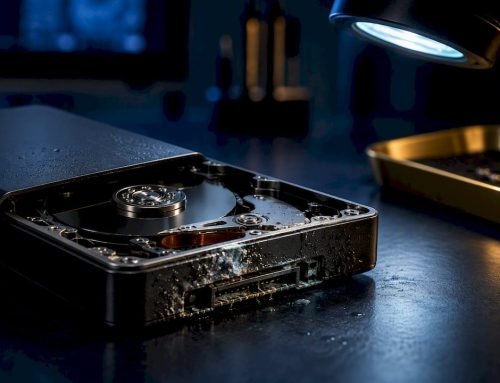
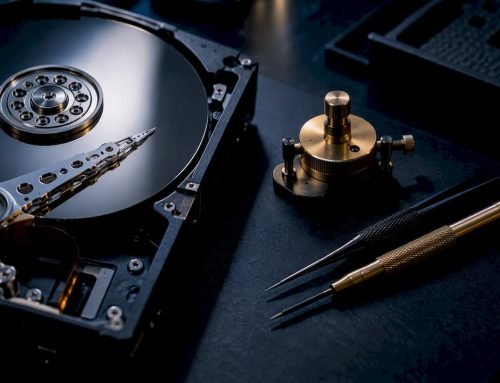
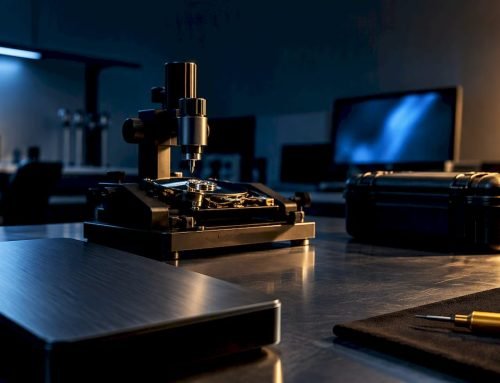
Selecting the right Mac data recovery provider is not simply about price. Apple devices use proprietary storage configurations that require specialized tools, trained technicians, and in many cases, a certified cleanroom environment (a controlled space with filtered air that prevents microscopic dust from damaging exposed drive platters or NAND chips during disassembly).
Here are the core criteria every LA Mac user should evaluate before handing over their device:
- Proven Apple expertise: The provider should have documented experience with MacBook Air, MacBook Pro, iMac, Mac Mini, and Mac Pro models, including both Intel and Apple Silicon architectures.
- Cleanroom facilities: Physical drive recovery, especially for spinning hard drives or damaged SSDs, requires a Class 100 or better cleanroom. Without it, recovery odds drop sharply.
- Transparent pricing: Look for free or flat-rate diagnostics and a clear no-data-no-charge policy, meaning you pay only if your data is successfully retrieved.
- Same-day or walk-in diagnostics: Time matters in data recovery. Every hour a failing drive continues to spin or a water-damaged board sits untreated increases the risk of permanent loss.
- Comprehensive device and media support: The best providers handle HDDs, SSDs, RAID arrays (levels 0, 1, 3, and 5), memory cards, and liquid-damaged logic boards under one roof.
As Macwest specializes in LA Mac repair/recovery, cleanroom services, free diagnostics, and no-data-no-charge policies are the key differentiators that separate professional recovery labs from general repair shops.
For a broader look at what a qualified Apple repair provider should offer, reviewing Mac repair tips can help you set realistic expectations before your first appointment.
Pro Tip: Always ask whether walk-in diagnostics are available before committing to a provider. A shop that can evaluate your device the same day you walk in is far more likely to prioritize your case and catch time-sensitive failures before they become permanent.
Top Mac data recovery options in Los Angeles
Los Angeles has a handful of genuinely qualified Mac data recovery providers, but the field narrows quickly once you apply the criteria above. The strongest options share a few traits: deep Apple hardware knowledge, physical recovery infrastructure, and policies that protect the client financially if recovery is not possible.
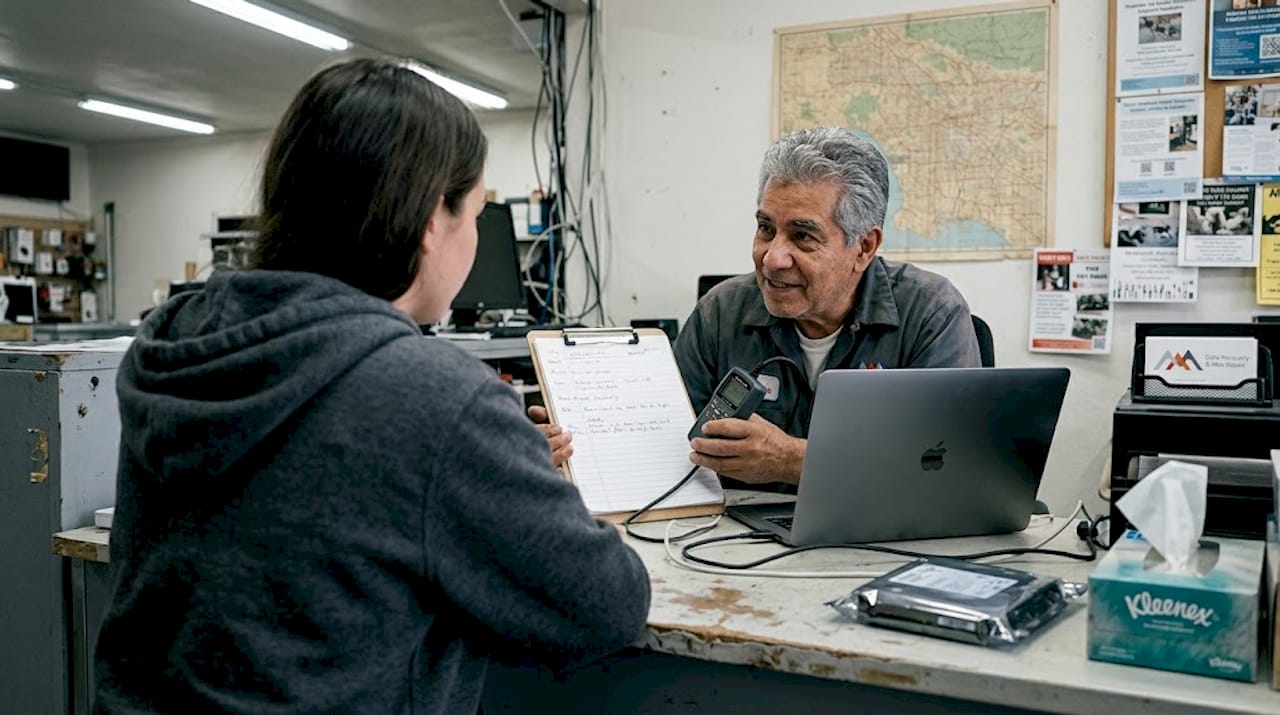
Macwest Data Recovery & Mac Repair has operated from its Westside location at 12041 Wilshire Blvd, Ste 26, since 2006, serving West LA, Santa Monica, Beverly Hills, Brentwood, Westwood, Venice, Hollywood, and Culver City. The team handles everything from APFS and HFS+ volume reconstruction to NVMe SSD recovery on M1, M2, and M3 MacBooks, as well as RAID 0, 1, 3, and 5 array rebuilds for creative professionals and small businesses.
Key features that set leading LA providers apart include:
- Free, same-day diagnostics with no obligation
- Certified cleanroom environment for physical media recovery
- No recovery, no charge policy on all cases
- Logic board component repair, including T2 and Apple Silicon chip-level work
- FileVault encryption handling and APFS volume reconstruction
- Coverage for MacBook, iMac, Mac Mini, Mac Pro, and vintage Apple hardware
“Walk-in, same-day diagnostics and cleanroom environments help maximize recovery odds” and are among the most important factors LA Mac users should prioritize when choosing a provider, according to Macwest specializes in LA Mac repair/recovery.
Studies on storage failure rates consistently show that over 140,000 hard drives fail every day globally, and SSD failure rates are accelerating as NAND cells age. For LA-based users, working with local data recovery experts who understand Apple’s proprietary storage stack is far more reliable than shipping a device to a national mail-in service.
If you want to understand what happens during the physical restoration process, the hard drive restoration steps walk through each phase in detail.
Side-by-side comparison: Service features and local advantages
After exploring individual providers, a direct comparison makes the decision much clearer. The table below highlights the features that matter most for LA Mac users.
| Feature | Macwest Data Recovery | National Mail-In Services | General Repair Shops |
|---|---|---|---|
| Free diagnostics | Yes, same-day | Sometimes | Varies |
| Cleanroom facility | Yes, on-site | Yes (remote lab) | Rarely |
| No data, no charge | Yes | Sometimes | Rarely |
| Apple-specific expertise | Deep, since 2006 | General | Limited |
| Walk-in availability | Yes, West LA | No | Sometimes |
| RAID recovery (0,1,3,5) | Yes | Yes | Rarely |
| Logic board repair | Yes, component level | No | Sometimes |
| Turnaround time | Same-day to 72 hours | 5-14 days | Varies |
As Macwest specializes in LA Mac repair/recovery, service features like cleanroom access and no-data-no-charge policies make a significant difference in both recovery success rates and client financial risk.
For LA users, the walk-in advantage is real and measurable. When a MacBook’s NVMe drive begins showing read errors, every additional read attempt can overwrite recoverable sectors. Getting a same-day evaluation locally eliminates the 5-to-14-day transit window that mail-in services require.
Common tradeoffs to consider:
- Cost vs. speed: Local same-day service typically costs more than mail-in, but the faster response often means a higher recovery rate.
- Convenience vs. specialization: A nearby general repair shop may be convenient, but without Apple-specific tools and cleanroom access, complex SSD or RAID recoveries are unlikely to succeed.
- Price transparency: Providers without a clear no-data-no-charge policy may charge diagnostic fees even when recovery fails, adding cost to an already stressful situation.
For a deeper look at what physical hard drive data recovery involves, or to review the full scope of available services, the Mac repair service overview covers both hardware and data scenarios in detail.
Situational recommendations: Choosing for your exact scenario
Not every data loss situation requires the same response. Matching your specific problem to the right service type saves time, money, and, most importantly, your data.
- Accidental deletion or formatted drive: If your Mac’s APFS or HFS+ volume was accidentally erased, stop using the drive immediately. Logical recovery tools can often reconstruct the file system without cleanroom work, but only if no new data has been written over the deleted sectors.
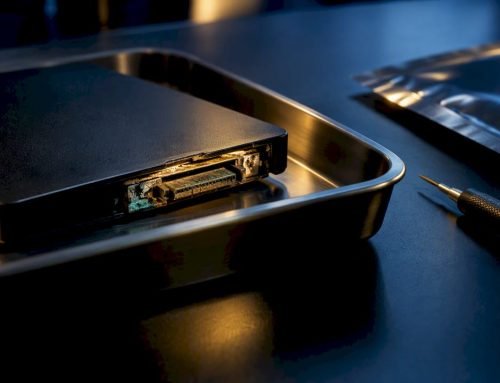
- SSD or NVMe failure: Soldered SSDs on modern MacBooks require chip-off NAND access and specialized firmware tools. This is not a DIY repair. A provider with Apple Silicon experience and cleanroom capability is essential.
- Liquid damage: Do not attempt to charge or power on a water-damaged Mac. Corrosion spreads rapidly across the logic board. Component-level repair and data extraction require immediate professional intervention.
- RAID array failure (0, 1, 3, or 5): RAID failures, especially RAID 0 stripe sets with no redundancy, require the simultaneous reconstruction of multiple drives. Only providers with dedicated RAID recovery tools and experience should attempt this.
- Vintage or older Mac hardware: Older spinning HDDs in pre-Retina MacBooks or Mac Pros are actually more recoverable in many cases, but still require cleanroom handling if the drive has suffered a head crash.
Pro Tip: Even if your Mac is several years old, do not assume it cannot be serviced. Vintage Apple hardware, including older Mac Pros and pre-2012 MacBooks, can often be recovered successfully with the right tools.
| Scenario | Recommended service type | Priority action |
|---|---|---|
| Accidental deletion | Logical recovery | Stop disk writes now |
| SSD/NVMe failure | Chip-off NAND recovery | Power off immediately |
| Liquid damage | Logic board repair + recovery | Do not power on |
| RAID failure | RAID array reconstruction | Do not rebuild array |
| Vintage Mac HDD | Cleanroom HDD recovery | Avoid further boot attempts |
LA specialists can handle everything from water-damaged logic boards to complex RAID recovery service scenarios, according to Macwest specializes in LA Mac repair/recovery.
The hidden reality: What most Mac users misunderstand about data recovery in LA
Here is something most LA Mac users do not realize until it is too late: the decision you make in the first hour after data loss often determines whether recovery is possible at all. Many people attempt a DIY fix first, running Disk Utility, reinstalling macOS, or downloading a consumer recovery app. On modern Macs with soldered NVMe storage and APFS encryption, these attempts can overwrite the very metadata structures that professional tools rely on to reconstruct lost files.
Mail-in recovery services introduce another risk. The 5-to-14-day transit and evaluation window is not just an inconvenience. For a mechanically failing HDD or a partially corrupted SSD, that delay can mean the difference between a 90% recovery rate and a 20% one.
The misconception that “all data recovery is the same” is genuinely costly. A cleanroom is not marketing language. It is a physical requirement for any drive opened outside of one to have a realistic chance of success. Fast walk-in evaluation can be the difference between success and permanent data loss, as Macwest specializes in LA Mac repair/recovery confirms. Smart LA Mac users ask about same-day appointments and real cleanroom access before they commit.
Get started with a local Mac data recovery specialist
If your Mac has suffered data loss, every minute counts. Macwest Data Recovery & Mac Repair offers walk-in diagnostics with no hidden fees, same-day appointments, and Apple-specific expertise built over nearly two decades of service in Los Angeles.
Whether you need to start your data recovery after an SSD failure, want to explore the best recovery in LA for your specific Mac model, or simply need a trusted Mac repair service near West LA, Santa Monica, or Beverly Hills, the team at Macwest is ready to help. Call (310) 866-0828 today to schedule your free diagnostic and take the first step toward getting your data back.
Frequently asked questions
What is the average turnaround time for Mac data recovery in Los Angeles?
Same-day diagnostics are common at qualified LA providers, with most recoveries completed within 24 to 72 hours when cleanroom service is available. Complex RAID or chip-off NVMe cases may require additional time depending on the extent of damage.
Do LA data recovery services support all types of Mac devices?
Reputable providers cover the full Apple lineup, including MacBook Air, MacBook Pro, iMac, Mac Mini, Mac Pro, and vintage models, along with HDD, SSD, RAID, and liquid-damaged hardware configurations.
Is there a risk to my data using a local LA recovery provider?
Choosing a provider with a certified cleanroom and a transparent no-data-no-charge policy significantly reduces risk, as cleanroom recovery prevents contamination that could cause further damage during disassembly.
How much does Mac data recovery typically cost in Los Angeles?
Many leading LA providers offer free diagnostics and a no-data-no-charge policy, with final costs varying based on damage type and recovery complexity, as confirmed by top LA services. Logical recoveries are generally less expensive than cleanroom or chip-off procedures.