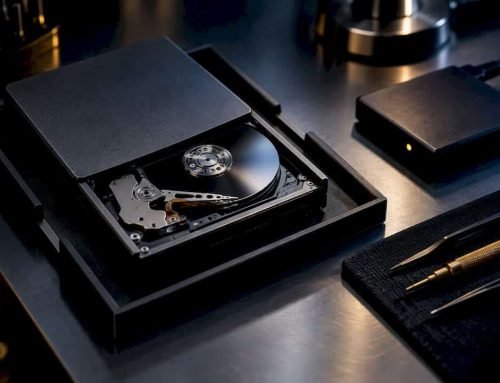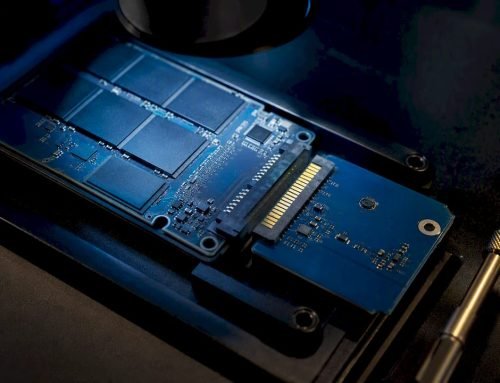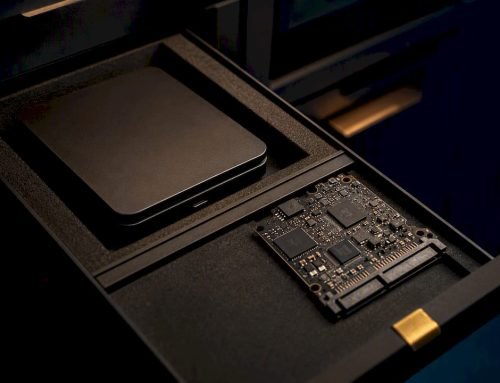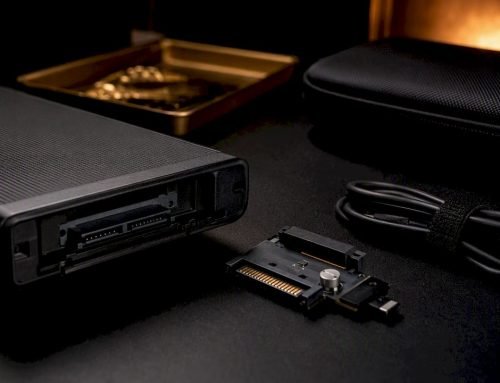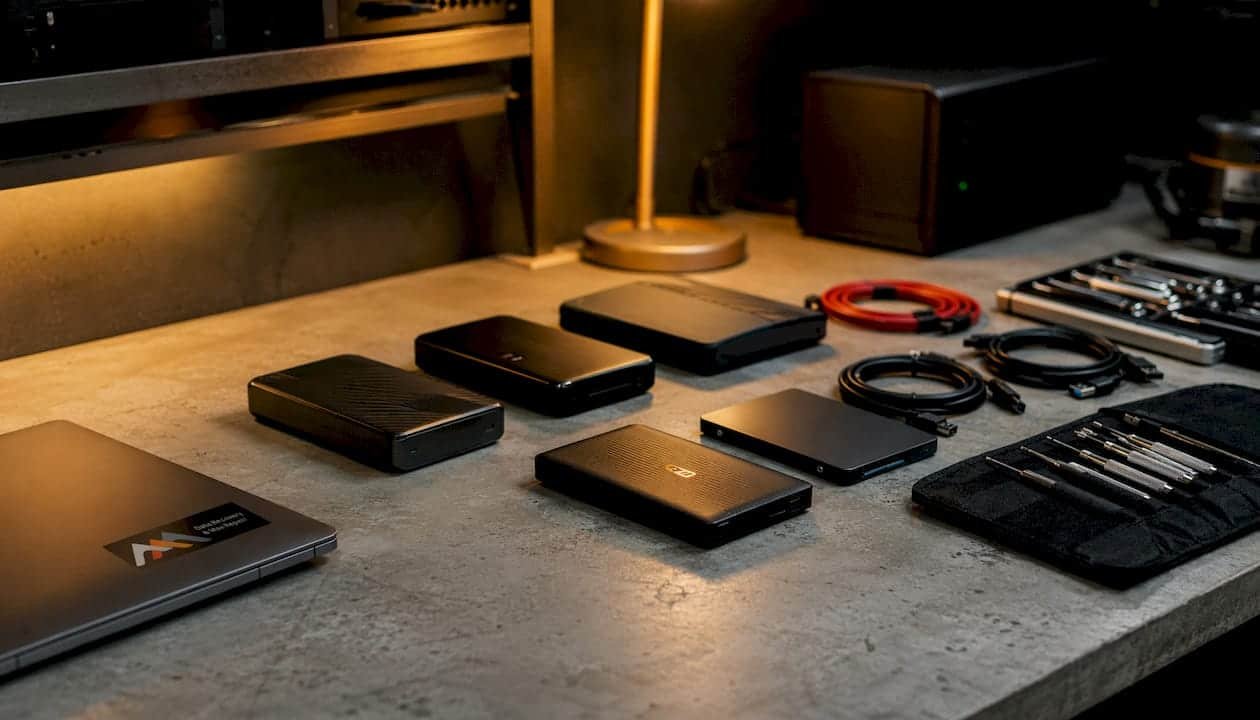
Walk-in Mac repair means bringing your Mac directly to a service provider for immediate inspection and repair, often without scheduling an appointment in advance. You walk in during business hours, a technician assesses your device, and you receive a clear diagnosis along with repair options and pricing before any work begins. Reputable providers like Macwest Data Recovery & Mac Repair offer free diagnostics, a no data, no charge policy, and same-day turnaround for many common issues.
Common repairs handled through walk-in service include:
- Screen replacements on MacBook Air, MacBook Pro, and iMac models
- Battery service for degraded or swollen cells
- Charging port and MagSafe connector repairs
- Basic diagnostics for startup failures, kernel panics, and performance issues
- Liquid damage assessment and initial triage
Apple Stores allow walk-ins but strongly recommend booking a Genius Bar reservation to guarantee service availability. Independent shops like Macwest operate with genuine walk-in capacity, meaning no reservation is required and technicians are available on the spot.
Table of Contents
- Where and how you can access walk-in Mac repair services
- What does walk-in Mac repair typically cost?
- How to prepare your Mac before a walk-in repair visit
- Macwestlosangeles’s advanced repair and data recovery capabilities
- Limitations you should know before choosing walk-in repair
- Macwestlosangeles: same-day Mac repair and data recovery in West LA
- FAQ
- Key Takeaways
Where and how you can access walk-in Mac repair services
Walk-in Mac repair services are available through three main channels: Apple Stores, Apple Authorized Service Providers, and independent repair shops. Each operates differently, so knowing what to expect at each saves time.
Apple Stores have Genius Bar technicians who handle hardware and software issues using genuine Apple parts. Walk-ins are accepted, but without a reservation you may wait or be turned away during peak hours. The Genius Bar is best suited for devices still under AppleCare or warranty.
Apple Authorized Service Providers use genuine Apple parts with warranty guarantees, offering an alternative to the Apple Store with potentially shorter wait times. These shops are certified to perform the same repairs as Apple itself.
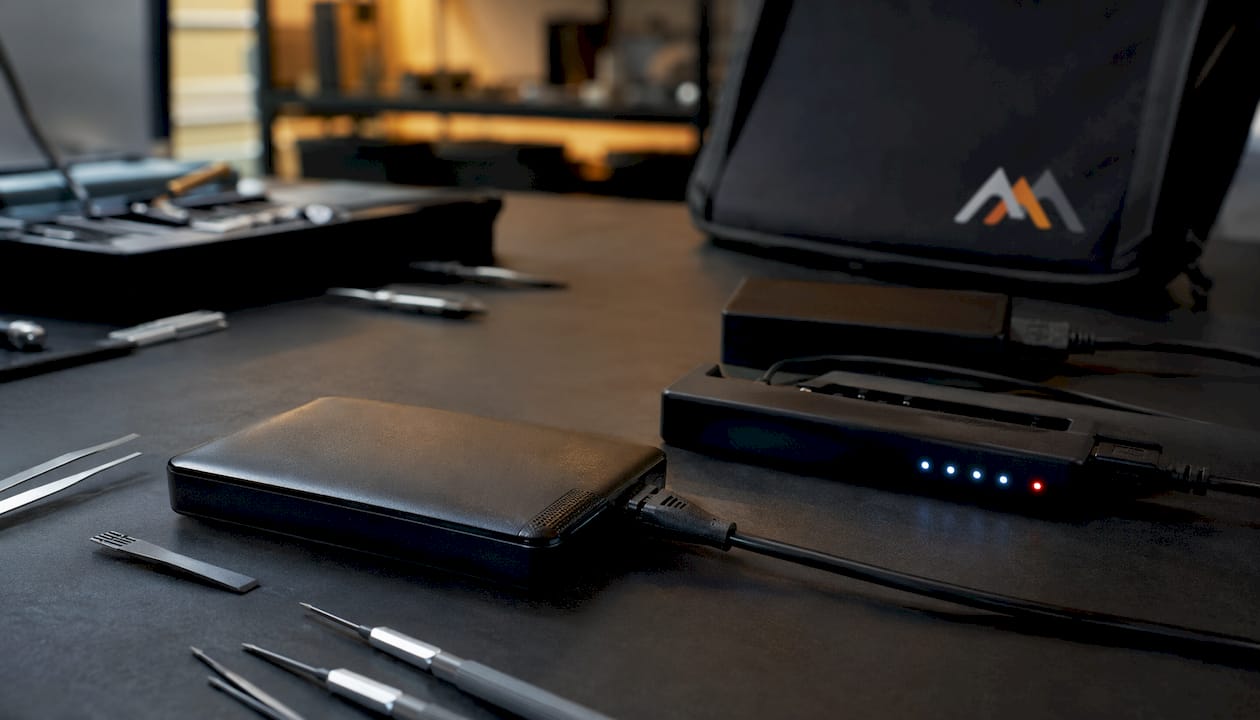
Independent shops like Macwestlosangeles offer the most flexible walk-in experience. Located at 12041 Wilshire Blvd, Ste 26 in West Los Angeles, between the 405 and Santa Monica Freeways near UCLA and the Getty Center, Macwestlosangeles serves customers from Brentwood, Westwood, Santa Monica, Beverly Hills, Venice, Hollywood, and Culver City. No appointment is needed. Technicians handle repairs entirely onsite without outsourcing your device.
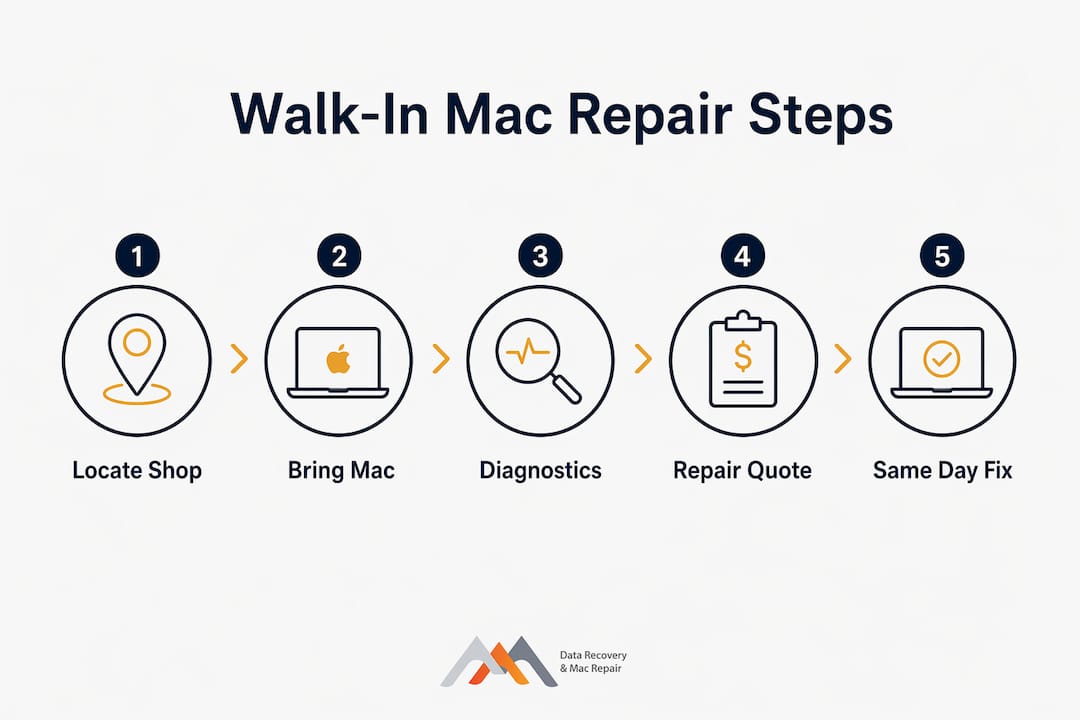
When you arrive for a walk-in repair, here is what typically happens:
- A technician performs an initial diagnostic consultation at no charge
- You receive a clear explanation of the problem and repair options
- Pricing and estimated turnaround time are confirmed before work begins
- Repairs are completed onsite, often the same day for common issues
For same-day Mac repair in the West LA area, Macwestlosangeles also offers emergency services for business clients and individuals who cannot afford extended downtime.
What does walk-in Mac repair typically cost?
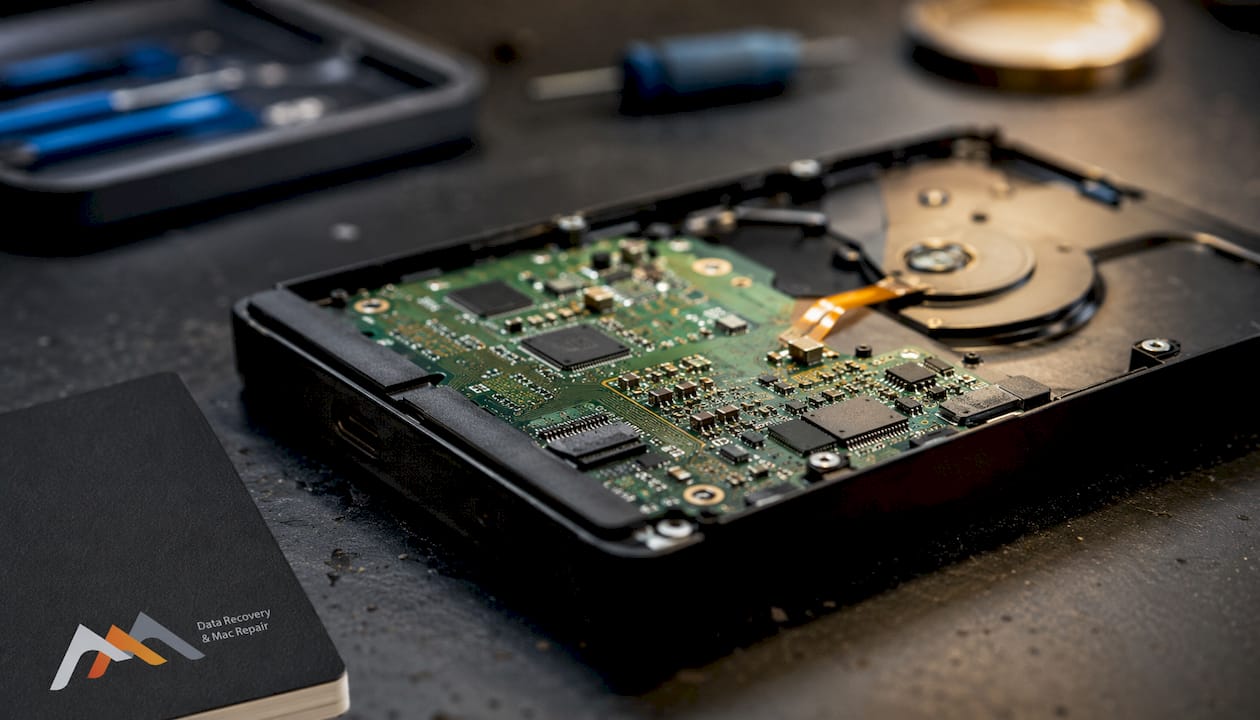
Pricing for walk-in Mac repairs varies based on the model, age, type of damage, and parts required. Diagnostics at reputable shops are free, so you never pay just to find out what is wrong.
Typical cost factors include:
- Mac model and age: Newer Apple Silicon models with soldered NVMe storage require more specialized labor than older Intel-based machines with removable drives
- Repair type: Screen replacements and battery swaps are generally straightforward; logic board microsoldering is significantly more complex and priced accordingly
- Parts availability: Genuine Apple parts carry a premium but come with warranty coverage; quality third-party components are a cost-effective alternative for out-of-warranty devices
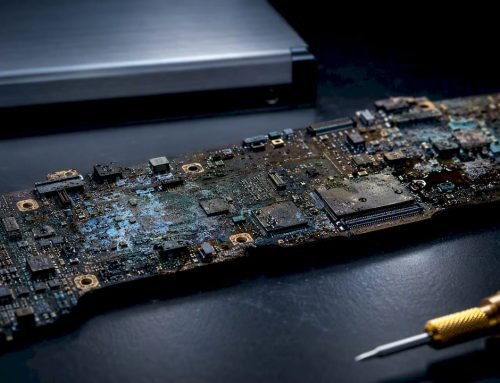
- Damage severity: Liquid damage repairs involve variable labor depending on how far corrosion has spread across the board
Macwestlosangeles provides transparent, upfront pricing with no surprise fees. You receive a firm quote before any repair begins, and the no data, no charge policy means you owe nothing if a data recovery attempt is unsuccessful.
How to prepare your Mac before a walk-in repair visit
Proper preparation protects your data and speeds up the repair process. Taking these steps before you arrive prevents complications and gives the technician immediate access to your device.
- Back up all data using Time Machine or iCloud before handing over your Mac, if the device is still functional
- Disable Find My Mac in System Settings under your Apple ID to allow technicians to run diagnostics and reinstall macOS if needed
- Turn off any firmware password through macOS Recovery, since an active firmware lock can block hardware-level repairs
- Have your Apple ID credentials ready to verify device ownership at the shop
- Note any recent events that preceded the issue, such as a liquid spill, drop, or failed software update, to help the technician diagnose faster
Pro Tip: Avoid installing macOS updates or new applications immediately before your repair visit. A mid-update failure can complicate diagnostics and may be mistaken for a separate software issue.
If data loss is a concern, stop all disk writes immediately. Do not reboot, run recovery software, or install anything on the affected drive. Every write operation risks overwriting recoverable data on a failing APFS or NVMe volume.
Macwestlosangeles’s advanced repair and data recovery capabilities
Macwestlosangeles has been performing complex Apple Mac repairs since 2006, giving the team deep familiarity with every Mac architecture from vintage PowerPC systems through the latest Apple Silicon designs. That history matters when the repair goes beyond a simple screen swap.
For hardware failures involving the logic board, Macwestlosangeles performs component-level repair and micro-soldering onsite. Many shops lack the equipment for this work and send devices to third-party labs, adding days or weeks to turnaround. Macwestlosangeles keeps the repair in-house.
Specialized capabilities include:
- APFS and NVMe data recovery from MacBooks with soldered storage
- RAID array recovery covering RAID 0, 1, 3, and 5 configurations
- FileVault-encrypted SSD recovery requiring NAND-level access
- Logic board component repair for power delivery failures, GPU faults, and liquid corrosion damage
- Free diagnostics with a no data, no charge policy on all recovery cases
Modern Mac storage is soldered directly to the logic board, meaning standard recovery software cannot reach it when the hardware fails. Recovering data from these configurations requires board-level diagnostics and specialized imaging tools, both of which Macwestlosangeles maintains onsite. Call (310) 866-0828 to discuss your situation before bringing the device in.
Limitations you should know before choosing walk-in repair
Walk-in Mac repair is genuinely convenient for many common issues, but it has real limitations worth understanding before you commit.
Wait times are unpredictable. Without an appointment, you may arrive during a busy period and face a longer wait than expected, particularly at Apple Stores. Independent shops with smaller teams can also be occupied with complex jobs.
Not every repair is same-day. Logic board repairs, ordered parts, and severe liquid damage cases typically require 24–72 hours or longer. A walk-in visit may turn into a multi-day repair regardless of the shop.
DIY attempts before walking in can reduce recovery odds. Repeated reboots, third-party recovery software, or powering on a liquid-damaged Mac can worsen physical damage and make professional recovery significantly harder. Walk in without attempting fixes first.
Warranty coverage may be limited at independent shops unless they are Apple Authorized Service Providers using genuine parts. Confirm parts sourcing and warranty terms before authorizing any repair.
Macwestlosangeles: same-day Mac repair and data recovery in West LA
For Mac owners in West Los Angeles who need fast, expert service without the uncertainty of an Apple Store wait, Macwestlosangeles offers a direct alternative. Free diagnostics, honest quotes, and no outsourcing mean your device stays onsite and you know exactly what the repair will cost before work begins.
Whether you need a MacBook screen or battery replacement, a logic board repair, or hard drive data recovery from a failing or liquid-damaged Mac, the team at 12041 Wilshire Blvd, Ste 26 has handled it since 2006. Call (310) 866-0828 to speak with a technician or walk in during business hours for a free same-day diagnostic.
FAQ
Can I just walk into an Apple Store for Mac repairs?
Apple Stores accept walk-ins but recommend booking a Genius Bar reservation to guarantee service. Without one, you may wait or be redirected to a future appointment slot.
How much does it cost to get a Mac repaired?
Costs vary by repair type, Mac model, and parts required. Diagnostics are free at reputable shops like Macwestlosangeles, which provides firm quotes before starting any work.
What should I do before handing my Mac over for repair?
Back up your data, disable Find My Mac, turn off any firmware password, and have your Apple ID credentials ready. If data loss is suspected, stop all disk writes immediately and do not reboot the device.
Is it worth getting a MacBook repaired instead of replacing it?
For most hardware issues, repair is significantly less expensive than replacement, especially for logic board component repairs or screen replacements on models that are otherwise fully functional. A free diagnostic from Macwestlosangeles at (310) 866-0828 will clarify whether repair or replacement makes more financial sense for your specific situation.
Key Takeaways
Walk-in Mac repair gives you immediate, no-appointment access to professional diagnostics and same-day service for common hardware issues, with the best outcomes when you prepare your device and choose a provider with onsite repair capability.
| Point | Details |
|---|---|
| No appointment required | Reputable independent shops like Macwestlosangeles accept walk-ins during business hours with no reservation needed. |
| Free diagnostics standard | Established providers offer free initial diagnostics and upfront pricing before any repair work begins. |
| Prepare before you go | Back up data, disable Find My Mac, and stop all disk writes if data loss is a concern before arriving. |
| Advanced repairs stay onsite | Macwestlosangeles performs logic board micro-soldering, APFS/NVMe recovery, and RAID repair without outsourcing. |
| Macwestlosangeles since 2006 | Located at 12041 Wilshire Blvd, Ste 26, West LA; call (310) 866-0828 for same-day Mac repair and data recovery. |