A FileVault that looks stuck is usually still working, because turning it on or off converts the entire volume in the background. If your Mac is also rebooting in loops, the disk is silent, or files have stopped opening, stop all disk writes immediately: shut down, do not reinstall or erase anything, and call Macwest Data Recovery at 310-866-0828 for a same-day appointment. We have served Mac users in Los Angeles since 2006, with free diagnostics and a no recovery, no charge policy.
Table of Contents
- TL;DR
- Why FileVault seems to freeze
- Slow or genuinely stuck: how to tell
- Safe steps while you wait
- What not to do
- Turning FileVault off while it is encrypting
- Password and recovery key problems
- When a stall is really a hardware or file system problem
- How we handle a stuck FileVault Mac
- Book a same-day appointment
- Our perspective
- FAQ
- Sources
TL;DR
- A frozen percentage or a time estimate that never moves is not proof of failure. FileVault toggling can take many hours, sometimes days.
- Check real progress with
fdesetup statusin Terminal, and keep the Mac awake and on AC power. - If the disk is idle and the Mac loops on restart, or Disk Utility reports errors it cannot repair, stop writing to the drive.
- Do not erase, reinstall over the volume or run forced repairs until the data is imaged. Our lab at 12041 Wilshire Blvd, Ste 26 offers same-day appointments.
Key Takeaways: FileVault encryption and decryption run in the background across the whole volume and can look frozen for hours while still progressing. A genuinely stalled conversion, shown by an idle disk, boot loops or APFS errors, calls for stopping all writes and imaging the drive before any repair attempt. Macwest Data Recovery in West Los Angeles has worked on Macs since 2006 and offers free diagnostics, same-day appointments and no recovery, no charge.
Why FileVault seems to freeze
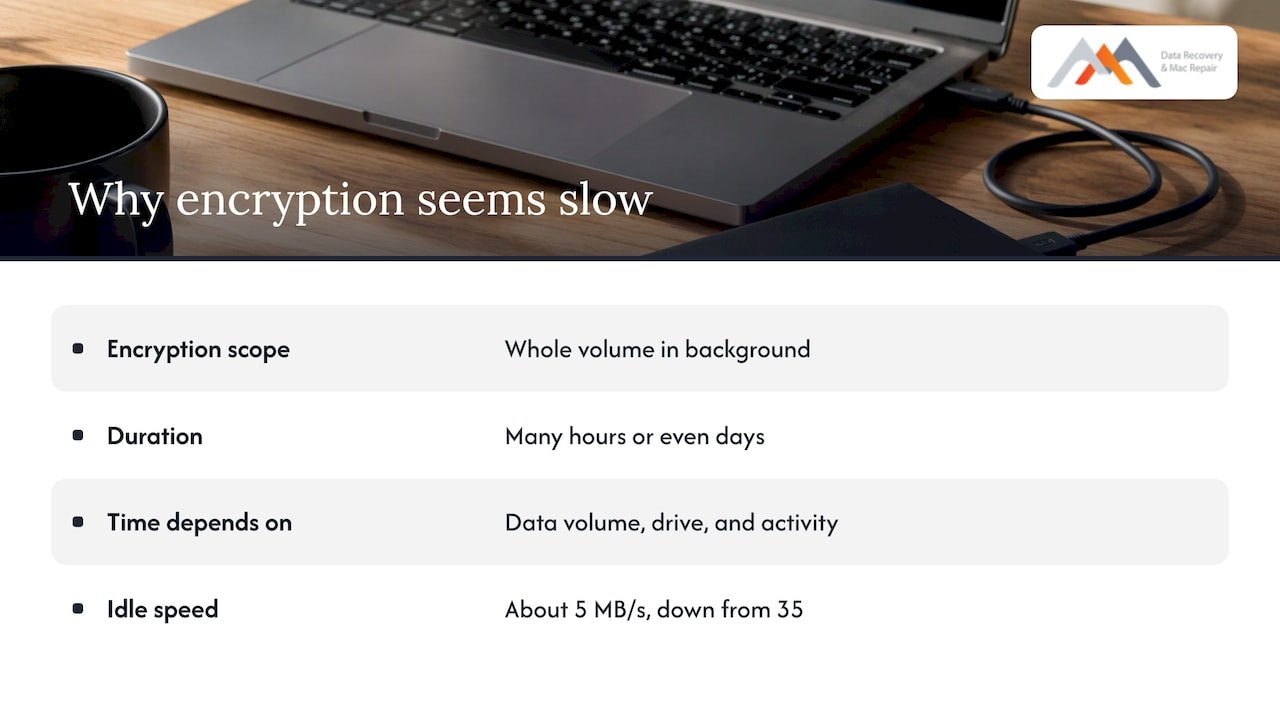
FileVault 2 does not encrypt files one at a time. According to The Eclectic Light Company’s explainer, turning it on or off means encrypting or decrypting the whole volume in the background, which takes many hours or even days, and the time depends on how much data the volume holds. The same explainer describes XTS-AES 256-bit encryption done by the CPU, with a small overhead once it is running. The slow part is the one-time conversion.
Stanford University IT lists what to expect on different hardware. On large traditional hard drives the process can run many hours, longer as the drive grows, and APFS-formatted SSDs take longer than HFS±formatted ones. APFS is the file system modern macOS uses. It manages volumes inside a container, which matters later if something goes wrong.
Power and activity also change the speed. An Apple Stack Exchange discussion reports encryption dropping from roughly 35 MB/s to about 5 MB/s when the Mac went idle, with battery throttling suggested as one explanation. On a laptop, plug in the charger before you judge anything.
One point for newer machines: Apple says Macs with Apple silicon or a T2 Security Chip encrypt data automatically, and FileVault adds a layer tied to your login password. Macs without those chips depend on FileVault itself to encrypt the data.
Slow or genuinely stuck: how to tell
The progress bar in System Settings is a rough guide. OS X Daily observed the panel reporting minutes remaining for hours while the real encryption took more than 20 hours. Use Terminal instead:
- Open Terminal and run
/usr/bin/fdesetup status. - Per Stanford IT, the answer is “FileVault is On,” “FileVault is Off,” or “FileVault is On. Encryption in progress” followed by a percent completed.
- Run
diskutil apfs listand look for an Encryption Progress or Decryption Progress line on the volume. The Apple Stack Exchange answer describes a percentage that becomes an Encrypted: Yes or No entry when finished. - Run the command twice, an hour apart. A percentage that has moved, even slightly, means the job is alive.
The table below separates normal slowness from signs that call for action.
| What you see | Most likely meaning | What to do |
|---|---|---|
| Percentage creeps up between checks | Normal slow conversion | Keep the Mac awake, on AC power, and leave it alone |
| Progress paused after you unplugged or closed the lid | Conversion waiting for power or wake | Plug in, keep awake, recheck in an hour |
| Status says Off or not encrypted after a macOS update | Update changed state, or reboot pending | Restart once, recheck with fdesetup status |
| Percentage unchanged for many hours and the disk is idle | Possible stalled transaction | Stop here and do not run erase or decrypt commands; call us |
| Repeated restart loops, spinning wheel at login | Boot-level problem, possibly storage or logic board | Power down, stop all writes, call us |
| Disk Utility cannot repair the volume | Damaged APFS structures | Image first, repair never on the only copy |
Safe steps while you wait
These steps change nothing on the disk.
- Keep it awake and powered. UCSF IT notes that decryption proceeds only while the Mac is awake and on AC power, and advises preventing sleep during the process. Older Intel Macs from 2017 and earlier tend to do best left idle, per an Apple Community reply.
- Do not interrupt it. Pulling the plug or force-quitting during a conversion is how a slow job becomes a damaged one.
- Reboot only after a long, confirmed stall. A restart can resume a paused job, but a restart on a failing drive can also make things worse. If you have been seeing beachballs, freezes or clicking, skip the restart.
- Back up what you can. Apple’s Disk Utility repair guide tells you to have a current backup before repairing. If Time Machine stopped working because FileVault is busy, copy your most important files manually to an external drive.
What not to do
Stalled FileVault jobs turn into data-loss cases through a handful of well-meaning commands:
- Erasing the disk or deleting the APFS container to “start fresh.”
- Reinstalling macOS over a volume you have not copied.
- Running decrypt commands repeatedly, or turning FileVault off midway, which can leave the volume partly converted.
- Running First Aid again and again on a drive that is also showing hardware symptoms.
Apple’s own guide says that if Disk Utility finds errors it cannot repair, the next step offered is to erase the disk, and that if the device does not appear in the sidebar it may need service. Both outcomes are bad for anyone without a copy. Our guide to what to do when Disk Utility can’t repair your Mac disk covers the decision in more detail.
Turning FileVault off while it is encrypting
Many people reach this point trying to cancel. You can turn FileVault off in System Settings under Privacy & Security, then FileVault. UCSF IT says decryption runs in the background, only while the Mac is awake and on AC power, usually takes under an hour on most modern Macs, and leaves the data unprotected until FileVault is turned back on. If your drive is large or old, expect longer. If you are doing this because the Mac is unstable, have a copy of your files first.
Password and recovery key problems
Sometimes the “stuck” screen is really a locked one. Apple’s security guide says the 24-character recovery key appears in System Settings under Privacy & Security, FileVault, can be retrieved from the Passwords app or iCloud Keychain, and can be entered at the login window with Shift-Option-Return. On a work or school Mac, your IT department may hold an escrowed key.
If you lose both the password and the key, Apple states that your files and settings cannot be restored. Read our walkthrough on finding a lost FileVault recovery key before you do anything irreversible, and see why encrypted drives complicate recovery for what is and is not possible.
When a stall is really a hardware or file system problem
A FileVault job that never finishes can be a symptom, not the cause. Common underlying faults include:
- APFS damage:
diskutil apfs listshows a volume without the expected encryption state, or the volume will not mount. See our playbook on an APFS volume that is not mounting. - Failing flash or NVMe storage: reads stall, the Mac freezes at random, and the percentage never moves. On many modern Macs the SSD is soldered to the logic board, so the drive cannot simply be pulled and connected elsewhere.
- Logic board faults: power, liquid or component failures that stop the storage from being addressed at all.
- External or RAID volumes: FileVault-encrypted external drives and RAID sets (levels 0, 1, 3 and 5 included) add a layer to rebuild before files can be read. See our FileVault external drive guide.
Encryption makes recovery more demanding, since the data is unreadable without the key. That is why the order matters: stop writes, image the storage, then work on the copy.
How we handle a stuck FileVault Mac
Our approach is built around not changing the original. We use forensic imaging, precision micro-soldering and component-level logic board repair for Macs, including Apple Silicon models that Apple Stores often deem unrecoverable. The goal is to get a stable image of the storage first, so any decrypt, repair or reinstall happens on a copy. Details on the process are in our FileVault data recovery guide and our APFS data recovery playbook.
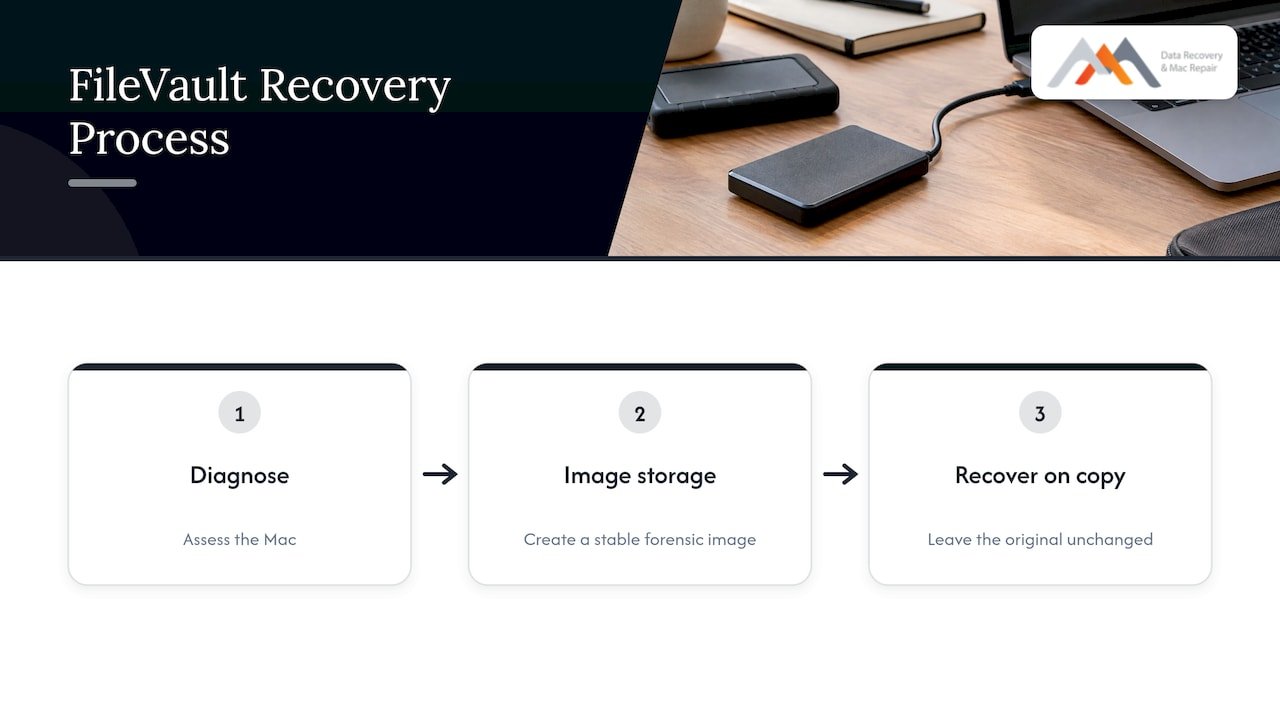
If your Mac is a MacBook Pro, recovery differs by model and generation, as explained in why MacBook Pro recovery differs. Whether the job is a failed conversion on a single laptop or an encrypted volume on a business RAID or NAS, the sequence is the same: diagnosis, image, recovery.
Book a same-day appointment
Macwest Data Recovery & Mac Repair is at 12041 Wilshire Blvd, Ste 26, between the 405 and Santa Monica, near UCLA and the Getty Center. We serve West LA, Santa Monica and Beverly Hills, including Brentwood, Westwood, Venice, Hollywood and Culver City. Diagnostics are free, and under our no recovery, no charge policy you do not pay if we cannot recover your data. Same-day appointments are available: call 310-866-0828, or see our Mac data recovery services. If the Mac itself will not power on properly, our Mac repair service covers logic board work, liquid damage, screens and batteries.
Our perspective
The most expensive mistake we see described in FileVault cases is acting too soon. A person watches a progress bar sit still, gets nervous, and erases the disk or reinstalls macOS. Those are the steps that turn a recoverable volume into an unrecoverable one.
Our view is simple. Check progress with the command line, give the conversion time on AC power, and if the signs point to a stall, stop all disk writes immediately. A forensic image of the drive is the safety net for everything that follows, including decryption, repair and reinstalling.
That is why we do diagnostics for free and work on a no recovery, no charge basis. A stuck FileVault is stressful enough without the cost being a gamble, and a local lab in West Los Angeles means you can bring the Mac in the same day instead of mailing it away.
Kaya
FAQ
How long should FileVault encryption take?
It depends on drive size, drive type, how much data is on the volume and whether the Mac stays awake and powered. Many hours is normal, and The Eclectic Light Company says it can take days. Judge progress with fdesetup status, not the System Settings bar.
Is it safe to restart a Mac stuck on FileVault?
A restart is reasonable only after the percentage has not moved for many hours and the Mac is healthy otherwise. If the Mac is freezing, clicking or looping on restart, power it down and stop all writes, then call us at 310-866-0828.
Can I cancel FileVault while it is encrypting?
Yes, you can turn it off in System Settings, and decryption then runs while the Mac is awake and on AC power. Have your important files copied first, because a Mac with underlying storage problems may not complete the change cleanly.
What if I forgot my FileVault password and recovery key?
First check Passwords, iCloud Keychain and, on a managed Mac, your IT department for an escrowed key. Apple says that without a password or key the files cannot be restored, so avoid erasing or reinstalling while you search.
Do you offer same-day help in Los Angeles?
Yes. We offer same-day appointments at our West LA lab, free diagnostics and a no recovery, no charge policy. Call 310-866-0828 to book.
Sources
- Explainer: FileVault, The Eclectic Light Company
- Why is my encrypted Mac reporting that it is not encrypted, Stanford University IT
- How to View FileVault Progress When Encrypting a Mac Disk, OS X Daily
- How to view progress when encrypting a disk, Apple Stack Exchange
- FileVault encryption slow when idle, Apple Stack Exchange
- File Vault will not finish encrypting, Apple Community
- How to repair a Mac storage device with Disk Utility, Apple Support
- Use a Recovery Key for FileVault instead of iCloud login, UCSF IT
- Protect data on your Mac with FileVault, Apple Support
- Volume encryption with FileVault in macOS, Apple Support