TL;DR:
- Firmware acts as an essential invisible layer that initializes hardware and determines whether your Mac boots or fails. Understanding its role helps distinguish firmware issues, which often mimic hardware failures and require specialized revival procedures like DFU restore, especially on Apple Silicon and T2 Macs. Recognizing firmware problems improves repair decisions, preventing unnecessary parts replacement and safeguarding data during the recovery process.
Firmware is the invisible layer that determines whether your Mac boots, what hardware it trusts, and whether a repair succeeds or fails. Understanding the role of firmware in Mac repair is not optional knowledge for anyone dealing with a malfunctioning MacBook, iMac, or Mac Pro. Most users focus on visible symptoms — a blank screen, a boot loop, a Mac that simply will not power on — without realizing that the root cause is often embedded at the firmware level, deep within the chip architecture itself. This guide explains what firmware does, what goes wrong with it, and how that knowledge shapes every repair decision you make.
Table of Contents
- Key takeaways
- The role of firmware in Mac repair and hardware
- Common signs of Mac firmware issues
- Modern repair procedures involving firmware
- How firmware knowledge improves your repair decisions
- Comparing firmware repair approaches
- My perspective on firmware and modern Mac repair
- Mac firmware repair services in Los Angeles
- FAQ
Key takeaways
| Point | Details |
|---|---|
| Firmware controls the boot process | Every Mac validates firmware before loading macOS, making firmware health critical to any successful repair. |
| Apple Silicon and T2 Macs have unique firmware security | Boot ROM is read-only and cryptographically verified, which changes how technicians approach repairs. |
| DFU restore is the last line of defense | Recovering a firmware-corrupted Mac requires a secondary Mac running a compatible or newer macOS version. |
| Firmware issues mimic hardware failures | Boot loops, blank screens, and unresponsive behavior often trace back to firmware corruption, not broken components. |
| Certified tools and expertise matter | Improper firmware handling can cause permanent data loss, making certified repair services the only safe option. |
The role of firmware in Mac repair and hardware
Firmware is low-level code permanently embedded in your Mac’s hardware. It sits below macOS, below your applications, and below everything you interact with directly. On a practical level, firmware initializes the hardware at startup, validates each component’s integrity, and passes control to the operating system only after those checks pass.
On Intel-based Macs, the firmware architecture follows UEFI standards, but Apple added a critical layer with the T2 security chip. The T2 verifies iBoot and bridgeOS before the CPU is even released for normal operation. That means the T2 chip owns the boot process entirely, and if its firmware is compromised or corrupted, the Mac will not boot regardless of the state of any other hardware component.
Apple Silicon Macs go further. The Boot ROM is embedded in the SoC hardware itself, making it physically read-only and cryptographically anchored to the chip. No software tool, no update, and no attacker can modify it. This hardware-anchored root of trust is the foundation of every security and repair procedure on M1, M2, M3, and M4 Macs.
Here is why this matters in a repair context:
- Firmware corruption cannot be fixed by replacing hardware components alone.
- A logic board replacement does not automatically resolve firmware-level failures.
- The T2 chip and Secure Enclave store encrypted keys that tie firmware validation to the specific hardware, meaning unauthorized replacements can break the boot chain entirely.
- Firmware versioning on Apple Silicon follows a structured format aligned with macOS updates, so firmware and OS compatibility must always be validated together.
Pro Tip: If your Mac was recently involved in a liquid damage event or a failed software update before it stopped booting, tell your technician immediately. Those are two of the most common triggers for firmware-level failures, and knowing the history dramatically speeds up diagnosis.
Common signs of Mac firmware issues
Not every Mac repair starts with an obvious hardware failure. Many of the most frustrating Mac issues — the ones that survive component replacements and resist standard software fixes — are rooted in firmware. Recognizing these patterns early saves both time and money.
Firmware corruption leads to boot failures, system instability, and complete non-responsiveness. The most common causes include power surges during operation, firmware updates that were interrupted by a crash or power loss, and liquid damage reaching logic board components that house firmware storage.
Symptoms technicians associate with firmware problems include:
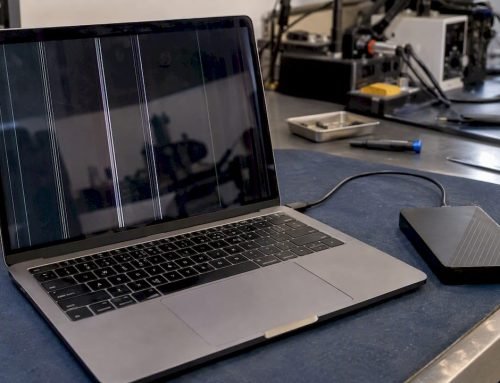
- A Mac that powers on but displays a blank screen or gets stuck on the Apple logo indefinitely.
- Persistent boot loops that survive macOS reinstallation attempts.
- A Mac that shows signs of life (fan spin, keyboard backlight) but never progresses past the pre-boot stage.
- Failure to appear in Apple Configurator 2 during DFU mode attempts, which can indicate a deeper firmware integrity issue.
- MDM enrollment failures or devices silently dropping from device management. Notably, macOS 26.5 added fixes specifically for firmware-dependent certificate renewals that were causing enterprise Macs to drop from MDM silently.
One important point many users miss: firmware problems often look identical to logic board failures from the outside. A Mac that will not boot after a failed macOS update is far more likely to have a recoverable firmware issue than a dead logic board. That distinction matters because the repair paths are completely different, and misidentifying the problem leads to unnecessary component replacement at significant cost.
Modern repair procedures involving firmware
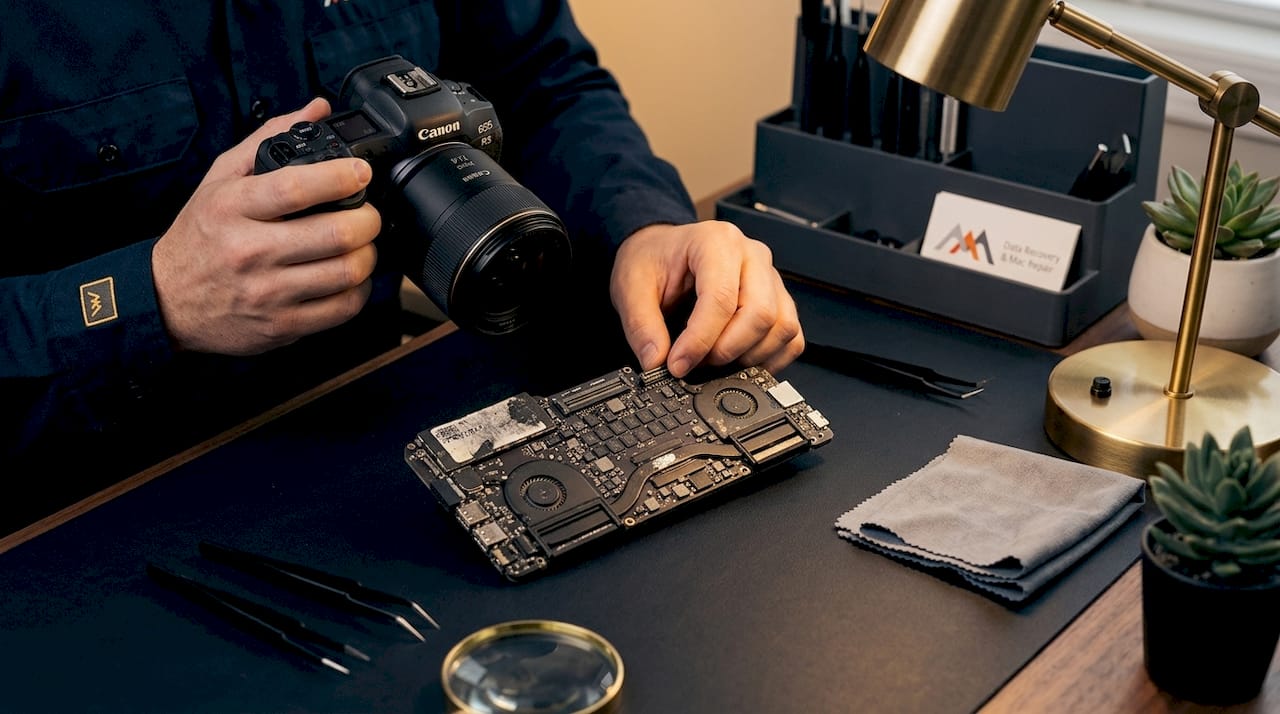
When standard troubleshooting fails, certified technicians turn to firmware-level recovery procedures. The most critical of these is DFU restore, which stands for Device Firmware Update mode. This procedure communicates directly with the firmware layer, bypassing macOS entirely.
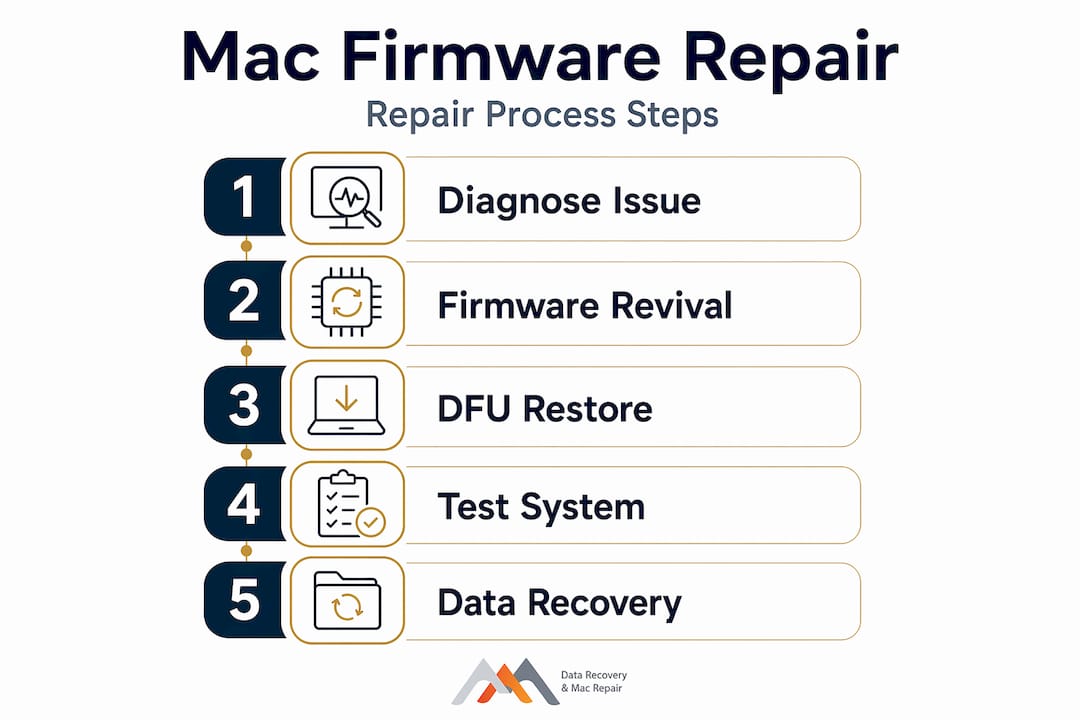
Here is how a professional firmware recovery procedure typically unfolds:
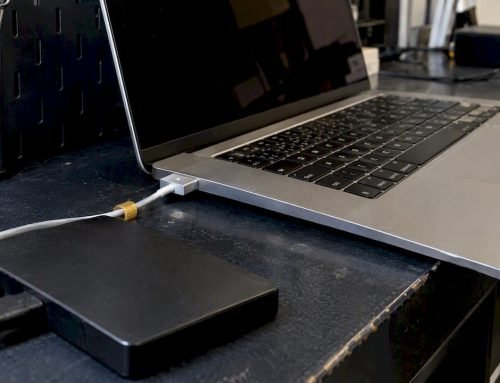
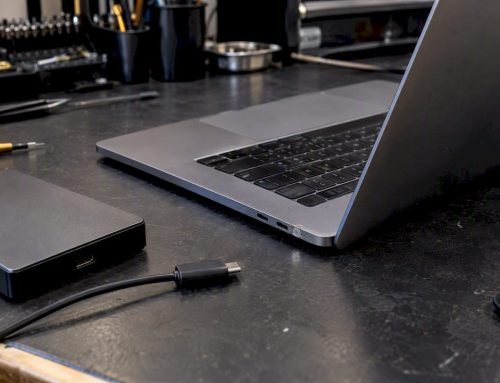
- Assess the failure mode. The technician determines whether the Mac is in a state where DFU mode is accessible, which requires a working USB-C connection and a secondary Mac with Apple Configurator 2 installed.
- Verify host Mac compatibility. The DFU restore requires the host Mac to run a macOS version equal to or newer than the failed Mac’s last known OS. If this condition is not met, the restore will fail without explanation.
- Attempt firmware revival first. Revival restores only the firmware without erasing user data. This is always the preferred first step because it preserves your files if successful.
- Escalate to full DFU restore if revival fails. A full restore wipes the drive and reinstalls firmware plus macOS from scratch. At this stage, data recovery must be addressed separately before proceeding, particularly since APFS volumes on NVMe SSDs are soldered and cannot be removed for independent recovery the way older HDDs could be.
- Validate firmware version post-restore. After recovery, the technician confirms the firmware restoration is complete and that the Mac boots cleanly into macOS with full hardware validation passing.
Pro Tip: Before agreeing to any DFU restore, ask your repair provider whether they will attempt firmware revival first. A technician who skips straight to a full restore without attempting revival may not be familiar with proper Apple firmware recovery protocols, and that shortcut puts your data at unnecessary risk.
The tight integration of firmware and OS in modern Macs means that repair now depends on Apple proprietary tools in ways that were simply not true five years ago. General-purpose repair tools are not capable of handling T2 or Apple Silicon firmware recovery.
How firmware knowledge improves your repair decisions
Understanding what firmware does gives you a real advantage when working with a repair provider. You will ask better questions, set realistic expectations, and avoid falling for unnecessary parts replacements.
Consider a common scenario: your MacBook Pro will not boot after a routine macOS update. A repair provider without firmware expertise might recommend a logic board replacement at $600 or more. A provider who understands the role of firmware in Mac hardware would first attempt DFU revival, which costs a fraction of that and often resolves the issue completely.
Here is what to look for when evaluating a repair service:
- They ask about your Mac’s history before quoting any repair, including recent updates, liquid exposure, or unusual shutdowns.
- They distinguish between firmware revival and full DFU restore, and explain why one is preferable before the other.
- They address data recovery strategy before performing any procedure that could wipe your drive.
- They confirm compatibility between their host Mac and your failed Mac’s last OS version before attempting DFU procedures.
- They use Apple Configurator 2 and are familiar with current Apple-certified repair tools for firmware restoration.
Firmware issues also have a direct impact on data recovery timelines. If your Mac’s firmware is corrupted but the NVMe SSD is physically intact, a successful firmware revival may restore full access to your APFS volume without any data extraction being necessary at all. But if a full restore is required, data recovery must happen first, and that requires a technician experienced in reading NAND access from Apple Silicon storage under FileVault encryption conditions.
Pro Tip: If data loss is a concern, tell your repair provider before they begin any firmware procedure. Once a full DFU restore begins, that data is gone. The right provider will pause, address recovery, then proceed with firmware repair.
Comparing firmware repair approaches
Not every firmware situation calls for the same response. The table below outlines the primary approaches technicians use and when each applies.
| Repair approach | When it applies | Data impact | Works on Intel Macs | Works on Apple Silicon |
|---|---|---|---|---|
| Firmware revival (DFU) | Failed macOS update, boot loop, stuck firmware | No data loss if successful | Yes (T2 required) | Yes |
| Full DFU restore | Revival fails, firmware fully corrupted | Erases drive completely | Yes | Yes |
| T2 chip diagnostics | Suspected T2 firmware fault on Intel Mac | No data impact | Yes | Not applicable |
| Logic board component repair | Physical hardware failure alongside firmware issue | Variable | Yes | Yes (specialized) |
| macOS reinstall via Recovery | Minor OS corruption without firmware fault | Preserves data in most cases | Yes | Yes |
The most important takeaway from this comparison is that firmware revival should always be attempted before a full DFU restore, and that hardware repair alone cannot resolve a firmware-level failure. A logic board repair performed on a Mac with active firmware corruption will still result in a Mac that will not boot. Both layers must be addressed, in the correct order, by someone who understands the relationship between them.
My perspective on firmware and modern Mac repair
I have worked on Mac hardware since before Apple Silicon existed, and the shift in how repairs unfold has been significant. Firmware used to be a background concern. Today, it is the first thing I think about when a Mac arrives that will not boot.
What I have observed consistently is that users who understand even the basics of firmware come in with better information. They know their Mac’s update history. They have not attempted a dozen restarts that further complicate the diagnostic picture. They understand why we need to attempt revival before restore. That knowledge shortens the repair process and leads to better outcomes.
The harder truth I have seen play out repeatedly is this: Mac users who go to repair providers without firmware expertise often end up with unnecessary hardware replacements, lost data, or both. Apple Silicon’s hardware-anchored Boot ROM has made the Mac more secure and more reliable in the long run, but it demands a higher level of technical competence from anyone doing repairs. The margin for improvisation has narrowed considerably.
My advice is direct: verify that any repair provider you consider has specific, demonstrable experience with T2 and Apple Silicon firmware recovery before you hand over your Mac. Ask them what they do when revival fails. Ask them how they handle data recovery before a full restore. Their answers will tell you everything you need to know. You can also review a detailed Mac repair checklist before your appointment to prepare the right questions.
— Kaya
Mac firmware repair services in Los Angeles
If your Mac is stuck in a boot loop, failed after an update, or will not respond at all, Macwestlosangeles has the firmware expertise to diagnose and restore it correctly. Serving West LA, Santa Monica, Beverly Hills, Brentwood, Westwood, Venice, Hollywood, and Culver City from our location at 12041 Wilshire Blvd, Ste 26, our team has been performing logic board repairs, DFU restores, and data recovery operations since 2006. We offer free diagnostics and operate on a no recovery, no charge basis for data recovery cases. Same-day appointments are available for firmware restoration, system recovery, and APFS data recovery on MacBook, iMac, Mac Mini, and Mac Pro systems. For Mac repair in Los Angeles with certified firmware recovery tools and technicians who know the difference between revival and restore, call us at (310) 866-0828.
If your firmware issue has affected disk access, our team also handles hard drive data recovery for cases where NVMe or HDD storage has been compromised alongside firmware failure.
FAQ
What is firmware and why does it matter in Mac repairs?
Firmware is low-level code embedded in your Mac’s hardware that controls the boot process and validates components before macOS loads. When firmware is corrupted, the Mac will not boot regardless of whether the physical hardware is intact.
How do I know if my Mac has a firmware problem?
Common signs include persistent boot loops, a blank screen after the Apple logo, failure to boot after a macOS update, and a Mac that powers on but never loads the operating system. These symptoms often indicate firmware corruption rather than a purely physical hardware failure.
Can a firmware issue cause permanent data loss?
A firmware problem itself does not automatically destroy data, but a full DFU restore used to fix it will erase the drive completely. Always request that your repair provider attempt firmware revival first and address data recovery before any full restore procedure begins.
What is DFU mode and when is it used in Mac repair?
DFU mode (Device Firmware Update) allows a secondary Mac to communicate directly with a failed Mac’s firmware layer using Apple Configurator 2. Technicians use it to revive or fully restore firmware on Macs that will not boot through any other method.
Does firmware affect Intel Macs and Apple Silicon Macs differently?
Yes. Intel Macs rely on UEFI firmware managed by the T2 security chip, while Apple Silicon Macs use a physically read-only Boot ROM embedded in the SoC. Both require DFU-based recovery when firmware fails, but the tools, host Mac compatibility requirements, and technical procedures differ between the two architectures.