TL;DR:
- Recovery of MacBook Pros varies greatly due to the shift from modular to soldered storage in Apple Silicon models, making traditional methods ineffective. Success rates on newer models are lower, and costs are higher because recovery requires specialized techniques and intact Secure Enclave hardware. Immediate professional assistance and careful data management are essential to maximize recovery options.
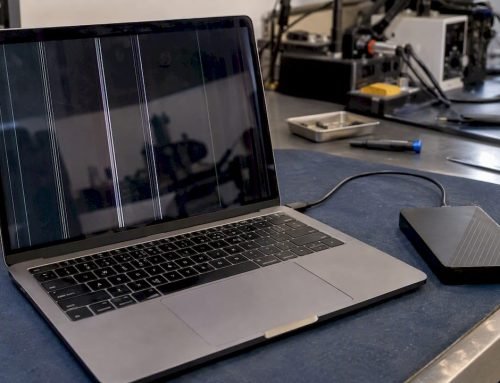
MacBook Pro recovery differs because newer Apple Silicon models use hardware-integrated encryption and soldered NAND storage, making traditional data recovery methods completely ineffective. On Intel-based MacBook Pros, a technician could sometimes remove the SSD and access it externally. On M1, M2, and M3 machines, that option does not exist. The architecture has changed so fundamentally that recovery now depends on whether the logic board and Secure Enclave still function. Understanding these differences tells you exactly what is possible for your specific machine, what it will cost, and when to call a professional.
Why MacBook Pro recovery differs across Apple Silicon and Intel models
The core reason MacBook Pro recovery differences exist is the shift from modular to unified hardware design. Apple Silicon architecture integrates the CPU, memory, storage, and Secure Enclave into a single SoC (System on a Chip). That unified design delivers speed and security, but it eliminates the physical separation that made older recovery methods work.
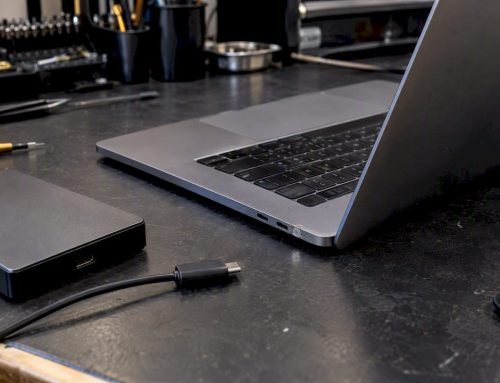
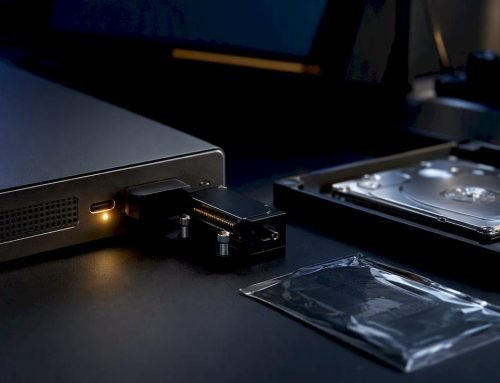
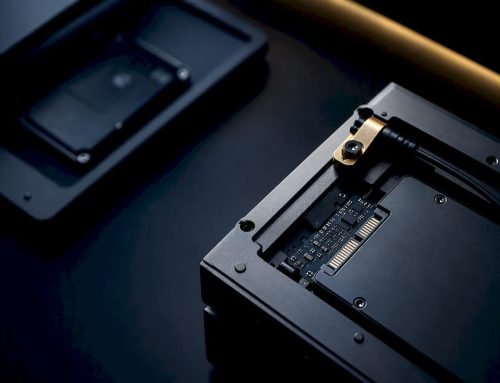
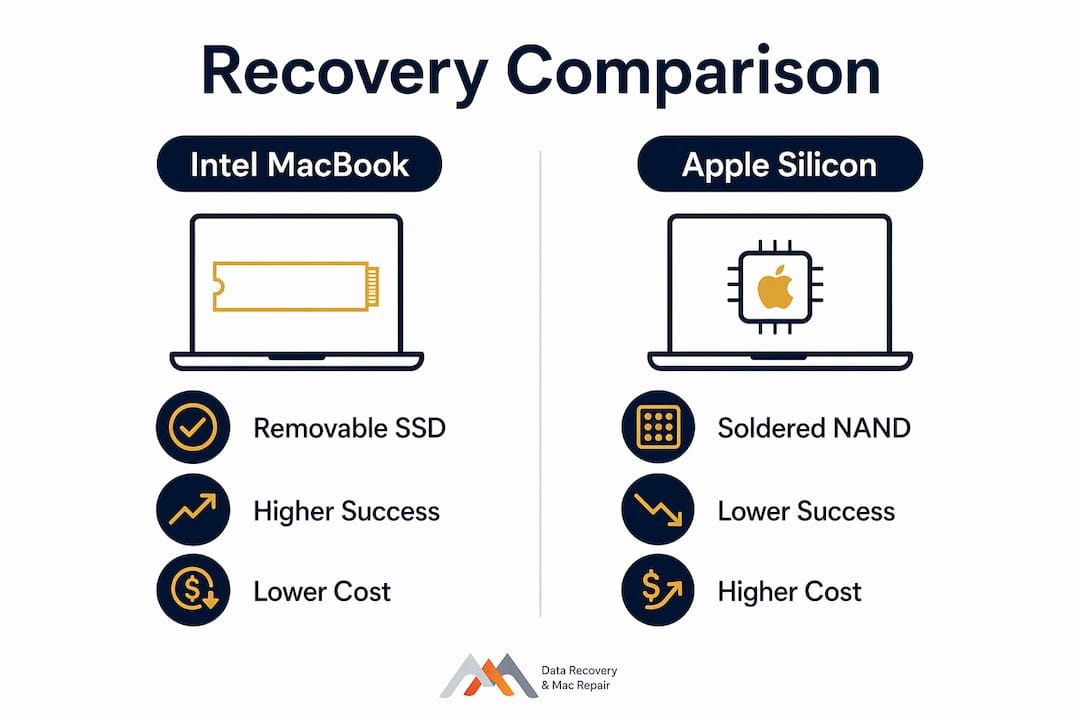
On Intel MacBook Pros, the SSD was a discrete component. A technician could remove it, connect it to a compatible reader, and attempt file extraction directly. Intel models with removable SSDs have significantly higher recovery success rates because of this access. The drive could be treated as an independent unit, separate from the machine that failed.
Apple Silicon changes that entirely. The NAND chips are soldered directly onto the logic board. Moving them to another board does not work because the encryption keys are stored in the Secure Enclave, which is unique to each machine. Traditional chip-off recovery is ineffective on these models. Recovery requires the original board to be functional at the hardware level.
The Secure Enclave also acts as a hardware vault. If it detects tampering or physical damage, it refuses to release encryption keys. That behavior is by design. Apple built it to protect user privacy, but it creates a hard boundary for data recovery professionals.
Key architectural differences between Intel and Apple Silicon MacBook Pros:
- Intel MacBook Pro: Discrete SSD, removable for external access; encryption managed by T2 chip but drive can be physically separated
- Apple Silicon MacBook Pro: NAND soldered to logic board; Secure Enclave holds encryption keys and cannot be bypassed
- Intel recovery path: Chip-off, external reader, or target disk mode in some configurations
- Apple Silicon recovery path: Board-level repair only; Secure Enclave must remain intact and functional
- Physical damage impact: Far more severe on Apple Silicon because one damaged component can block all data access
Pro Tip: If your Apple Silicon MacBook Pro powers on at all, even partially, do not attempt any DIY repair. A functioning Secure Enclave is your most valuable asset in a recovery scenario. Anything that damages it closes the door permanently.
How APFS and FileVault encryption shape recovery outcomes
APFS (Apple File System) is the file system Apple uses on all modern Macs, and its design directly affects how recoverable your data is after deletion or corruption. APFS uses cryptographically verified objects with a copy-on-write structure, meaning the system writes new data to a different location rather than overwriting existing data immediately. That sounds helpful for recovery, but the scheduler reclaims freed space quickly under normal system activity.
FileVault adds another layer. It applies AES-XTS 256-bit encryption to the entire volume, with the encryption keys secured inside the Secure Enclave and never exposed to macOS itself. This means the operating system never “sees” the raw keys. Only authenticated access through your password or a saved FileVault recovery key can unlock the volume.
The practical consequences of APFS and FileVault for recovery are significant:
- Without your login password or FileVault recovery key, the encrypted data is mathematically unrecoverable. No forensic tool available in 2026 can break AES-XTS 256-bit encryption by brute force.
- Deleted files in APFS may exist briefly in unallocated space, but the copy-on-write scheduler overwrites them faster than on older HFS+ volumes. Time is critical.
- Even specialized forensic tools cannot decrypt APFS containers without the original keys. This is not a limitation of the tools. It is a mathematical reality.
- FileVault-encrypted volumes that are logically intact but password-protected require credential verification before any file-level recovery can begin.
- Corruption within an APFS container can cascade across snapshots if Time Machine backups were not configured, leaving fewer recovery checkpoints than users expect.
The takeaway is direct: your password and your FileVault recovery key are not just login credentials. They are the only keys that unlock your data. Store them somewhere safe and separate from the machine itself.
Recovery success rates and real costs by MacBook Pro generation
The gap in recovery outcomes between Intel and Apple Silicon MacBook Pros is measurable. Apple Silicon recovery success rates range approximately 30%–40%, compared to 60%–80% for Intel models. That difference reflects the structural barriers described above, not the skill of the technician.
| MacBook Pro Generation | Recovery Method Available | Typical Success Rate | Estimated Cost Range |
|---|---|---|---|
| Intel (pre-2020) | Chip-off, external SSD access, board repair | 60%–80% | $300–$1,500 |
| Apple Silicon M1/M2/M3 | Board-level repair, Secure Enclave intact required | 30%–40% | $3,500–$6,500 |
| Apple Silicon (severe physical damage) | Limited or none if Secure Enclave is damaged | Under 10% | Varies |
Specialized Apple Silicon recovery sessions cost $3,500–$6,500 because the work requires advanced micro-soldering, cryptographic expertise, and cleanroom conditions. Very few labs in the United States have the equipment and trained personnel to attempt it. That scarcity drives cost up and availability down.
Physical damage is the most decisive factor. A MacBook Pro that suffered liquid damage to the logic board may have a compromised Secure Enclave even if the NAND chips are intact. In that scenario, the data is present but permanently inaccessible. A machine that simply had a corrupted APFS volume with an intact board and working Secure Enclave has a much better prognosis.
The forensic limitations of encrypted Apple devices mean that professional assessment is the only reliable way to determine what is actually recoverable before spending money on a full recovery attempt. Free diagnostics, offered by experienced providers, give you that answer without financial risk.
What to do immediately after MacBook Pro data loss
Stop all disk writes immediately after data loss. Every write operation the system performs risks overwriting the exact sectors where your deleted or corrupted files still exist. Shut the machine down if you cannot control what it is doing.
Steps to take right after data loss on a MacBook Pro:
- Power down the machine if data was accidentally deleted or the drive shows errors. Do not let macOS continue running in the background.
- Do not reinstall macOS through Recovery Mode before consulting a professional. Reinstallation writes new data across the volume and reduces recovery chances significantly.
- Use Recovery Mode correctly. Recovery Mode boots a minimal macOS environment for utilities like Disk Utility, Time Machine restoration, and macOS reinstallation. It does not restore encrypted data without your credentials, and it is not a substitute for professional data recovery.
- Avoid DIY hardware repairs. Opening the machine, reseating components, or applying heat to dry liquid damage can destroy the Secure Enclave or damage soldered NAND chips beyond recovery.
- Contact a professional service immediately. Same-day appointments matter because the window for recovering deleted APFS data closes faster than most users realize.
Pro Tip: If you have a Time Machine backup, check it before doing anything else. A recent backup makes the entire recovery question irrelevant. If you do not have one, let that motivate you to set one up the moment your data is back.
The recovery challenges unique to newer MacBook Pros mean that professional triage is not optional. It is the first real step in any Apple Silicon recovery scenario.
Key Takeaways
MacBook Pro recovery differs by generation because Apple Silicon’s Secure Enclave, soldered NAND storage, and APFS encryption create hard technical boundaries that Intel-era recovery methods cannot cross.
| Point | Details |
|---|---|
| Apple Silicon limits physical access | NAND is soldered to the logic board; chip-off recovery methods do not work on M1, M2, or M3 models. |
| Secure Enclave controls decryption | If the Secure Enclave is damaged or detects tampering, encryption keys are permanently withheld. |
| FileVault locks data without credentials | AES-XTS 256-bit encryption cannot be broken; your password or recovery key is the only path in. |
| Success rates drop sharply on newer models | Apple Silicon recovery succeeds in roughly 30%–40% of cases versus 60%–80% for Intel models. |
| Immediate action preserves options | Stopping disk writes and avoiding DIY repairs are the two most important steps after data loss. |
The security tradeoff Apple made, and what it means for you
The uncomfortable truth about MacBook Pro recovery is that Apple’s security architecture was not designed with data recovery in mind. It was designed to make your data inaccessible to anyone who does not have your credentials, including thieves, governments, and yes, recovery technicians. That is a deliberate tradeoff, and Apple has been transparent about it.
What frustrates users is that they did not fully understand the tradeoff when they bought the machine. A MacBook Pro with Apple Silicon and FileVault enabled is one of the most secure consumer computers ever made. It is also one of the hardest to recover data from when something goes wrong. Those two facts are directly connected.
The practical lesson I keep returning to is this: the architecture has shifted recovery from a technical problem into a preparation problem. On an Intel Mac, a skilled technician could often recover data even when the user had done nothing to prepare. On an Apple Silicon Mac, preparation before the failure is the only reliable recovery strategy. Time Machine backups, iCloud sync for critical files, and a stored FileVault recovery key are not optional extras. They are the actual recovery plan.
Choosing a recovery provider also matters more than it used to. The number of labs with genuine Apple Silicon recovery capability is small. Ask specifically whether the provider has experience with your chip generation, M1, M2, or M3, and whether they offer free diagnostics before committing to a paid recovery attempt. A provider who charges for diagnostics on a case with low success odds is not working in your interest.
— Kaya
Macwestlosangeles: expert MacBook Pro data recovery in Los Angeles
Macwestlosangeles has specialized in Mac data recovery and Apple hardware repair since 2006, serving West LA, Santa Monica, Beverly Hills, Brentwood, Westwood, Venice, Hollywood, and Culver City. The team handles Apple Silicon and Intel MacBook Pro recovery cases with free diagnostics and a strict no-recovery, no-charge policy. You pay nothing if the data cannot be retrieved. Same-day appointments are available at 12041 Wilshire Blvd, Ste 26, centrally located between the 405 and Santa Monica, near UCLA and the Getty Center. For complex cases involving liquid damage, logic board failure, or NAND-level issues, Macwestlosangeles provides professional MacBook Pro recovery with transparent pricing and honest assessments. Call 310-866-0828 to schedule.
FAQ
Why is MacBook Pro data recovery harder on Apple Silicon?
Apple Silicon integrates the CPU, storage, and Secure Enclave into one chip, so the SSD cannot be removed for external access. Recovery requires the original logic board to function, and any damage to the Secure Enclave permanently blocks decryption.
What does Recovery Mode actually do on a MacBook Pro?
Recovery Mode boots a minimal macOS environment for reinstalling macOS, running Disk Utility, or restoring from Time Machine. It does not bypass FileVault encryption or recover deleted files without your login credentials.
Can FileVault-encrypted data be recovered without a password?
No. FileVault uses AES-XTS 256-bit encryption with keys stored in the Secure Enclave. Without the original password or FileVault recovery key, the data is mathematically unrecoverable by any tool available today.
Why does MacBook M1 recovery differ from older Intel models?
Why MacBook M1 recovery is different comes down to soldered NAND and Secure Enclave integration. Intel models allowed physical SSD removal and external access, giving technicians more options. M1 machines require board-level repair with the Secure Enclave intact.
How much does Apple Silicon MacBook Pro data recovery cost?
Specialized Apple Silicon recovery costs $3,500–$6,500 due to the micro-soldering and cryptographic expertise required. Intel MacBook Pro recovery typically costs $300–$1,500 depending on damage severity. Free diagnostics from an experienced provider clarify costs before any commitment.