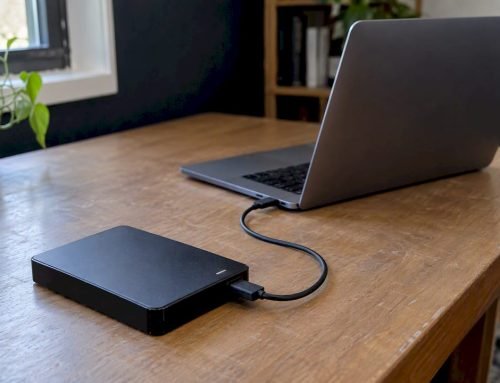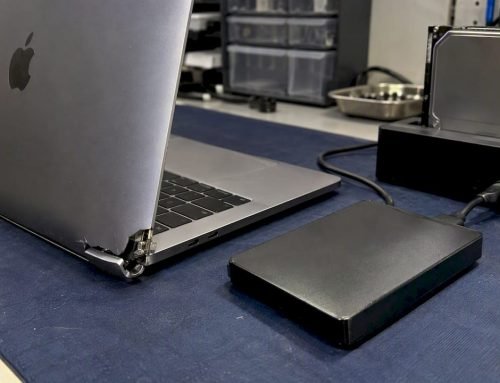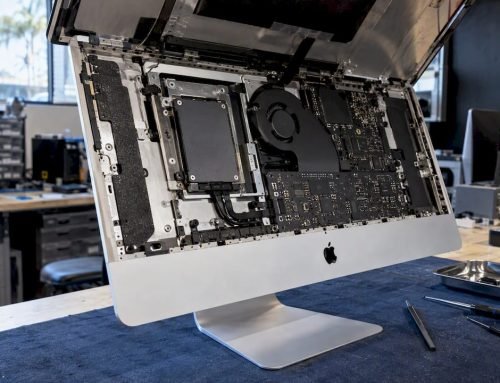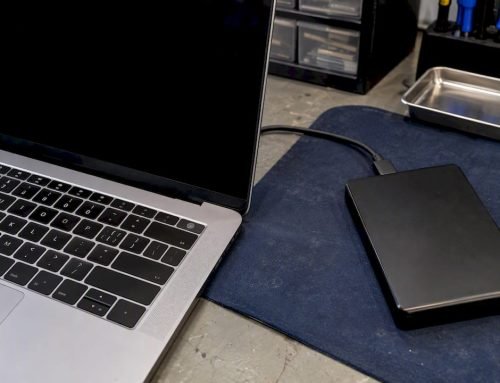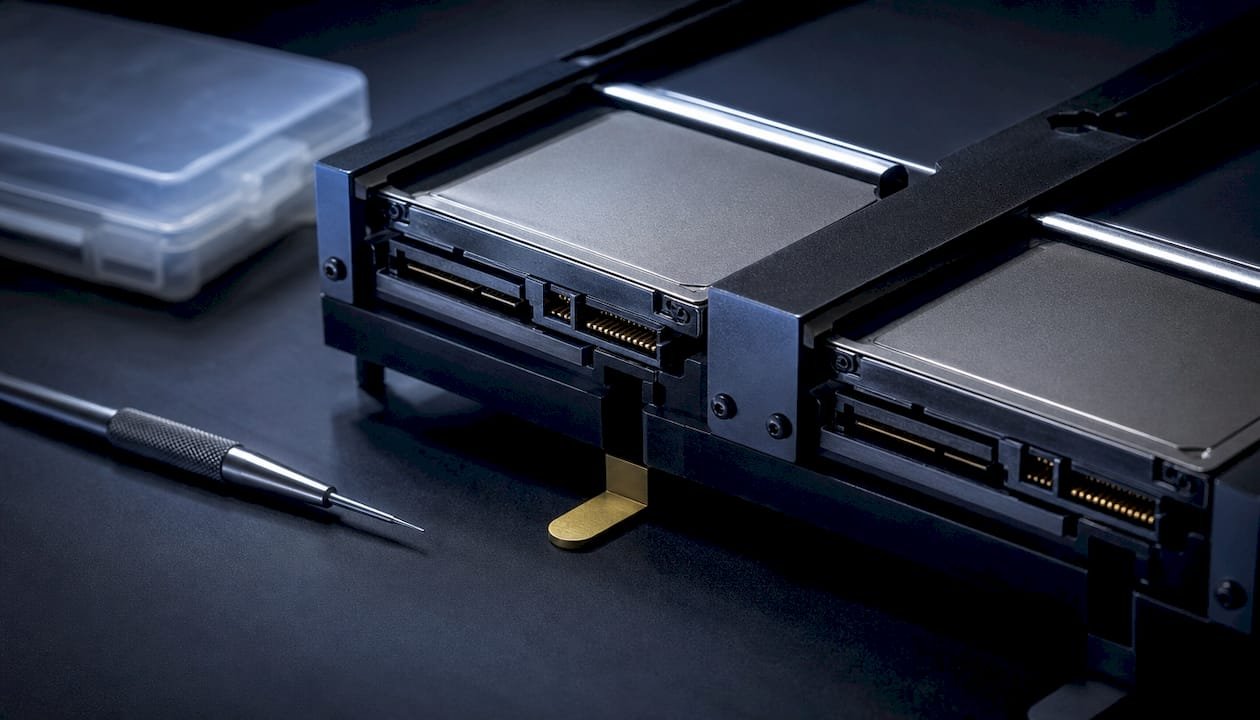
Stop all disk writes immediately. RAID 0 has no redundancy, so a single failed drive can make the entire array unreadable, and every extra write risks the sectors you need back. If drives still spin and appear in Disk Utility or Disk Management, power down and image them read-only before touching anything else. If a drive clicks, grinds, or fails to show up at all, skip the DIY attempts and get it to a cleanroom lab.
TL;DR:
- RAID 0 failure often results from a single drive experiencing mechanical issues like clicking or grinding, or controller and firmware faults, rather than total drive death.
- Imaging each disk in read-only mode and documenting the drive order before any recovery action significantly improves chances of successful destriping and data reconstruction.
- Physical drive failures with symptoms like clicking or non-detection require a cleanroom lab for platter imaging, whereas logical failures may be recoverable using software techniques.
- RAID 0’s lack of redundancy means any drive failure renders the entire array unreadable unless drives remain healthy and are properly imaged immediately.
- Preventive measures include regular SMART checks, maintaining firmware consistency, and following the 3-2-1 backup rule, as RAID 0 cannot substitute for proper backups.
Table of Contents
- What Causes RAID 0 Failure, and How Do You Spot It?
- Immediate Triage: What To Do and What To Avoid
- How Do You Recover RAID 0 Data When Drives Are Still Readable?
- When Does RAID 0 Failure Need a Cleanroom Lab?
- Preventing the Next RAID 0 Failure
- What We’ve Learned From RAID Cases Since 2006
- Get Your RAID 0 Array Diagnosed Today
- Sources
- FAQ
What Causes RAID 0 Failure, and How Do You Spot It?
A RAID 0 array fails the moment any single member disk stops responding correctly, because striping spreads data across drives with no parity or mirroring to fall back on. That design is exactly why RAID 0 offers speed but zero fault tolerance: the array is only as reliable as its least reliable drive.
Symptoms split into two camps, and telling them apart determines your whole recovery strategy. Mechanical symptoms point to physical drive failure; everything else usually points to something fixable without a lab.
- Clicking, grinding, or spin-up failure: mechanical failure inside the drive itself, often a head crash or seized motor.
- Array shows “degraded,” “offline,” or “foreign” in the controller: often a controller, firmware, or cabling issue rather than a dead disk.
- One drive missing from the array but spinning normally when tested alone: usually a port, cable, or driver fault.
- Sudden unbootable volume after a Windows or macOS update: frequently a firmware or driver mismatch, not hardware death.
- Files corrupt or missing after a power outage: incomplete writes or a torn stripe, common with sudden power loss.
Here’s the part most guides skip: a RAID 0 volume can fail with completely healthy drives when the controller misreads its own configuration metadata. That distinction matters for recovery, because a controller fault means the data on the platters is likely intact. It just needs the correct stripe order and parameters to read again.
Immediate Triage: What To Do and What To Avoid
The first ten minutes after a RAID 0 failure decide whether recovery is straightforward or expensive. Work through this order:
- Stop all write operations and power down safely. Don’t let the OS retry boot repeatedly.
- Document the drive order and controller settings before disconnecting anything. Photograph each bay and cable so you can restore the exact original layout.
- Label every physical drive by its slot position (Disk 0, Disk 1, and so on).
- Image each member disk in read-only mode onto separate, healthy storage. Preserving original sectors is the single biggest factor in successful RAID 0 recovery.
- Call a professional if you hear clicking, a drive won’t detect, or the data is mission-critical.
Avoid these entirely: don’t rebuild or reinitialize the array, don’t run CHKDSK or fsck directly on member disks, and don’t write recovered files back onto any original member disk. Each of those actions writes new metadata over exactly the sectors you’re trying to save.
Pro Tip: Never update RAID controller firmware or drivers mid-triage. A version change can alter how the controller reads existing array signatures, sometimes turning a recoverable degraded array into one the system can’t recognize at all.
If your array is degraded rather than fully dead, our RAID degraded on Mac emergency checklist walks through the same triage in more detail for Mac-specific setups.
How Do You Recover RAID 0 Data When Drives Are Still Readable?
If every member disk spins up, gets detected, and shows no severe mechanical symptoms, software-based recovery has a real shot. This path only works with separate healthy storage large enough to hold full images of every drive.
The workflow runs in a specific order, and skipping steps is the most common reason people lose data that was actually recoverable:
- Image first, always. Create a block-level, read-only image of each member disk and verify checksums against the source before doing anything else.
- Document port order before you unplug anything. You’ll need it to reconstruct the stripe correctly.
- Identify stripe parameters. Stripe size, disk order, and offset live in controller metadata, or vendor tools can extract them. Intel’s own guidance for recovering a RAID 0 volume failure covers this for Intel Rapid Storage Technology setups specifically.
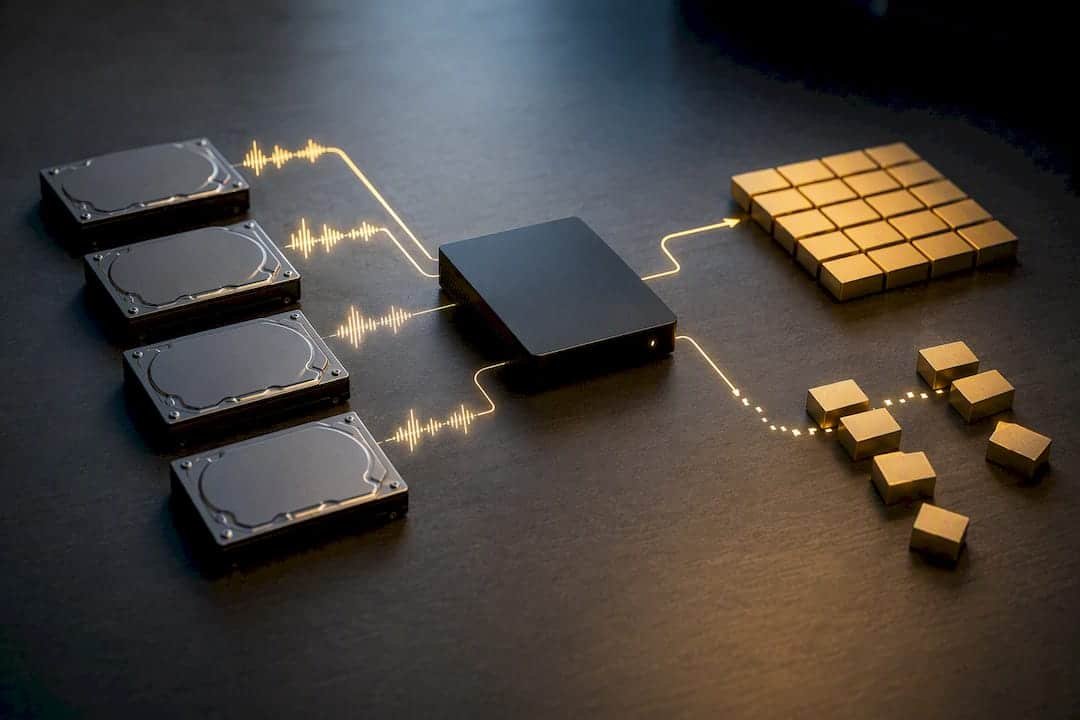
- Destripe the images into one logical volume. This is where community-documented tools and manual reconstruction come in.
- Run file-system recovery tools against the reconstructed image, never against the original disks.
- Test on copies, and restore only to a separate healthy drive.
When stripe metadata is missing or corrupted, experienced technicians fall back on pattern analysis: scanning the images for file-system headers and magic bytes at predictable offsets to work out stripe size and disk order by inference. It’s slow, methodical work, and it’s exactly the kind of reconstruction documented in long-running RAID 0 troubleshooting threads from IT professionals who’ve done it under pressure.
Mac users running APFS or NVMe-based RAID setups should walk through our Mac RAID recovery tutorial for macOS before attempting reconstruction, since Apple’s file system handles metadata differently than NTFS or HFS+.
When Does RAID 0 Failure Need a Cleanroom Lab?
Certain symptoms mean software recovery almost never works, and every attempt burns time you don’t have. Escalate immediately if you see any of the following:
| Symptom | Likely Cause | DIY Viable? |
|---|---|---|
| Drive not detected at all | Motor failure, PCB damage | No |
| Clicking or grinding noise | Head crash, actuator failure | No |
| Drive detected but extremely slow | Failing sectors, head instability | Rarely |
| SMART errors climbing rapidly | Degrading platters | No |
| Array shows all drives, won’t mount | Controller/firmware issue | Often yes |
| One drive missing, others fine | Cable, port, or driver fault | Often yes |
A cleanroom lab handles physical failures with donor parts matched to the exact drive model, swapping read/write heads in a particle-controlled environment before imaging the platters directly. From there, technicians run sector-level forensic imaging to pull whatever data the damaged media will still yield, then apply the same destriping process described above to reconstruct the array logically.
Realistic expectations matter here. Partial recovery is common when platters have physical scoring or when a previous rebuild attempt already overwrote sectors. Full recovery is most likely when the failure is caught early and no writes have occurred since. Our expert RAID data recovery methods guide breaks down why some failures escalate past the software stage.
Pro Tip: If you’re documenting evidence for insurance or a business continuity report, photograph each drive’s serial number and bay position before shipping it anywhere. That chain of custody often speeds up lab intake.
Preventing the Next RAID 0 Failure
RAID 0 exists for performance, full stop, not protection. Striping data across two or more drives multiplies throughput roughly in proportion to drive count, but it also multiplies your failure probability with every disk you add. If you need redundancy, look at RAID 1 for mirroring or RAID 5 for parity-based fault tolerance instead.
A backup strategy matters more for RAID 0 than for any other configuration:
- Follow the 3-2-1 rule: three copies, two media types, one offsite or cloud copy.
- Enable file versioning so a bad write doesn’t overwrite your only good copy.
- Run SMART checks and periodic array scrubs to catch degrading drives early.
- Keep controller firmware consistent across drives and document your RAID parameters somewhere outside the array itself.
- Put the whole system on a UPS. Power events are a routine cause of RAID 0 corruption.
RAID is not a substitute for backup under any configuration, a distinction worth internalizing before you build your next array. For a broader look at protecting business data beyond the RAID layer itself, this plain-English guide to data safety with modern tools covers risk management principles that apply well beyond RAID.
What We’ve Learned From RAID Cases Since 2006
RAID 0 recoveries fall into two buckets almost every time. Cases where every member disk is mechanically sound and the client stopped writing immediately tend to resolve through imaging and destriping, often within the same visit. Cases where a drive was already clicking, or where someone tried a rebuild before calling us, usually need cleanroom escalation, and the outcome depends heavily on how much got overwritten before we saw it.
The pattern is consistent enough that triage speed matters more than any tool we use afterward. That’s the whole reason we run free diagnostics: you find out what category your failure falls into before spending anything, under our no recovery, no charge policy. Some of the clearest examples of this split are in our collected RAID failure case studies.
— Kaya
Get Your RAID 0 Array Diagnosed Today
Macwest Data Recovery has handled RAID failures since 2006, and for readers in West LA, Santa Monica, Brentwood, Westwood, Venice, Hollywood, Beverly Hills, and and Culver City, that means an in-house lab minutes away instead of a mail-in service with a two-week wait. Our facility at 12041 Wilshire Blvd, Ste 26, sits between the 405 and Santa Monica, close to UCLA and the Getty Center, and every RAID case starts with free diagnostics under our no recovery, no charge policy. We handle in-house forensic imaging, logic board component repair, and cleanroom escalation when a member disk needs donor parts, with documented chain of custody the whole way through.
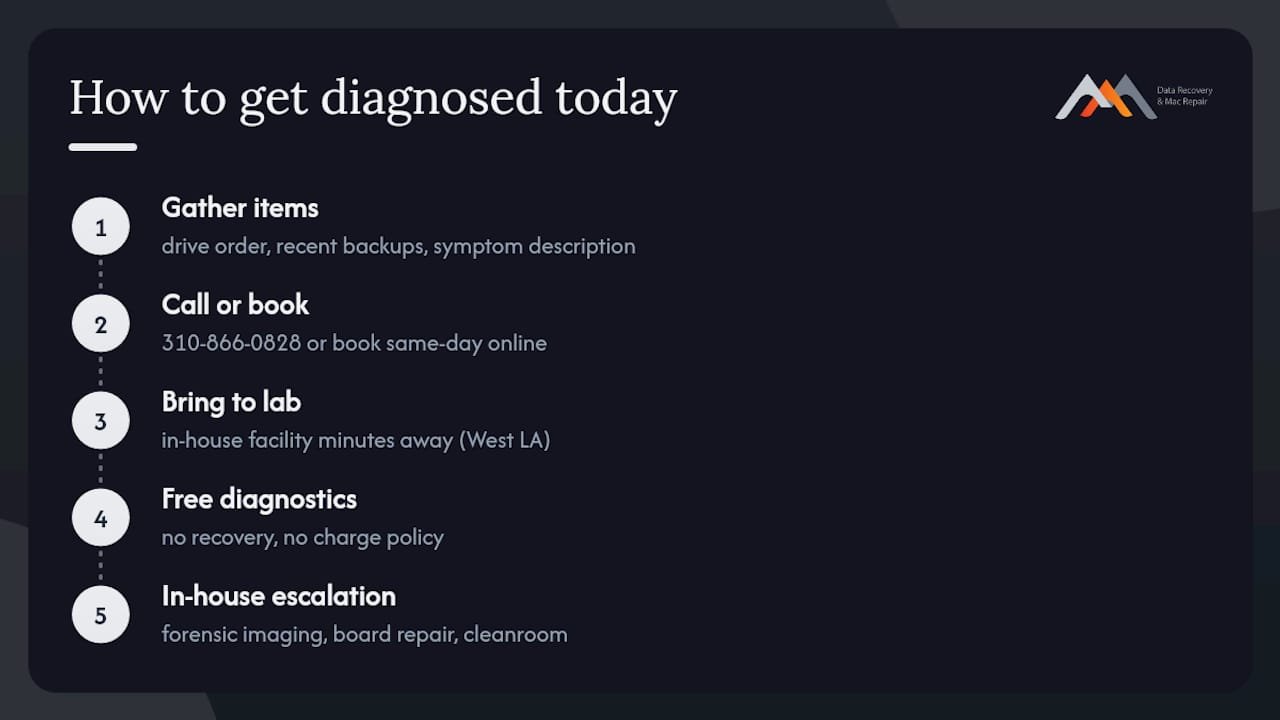
Before you call, gather what you can: your drive order if you documented it, any recent backups, and a clear description of the symptoms (clicking, missing drives, or a controller error). Then call 310-866-0828 or book a same-day appointment through our RAID and NAS data recovery services page to get your array assessed before another write cycle costs you more.
FAQ
What Is a Major Drawback of RAID 0?
RAID 0 has no redundancy at all. If a single drive in the array fails, the entire array typically becomes unreadable, since data is striped across disks without parity or mirroring.
Can a Failed Hard Drive Be Fixed?
It depends on the failure type. Logical failures (corruption, bad partitions) are often recoverable with imaging and file-system tools, while mechanical failures (clicking, non-detection) usually require cleanroom parts replacement and platter imaging.
How Can I Repair a Failed RAID 0 Array?
If all member disks are readable, image each one in read-only mode, identify the stripe parameters, and reconstruct the array logically before running recovery tools on the reconstructed image, never on the original disks. If a disk shows mechanical symptoms, a cleanroom lab is the safer path, and free diagnostics are typically offered to determine the appropriate recovery route.
Why Would Anyone Use RAID 0?
RAID 0 boosts read and write speed by spreading data across multiple drives, which appeals to users running large video files or performance-sensitive workloads. The trade-off is that it increases the statistical odds of total data loss with every drive added to the array.
How Much Does RAID 0 Data Recovery Cost?
Pricing depends on whether the failure is logical or requires cleanroom parts and labor, so Macwest starts every case with free diagnostics before quoting a price. Current service details are listed on the RAID and NAS data recovery page.