TL;DR:
- The Apple Silicon Mac Pro is uniquely expandable with six PCIe Gen 4 slots, enabling direct hardware upgrades for professionals. Proper bandwidth planning, slot allocation, and power management are essential to maximize performance and avoid bottlenecks. Internal SSD upgrades offer additional capacity, but external Thunderbolt enclosures remain viable for certain applications due to portability and ease of use.
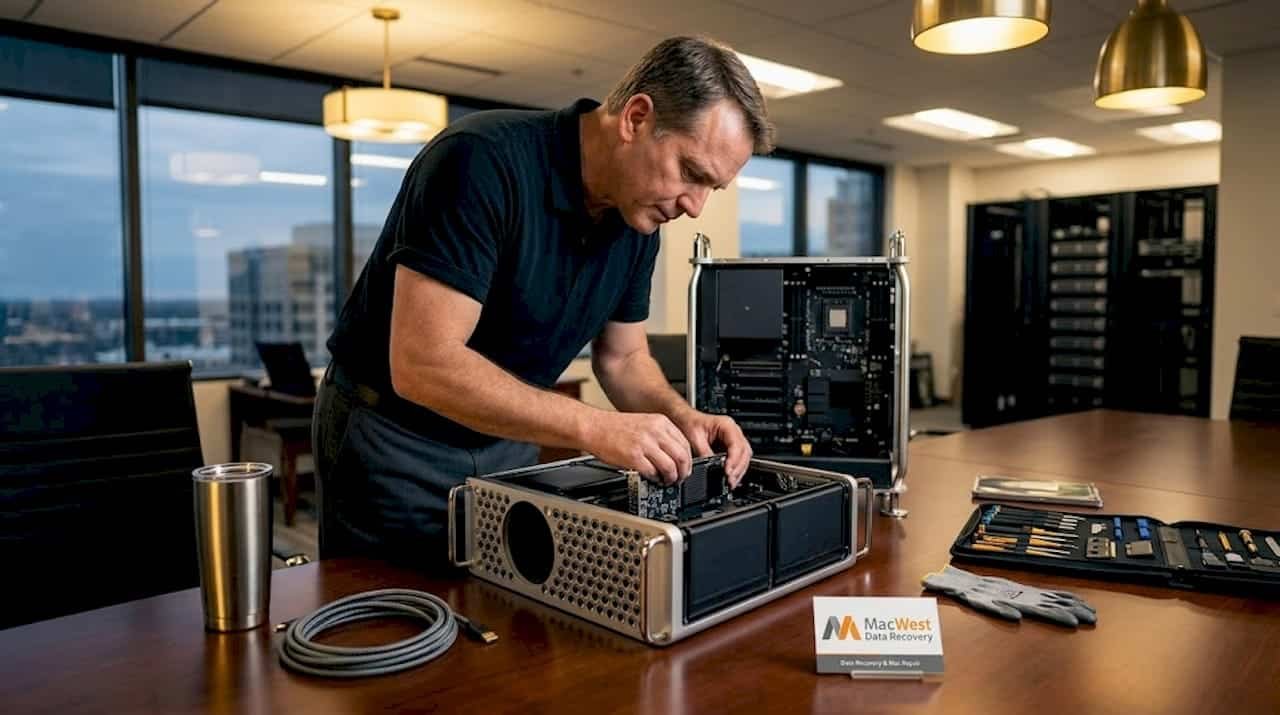
Mac Pro expansion refers to the ability to install internal PCIe expansion cards directly inside the Mac Pro chassis, giving professionals a level of hardware customization unavailable in any other current Apple Silicon Mac. Many assume that Thunderbolt docks and external enclosures have made internal expansion obsolete, but that assumption misses the performance, latency, and integration advantages that only PCIe slots can deliver. This guide covers the hardware architecture behind Mac Pro expansion, how it compares to external alternatives, how to plan upgrades without bottlenecking your system, and what other Mac Pro upgrade options remain available beyond the slots themselves.
Table of Contents
- Key Takeaways
- Mac Pro expansion slots: architecture and capabilities
- Internal expansion vs. external Thunderbolt solutions
- Planning Mac Pro expansions for professional workflows
- Mac Pro upgrade options beyond expansion slots
- My perspective on the ongoing value of Mac Pro expansion
- Mac Pro repair and data recovery in West LA
- FAQ
Key Takeaways
| Point | Details |
|---|---|
| Mac Pro is uniquely expandable | It is the only Apple Silicon Mac with internal PCIe slots for hardware expansion. |
| Bandwidth pools matter | PCIe slots share bandwidth between Pool A and Pool B; poor planning causes real performance throttling. |
| Internal beats external in specific workloads | PCIe cards eliminate cable latency and power dependencies for RAID arrays and high-speed networking. |
| SSD upgrades are possible post-purchase | Mac Pro’s internal Apple SSDs can be upgraded later, unlike the Mac Studio’s non-upgradable storage. |
| Slot placement is not arbitrary | Card power draw and lane requirements must align with slot capabilities to avoid underperformance. |
Mac Pro expansion slots: architecture and capabilities
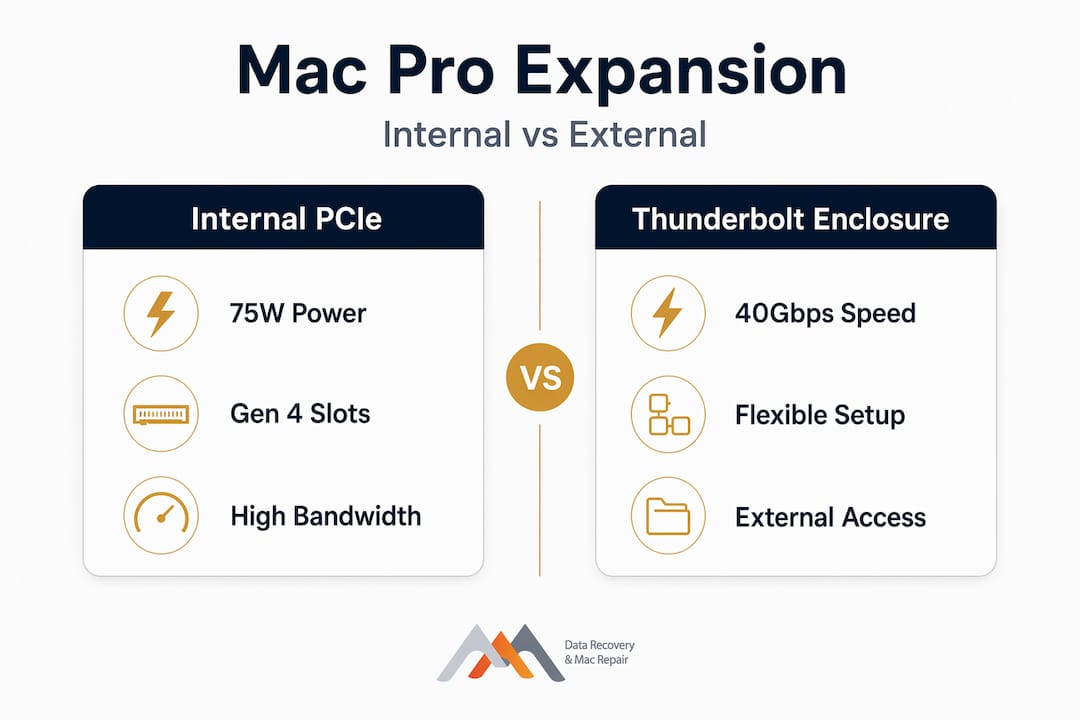
The Apple Silicon Mac Pro supports six PCIe Gen 4 slots, making it the only Mac in the current lineup capable of internal hardware expansion. That distinction matters enormously for professionals who need to integrate specialized cards directly into the system rather than relying on an external chain of devices. Each slot delivers the bandwidth and power delivery characteristics of modern PCIe Gen 4, which is a significant improvement over the PCIe Gen 3 architecture found in older Intel Mac Pros.
Power delivery is a practical consideration that many buyers overlook. The Mac Pro supports up to 75W per slot via the standard PCIe connector, with auxiliary power connectors available for more demanding expansion cards. This matters when selecting cards for GPU-accelerated video processing, multi-port 10GbE or 25GbE networking, or professional video capture hardware, all of which can push close to or beyond the base slot power limit.
Expansion Slot Utility and bandwidth pools
The Mac Pro uses a software tool called Expansion Slot Utility to manage how bandwidth is distributed across installed cards. The slots are divided into two bandwidth pools: Pool A and Pool B. Bandwidth pools dynamically assign PCIe lanes to connected cards, but manual configuration is possible for workloads that demand predictable, dedicated throughput. Advanced users running multi-drive NVMe RAID arrays or high-speed networking cards should configure these settings manually rather than relying on automatic allocation.
The card types compatible with the Mac Pro span a wide range: NVMe storage controllers, video capture cards, 10GbE and 25GbE networking adapters, MPX modules for GPU expansion, and audio DSP cards for post-production workflows. This versatility is precisely what separates the Mac Pro from a Mac Studio or Mac Mini in a professional studio context.
Pro Tip: Before purchasing an expansion card, verify not just its PCIe slot compatibility but also its driver support under macOS. Not every PCIe card sold for Windows workstations has macOS-compatible firmware or drivers.
Comparison: Mac Pro expansion vs. older Intel models
| Feature | Apple Silicon Mac Pro (2023) | Intel Mac Pro (2019) |
|---|---|---|
| PCIe generation | Gen 4 | Gen 3 |
| Number of expansion slots | 6 | 8 |
| Max slot power | 75W + auxiliary | 75W + auxiliary |
| Thunderbolt ports | 6x Thunderbolt 4 | 2x Thunderbolt 3 |
| SSD upgradability | Yes, via Apple SSD modules | Yes |
| PCIe bifurcation support | No | Limited |
Internal expansion vs. external Thunderbolt solutions
The rise of Thunderbolt 5 external enclosures has given professionals a compelling alternative to internal PCIe cards, but the two approaches are not interchangeable. The OWC Express 4M2 Ultra Thunderbolt 5 enclosure, for example, supports speeds up to 6,622MB/s across four NVMe slots, which genuinely rivals what an internal PCIe NVMe RAID card can deliver. That performance threshold is impressive, but it comes with conditions that internal cards do not share.
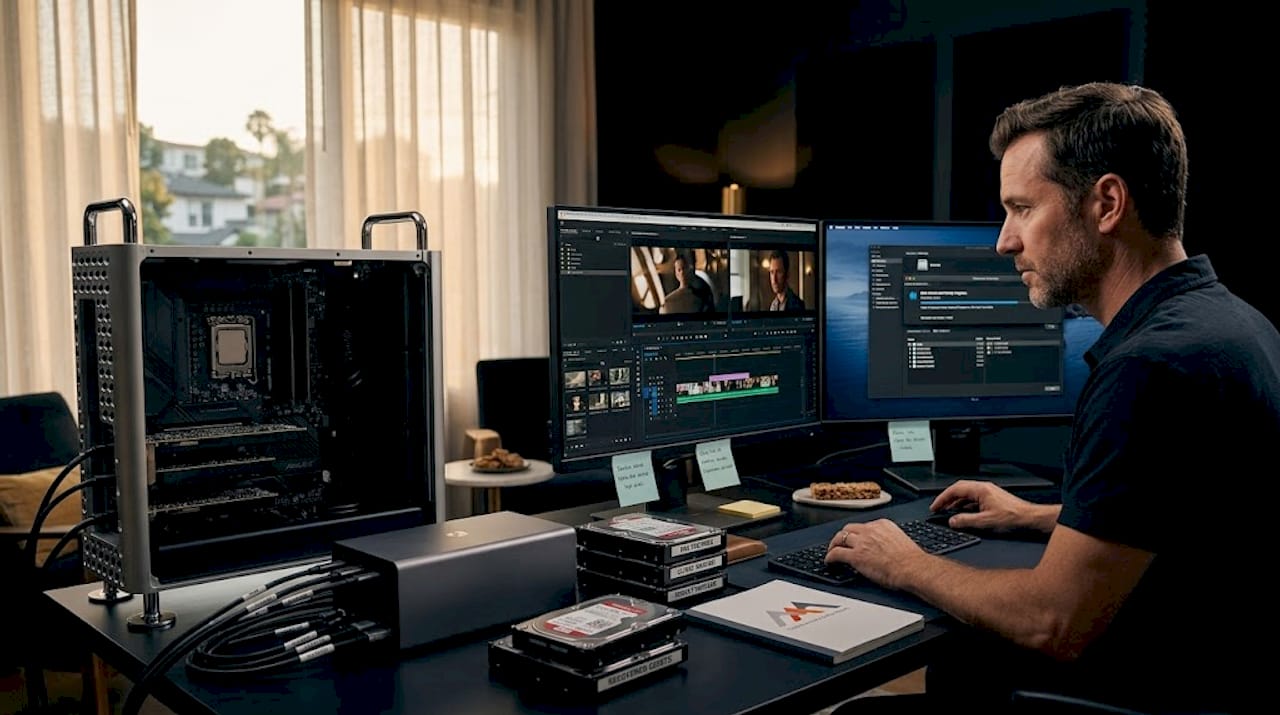
External enclosures require dedicated desk space, power bricks, and cables. For a post-production facility running multiple operators at adjacent workstations, cable management becomes a real operational cost. Internal PCIe storage and networking cards eliminate that complexity entirely. There is also a latency argument: while Thunderbolt 5 is fast, PCIe slots communicate directly with the CPU without traversing a Thunderbolt controller, which adds a small but measurable latency layer. For latency-sensitive workloads like live audio processing or real-time video capture, that difference is not negligible.
Here is a practical breakdown of where each approach wins:
- Internal PCIe cards win when you need the lowest possible latency, the cleanest physical setup, or dedicated bandwidth that does not compete with external devices connected to the same Thunderbolt bus.
- External Thunderbolt enclosures win when you need to share a storage array between multiple workstations, when portability matters, or when you want to avoid opening the Mac Pro chassis.
- Cost at scale often favors internal expansion. A single PCIe NVMe controller card hosting multiple drives is typically less expensive than a Thunderbolt 5 enclosure with equivalent drive count.
- Power and thermal management are simpler internally, since the Mac Pro’s chassis handles cooling for expansion cards rather than requiring external fans and power supplies.
Pro Tip: If you are running both internal PCIe storage cards and external Thunderbolt devices simultaneously, remember that Thunderbolt ports share Pool B bandwidth with some internal slots. Saturating your internal cards can silently throttle your Thunderbolt-connected displays or drives.
Planning Mac Pro expansions for professional workflows
Getting the most out of Mac Pro expansion slots requires deliberate planning, not just purchasing the highest-spec cards available. The bandwidth pool architecture is the single most important factor most users fail to account for before spending thousands of dollars on hardware.
Here is a practical planning sequence for configuring a high-performance Mac Pro expansion setup:
- Map your workflow demands first. Identify which tasks consume the most bandwidth: simultaneous NVMe reads, network data transfer, video capture, or GPU compute. Each has different lane and latency requirements.
- Audit your slot assignments using Expansion Slot Utility. Before installing any card, open Expansion Slot Utility and review how macOS has pre-assigned pool allocations. This gives you a baseline to work from.
- Separate high-bandwidth cards across pools. Avoid placing two storage-intensive cards in the same bandwidth pool. Distributing a NVMe RAID controller into Pool A while placing a 25GbE networking card in Pool B prevents the two from competing for the same lanes.
- Account for card power draw cumulatively. Each slot supports up to 75W, but the total system power budget for all expansion cards combined has a ceiling. If you are running four or five cards simultaneously, confirm that their cumulative power draw stays within the chassis limits.
- Factor in PCIe bifurcation limitations. The Mac Pro does not support PCIe bifurcation, meaning you cannot split a single PCIe slot to host multiple NVMe drives using a simple bifurcation riser. You need a PCIe card with an onboard controller for multi-drive configurations, which increases both cost and complexity.
- Test under real workload conditions before finalizing placement. Use tools like NVMeBenchmark or iperf3 to validate that your installed cards perform at expected speeds after pool assignment changes.
This level of planning is what separates a Mac Pro setup that runs at 90% of theoretical throughput from one that chokes unexpectedly during a demanding project render or live recording session.
Mac Pro upgrade options beyond expansion slots
Expansion slots are the most visible Mac Pro upgrade option, but they are not the only hardware lever available. Understanding the full scope of Mac Pro hardware upgrades helps professionals build a system that grows with their workload rather than hitting a ceiling on day one.
The most significant non-slot upgrade is internal SSD capacity. Unlike the Mac Studio, which ships with storage soldered to the logic board, Mac Pro internal SSDs can be upgraded using Apple’s proprietary SSD modules. A user who configures with 1TB at purchase can later add capacity up to 8TB internally, without relying on an expansion slot. This is a meaningful distinction for users whose storage requirements grow over a project lifecycle.
Additional upgrade considerations worth noting:
- Memory configuration on the Mac Pro is fixed at purchase via Apple’s Unified Memory architecture. You cannot add or swap RAM after the fact, which makes selecting the right memory tier at configuration time critical.
- Connectivity ports on the Mac Pro include six Thunderbolt 4 ports, two USB-A ports, two HDMI 2.1 ports, and two 10GbE Ethernet ports built into the base system, which reduces dependency on expansion cards for standard professional networking.
- Interplay between SSD upgrades and expansion strategy deserves attention: if your primary storage need is raw capacity rather than RAID performance, an internal Apple SSD module upgrade is often more cost-effective than occupying a PCIe slot with a storage controller card.
It is also worth noting that Apple has confirmed no plans for future Mac Pro models beyond the current generation, which means the existing Apple Silicon Mac Pro represents the final iteration of this expansion-capable design. For professionals who depend on internal PCIe expandability, this makes current hardware decisions more consequential than they might otherwise be.
My perspective on the ongoing value of Mac Pro expansion
I’ve worked alongside engineers, video editors, and audio professionals who use Mac Pro setups in Los Angeles production environments, and the honest truth is that Mac Pro expansion still solves problems that compact Macs simply cannot address. When a colorist is running a multi-drive NVMe RAID array at 6GB/s sustained read speeds while simultaneously capturing from an SDI capture card over a separate PCIe bus, no Thunderbolt dock in the world delivers that without compromise.
What I’ve learned from watching both Intel Mac Pro and Apple Silicon Mac Pro setups in practice is that the users who get burned are almost never the ones who buy the wrong card. They are the ones who skip the bandwidth pool planning step entirely and wonder why their storage card underperforms. The Expansion Slot Utility configuration step is unglamorous, but it is the difference between a system that performs as specified and one that generates frustrating support calls six months into a project.
My honest take: the Mac Pro’s expansion value is real, but it is narrower than the marketing suggests. It is specifically the right tool for professionals who need internal PCIe integration, not for anyone who simply wants the fastest Mac available. The Mac Studio handles the latter case well. If your workflow touches multi-drive RAID, specialized video capture, or high-density networking inside a single chassis, the expansion slots justify the price premium conclusively.
— Kaya
Mac Pro repair and data recovery in West LA
If you are managing a Mac Pro with custom PCIe expansion cards, specialized RAID configurations, or APFS volumes spread across multiple internal drives, the stakes for data recovery and hardware repair are considerably higher than with a standard Mac setup. Macwestlosangeles has been providing specialized Mac Pro repair and data recovery services since 2006, with technical expertise covering PCIe expansion card troubleshooting, NVMe and RAID array recovery, and logic board component repair.

If you are experiencing data loss, stop all disk writes immediately and call Macwestlosangeles at 310-866-0828. Free diagnostics are available with a no recovery, no charge guarantee. Same-day appointments are offered for clients across West LA, Santa Monica, Beverly Hills, Brentwood, Westwood, Venice, Hollywood, and Culver City. The office is centrally located at 12041 Wilshire Blvd, Ste 26, near UCLA and the Getty Center, making it a practical stop for any professional experiencing an urgent hardware or data recovery emergency.
FAQ
What is Mac Pro expansion exactly?
Mac Pro expansion refers to installing internal PCIe expansion cards into the Mac Pro’s six available PCIe Gen 4 slots, enabling hardware such as NVMe storage controllers, video capture cards, networking adapters, and GPU modules to be integrated directly into the system.
How many expansion slots does the Apple Silicon Mac Pro have?
The current Apple Silicon Mac Pro provides six PCIe Gen 4 expansion slots, with bandwidth managed across two pools (Pool A and Pool B) via the built-in Expansion Slot Utility application.
Can I upgrade the SSD in a Mac Pro after purchase?
Yes. Unlike the Mac Studio, the Mac Pro uses Apple proprietary SSD modules that can be upgraded after purchase, with internal storage expandable up to 8TB without using any of the PCIe expansion slots.
Does Mac Pro support PCIe bifurcation?
No. The Apple Silicon Mac Pro does not support PCIe bifurcation. Multi-drive NVMe configurations require a PCIe card with an onboard storage controller, which adds cost but is the correct solution for high-drive-count RAID arrays.
Will internal PCIe cards affect my Thunderbolt device performance?
Yes, in certain configurations. Thunderbolt ports on the Mac Pro share bandwidth with Pool B PCIe slots. Saturating internal PCIe cards assigned to Pool B can reduce available bandwidth for Thunderbolt-connected external drives and displays, making careful slot assignment a critical part of system configuration.