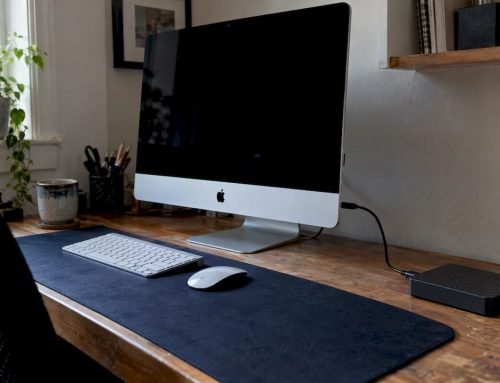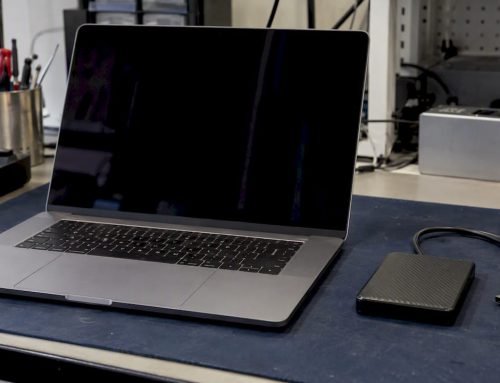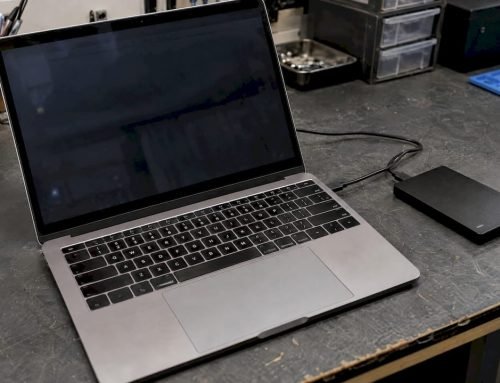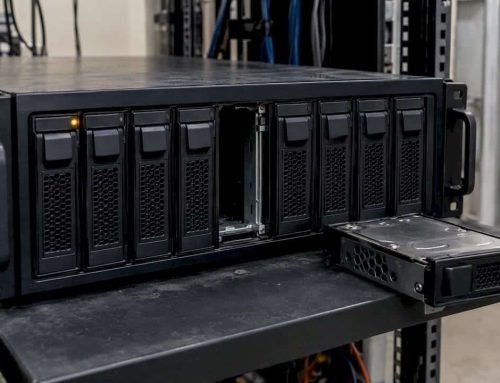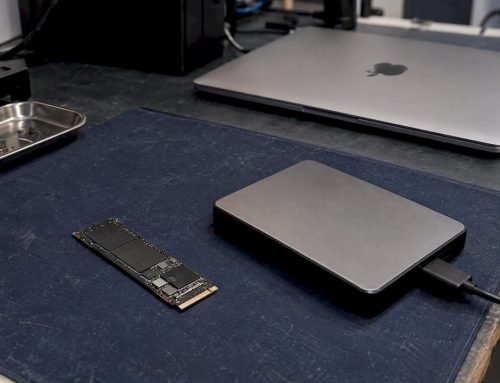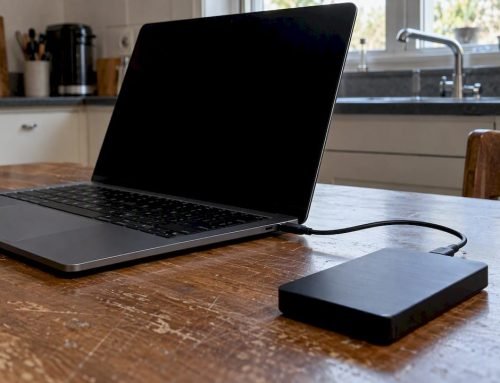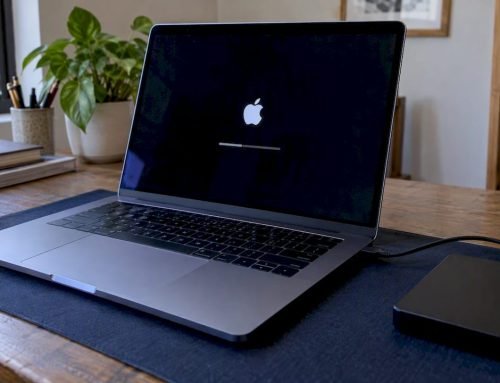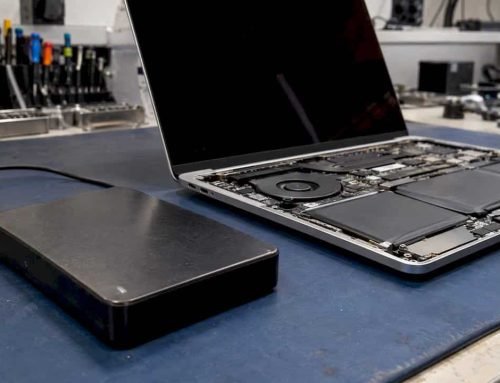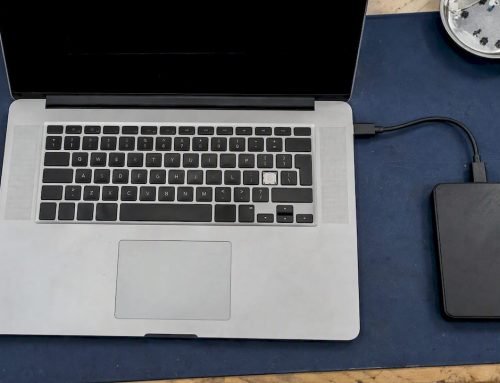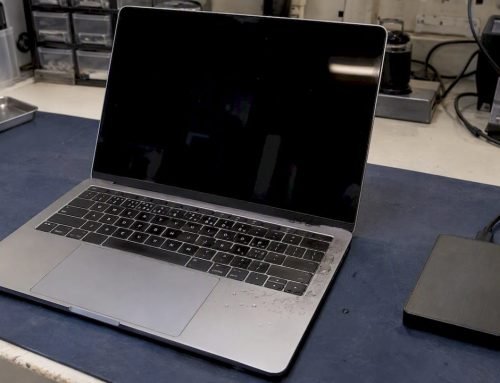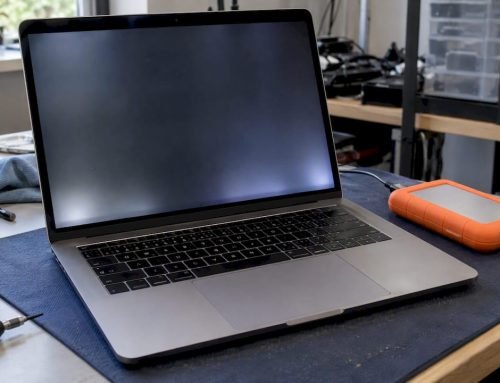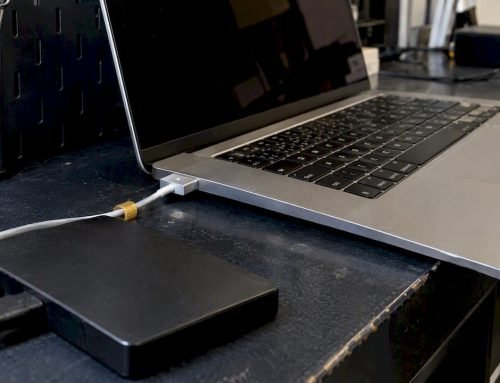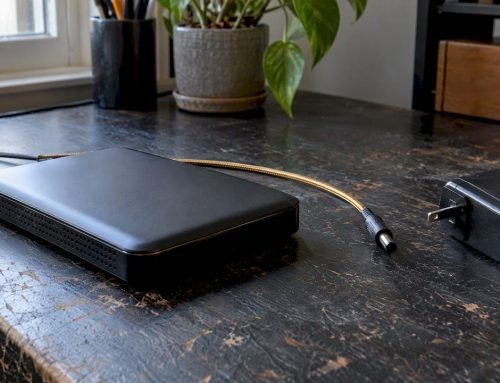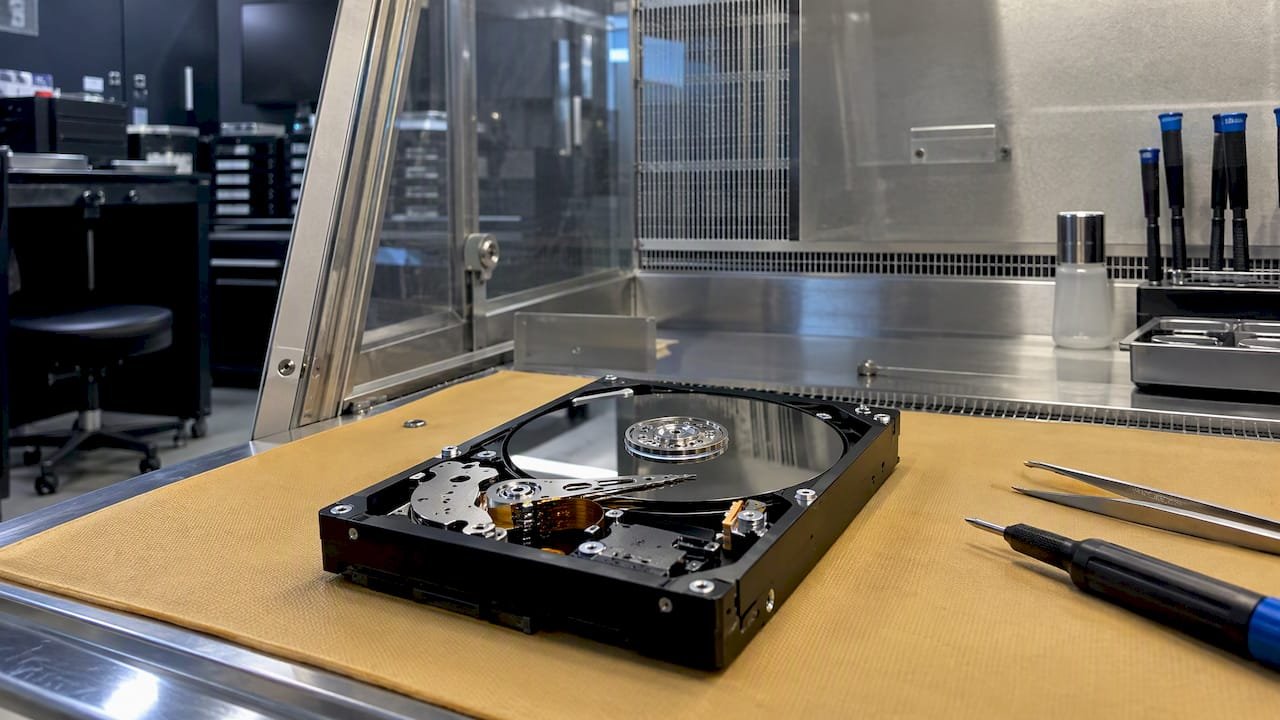
Stop all disk writes immediately: unplug the external drive, do not run repair or recovery software on it yet, and call us at 310-866-0828 to book a same-day appointment at our West Los Angeles lab. Every new write, every failed mount attempt and every “repair” pass can overwrite or damage the data you are trying to get back, and a drive that clicks, beeps or vanishes from Finder should never be left powered on to “see if it comes back.” We have recovered Mac external drives since 2006, diagnostics are free, and under our no recovery, no charge policy you pay nothing if we cannot retrieve your files.
TL;DR
- Unplug the drive and stop all writes. Do not save, copy, format, initialize or reinstall anything onto it.
- Disk Utility First Aid is reasonable for a drive that is healthy but will not mount. It is the wrong tool for a drive that clicks, grinds, disconnects repeatedly or is not detected at all.
- Logical problems (deleted files, a formatted or damaged APFS volume, a lost partition) and physical problems (failed heads, a dead controller, a damaged USB bridge) need different handling, and mixing them up is how recoverable drives become unrecoverable.
- We offer free diagnostics, same-day appointments, and no recovery, no charge, at 12041 Wilshire Blvd, Ste 26, Los Angeles.
Table of Contents
- First, work out what kind of failure you have
- Safe steps you can take before calling
- Why recovery software is not always the answer
- How we recover external drives in our West LA lab
- External drives that are part of RAID and NAS setups
- Our perspective: image first, repair second
- Same-day service for West LA, Santa Monica and Beverly Hills
- Logical or physical: what each costs you in risk
- Get your external drive looked at today
- FAQ
- Sources
First, work out what kind of failure you have
External drive failures fall into two families, and the right next step depends on which one you are facing. A logical failure means the hardware works but the file system or directory structure is damaged or erased. A physical failure means a component such as the read/write heads, the motor, the PCB or the USB-to-SATA bridge has failed.
Use the symptom table below as a first pass. It is a triage guide, not a diagnosis, because several symptoms overlap.
| Symptom | Most likely category | What to do now |
|---|---|---|
| Drive appears in Disk Utility but will not mount, or Finder offers to “Initialize” it | Logical (damaged APFS or HFS+ volume, corrupted partition map) | Do not click Initialize or Erase. Try the read-only steps below, then call us if they fail. |
| Files deleted or Trash emptied | Logical | Stop writing to the drive. Check Time Machine first. |
| Drive was reformatted or quick-erased by mistake | Logical | Do not copy anything onto it. Recovery is often possible if nothing has overwritten the old data. |
| Repetitive clicking, ticking or scraping | Physical (head or platter damage) | Unplug it immediately. Do not power it up again. |
| Spins up, then spins down, or beeps | Physical (motor, firmware or heads) | Unplug it. Professional diagnosis required. |
| Drive does not spin and no light shows | Physical (power, PCB, bridge board) | Try a different cable and port once. If nothing changes, stop. |
| Drive disconnects and reconnects repeatedly | Either (failing cable, bridge, or bad sectors) | Swap the cable once. If it persists, power it down. |
| Drive was dropped or knocked while running | Physical | Do not power it up. |
| Drive was in water or around heavy moisture | Physical and electrical | Do not power it up. Keep it dry and bring it in. |
If your symptom is in the lower half of that table, skip the do-it-yourself section and call us. Software cannot fix a mechanical fault, and each extra power-on can score a platter.
Safe steps you can take before calling
These steps are read-only or low-risk. They are worth trying only when the drive is silent, spins normally and is detected by your Mac.
- Swap the cable and the port once. Use a known-good cable and plug directly into your Mac, not through a hub. Bus-powered 2.5-inch drives are especially sensitive to weak ports.
- Check whether the Mac sees it at all. Open Disk Utility, choose View > Show All Devices, and look for the drive in the sidebar. If the physical device appears even though the volume does not, the hardware is at least responding.
- Check your backups. If Time Machine or another backup contains the files, restore from it rather than touching the failing drive further.
- Try First Aid only on a healthy-sounding drive. Apple’s Disk Utility documentation explains that First Aid can check for and fix errors related to the formatting and directory structure of a storage device, and that if it cannot repair the disk or reports a failure, you can try again. Be aware of the trade-off: First Aid modifies file system structures. On a drive holding irreplaceable data and showing any sign of hardware stress, we would rather image it first and repair a copy.
- Stop after one failed repair. Repeated First Aid runs, third-party “fix” utilities and repeated forced mounts on a failing disk only add stress.
Never do any of the following on a drive you want recovered: initialize or erase it, reinstall macOS onto it, run recovery software that writes its output to the same drive, open the enclosure, or put the drive in a freezer. None of these are recovery methods, and each can turn a routine job into a difficult one.
Why recovery software is not always the answer
The pages that rank for this topic are mostly recovery software guides, and for a simple deletion on a healthy drive, scanning software can work. The risks are specific, though.
- Scanning a failing drive stresses it. A full-surface scan reads every sector. On a drive with weak heads, that can finish the job the drive had already started.
- APFS complicates undelete. On APFS volumes, deleted file metadata is often discarded faster than on older HFS+ volumes, so a file-carving scan may return data with no file names or folder structure.
- Encryption changes the rules. FileVault is Apple’s disk encryption for macOS, and externally encrypted volumes require the correct password or recovery key. Without it, no tool, ours included, can make encrypted data readable. Locate your password or recovery key before you bring the drive in.
- Output location matters. Recovered files must be written to a different drive with enough free space. Saving onto the source overwrites what you are trying to rescue.
When the drive is physically healthy but the file system is damaged, we work from a sector-level image rather than the original disk. That means the fragile original is read once, and all the repair experimentation happens on the copy.
How we recover external drives in our West LA lab
Our process is the same for a bus-powered portable drive and a desktop enclosure, though the tools differ by failure type.
- Free diagnostics. We examine the drive, test the enclosure and bridge, and determine whether the problem is logical, physical or both. You receive a free estimate before any work begins.
- Your approval. You approve the job, and we proceed. If we cannot recover your data, you do not pay: that is our no recovery, no charge policy.
- Stabilize and image. For a healthy drive, we create a forensic image so the original is not worked on repeatedly. For physical faults, the hardware is addressed first, such as bridge or PCB issues, so the drive can be read.
- Rebuild the file system. On the image, we reconstruct APFS, HFS+, exFAT or NTFS structures, rebuild partition maps and recover directory trees so your files return with their names and folders wherever the data allows.
- Verify and return. We confirm that the files open, and deliver them on fresh media.
The same lab handles the Mac itself. Our in-house engineers perform component-level logic board repair and precision micro-soldering, which matters when the data you need lives on a Mac whose internal storage is soldered. If you are unsure whether the problem is the external drive or the Mac it was attached to, one diagnostic covers both. See our Mac repair service page for what we handle.
External drives that are part of RAID and NAS setups
Many “external drives” are really two or more disks in one enclosure, such as a dual-bay desktop unit configured as a striped or mirrored set. The configuration decides what is at stake.
| RAID level | How it stores data | What it means when something fails |
|---|---|---|
| RAID 0 | Striped across all disks, no redundancy | One failed disk makes the whole volume unreadable. Needs all member disks imaged. |
| RAID 1 | Mirrored across disks | Survives a single disk failure, but a mirror copies deletions and corruption to both disks. |
| RAID 3 | Striped with a dedicated parity disk | Can tolerate one disk failure, though losing the parity disk and another member is serious. |
| RAID 5 | Striped with distributed parity | Tolerates one failed disk. A second failure, or a failed rebuild, takes the array offline. |
If an array is degraded, do not start a rebuild, swap disks around or reinitialize the set. Label each disk with its slot position, power the unit down and call us. The original order and configuration are the map we use to reassemble the data. We have more detail in our RAID data recovery guidance, and our RAID 0 failure workflow covers the most fragile case.
Our perspective: image first, repair second
We see the same pattern repeatedly. A person plugs in a drive that will not mount, tries a free scanning app, tries a second one, runs First Aid a few times, and then calls us after the drive has been powered up a dozen times. The logical problem that was a straightforward job on day one is now tangled with a hardware fault that developed on day three.
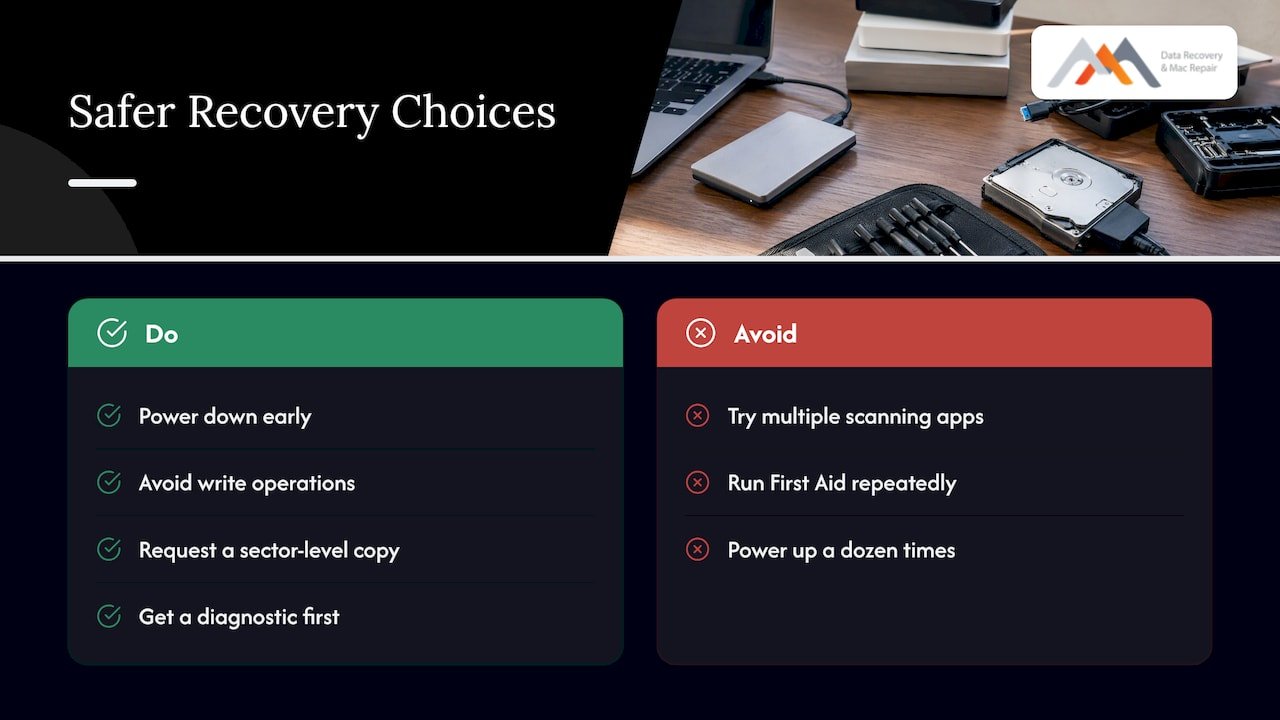
Our view, built on work since 2006, is that the first hour decides the outcome more than any tool. Power down early, avoid anything that writes, and let a lab take a sector-level copy before anyone experiments. We would rather tell you in a free diagnostic that your drive is fine and you only need to restore from Time Machine than have you spend a weekend risking the data. And when the answer is that the drive needs real work, the no recovery, no charge policy means the risk of an unsuccessful attempt sits with us, not with you.
There is one limit we state plainly: some failures cannot be reversed. Heavily overwritten data, drives with severe platter damage, and encrypted volumes without credentials may not be recoverable. That is exactly why the diagnostic comes before any commitment.
— Kaya
Same-day service for West LA, Santa Monica and Beverly Hills
We are centrally located at 12041 Wilshire Blvd, Ste 26, Los Angeles, between the 405 and Santa Monica, near UCLA and the Getty Center. That puts the lab within a short drive for clients in Westwood, Brentwood, Santa Monica, Beverly Hills, Venice, Culver City and Hollywood. Bringing a drive in person means no shipping risk, no waiting for a mail-in label and a face-to-face answer on the day.
What to bring:
- The external drive, its original cable and its power adapter if it has one
- The Mac it was last connected to, if you can, since it can hold clues such as the volume layout
- Your password or FileVault recovery key, if the drive is encrypted
- A short list of the folders and file types that matter most, so we can prioritize verification
For emergencies, such as a business deadline or a failing drive holding the only copy of a project, call 310-866-0828 and ask for a same-day appointment. Our data recovery services page lists everything we recover, including hard drives, SSDs, RAID, NAS and memory cards.
Logical or physical: what each costs you in risk
We do not publish fixed prices, because the work depends on the failure, the capacity and the condition of the drive. What we can say is how the situations compare in risk and likely approach.
| Situation | Typical approach | Risk if you keep experimenting |
|---|---|---|
| Accidentally deleted files, healthy drive | Image, then scan the copy for the directory records | New writes can overwrite the files |
| Quick-formatted drive | Image, then rebuild the prior file system | Copying new data onto the drive overwrites old data |
| Damaged APFS or HFS+ volume | Rebuild volume structures on a copy | Repeated repair passes can alter metadata further |
| Failed USB bridge or PCB | Repair or substitute the board, then image | Forced power cycles can damage the drive |
| Head or platter damage | Stabilize the hardware, then image | Every power-on can worsen the damage |
| Degraded RAID | Image every member, reconstruct virtually | A rebuild on a bad member can destroy parity |
Free diagnostics tell you which row you are in, and you receive a free estimate before anything proceeds.
Get your external drive looked at today
If your drive has not mounted, has clicked, or has lost files you cannot afford to lose, bring it to our lab. We offer free diagnostics, same-day appointments and a no recovery, no charge policy, with Mac expertise built up since 2006. Call 310-866-0828 or see our hard drive recovery services to start. If your Mac itself is part of the problem, our team also handles logic board repair, liquid damage, and screen and battery replacement.
For more background before you come in, our Mac hard drive recovery step-by-step guide and our article on recovering deleted files before TRIM go deeper on the logical cases.
FAQ
Can an external hard drive be recovered?
Usually yes, when the data has not been overwritten and the drive has not been repeatedly powered up while failing. Logical problems such as deletion, formatting or a damaged APFS volume are often recoverable, as are many physical faults handled in a lab. Encrypted drives need the correct password or recovery key.
Why does my external drive show up in Disk Utility but not in Finder?
That usually means the Mac sees the device but cannot mount the volume, often because of a damaged file system or partition map. Do not erase it. You can try First Aid once if the drive is quiet and healthy, and if it fails, bring the drive to us for diagnosis.
Should I use recovery software or a professional service?
Software is a reasonable first move only for simple deletions on a drive that is silent and stable. If the drive clicks, disconnects, does not spin, is part of a RAID set or holds irreplaceable data, a professional lab image is safer because it reads the original disk once.
How much does external hard drive recovery cost in Los Angeles?
Cost depends on the failure type, capacity and condition of the drive, so we do not quote a fixed price. Diagnostics are free, you get a free estimate, and with our no recovery, no charge policy you pay nothing if we cannot recover your data.
Can I get a same-day appointment?
Yes. Call 310-866-0828 and we will arrange same-day service whenever we can, including emergencies. Our lab is on Wilshire Blvd in West LA, close to Westwood, Santa Monica and Beverly Hills.
Sources
- Repair a storage device in Disk Utility on Mac, Apple Support
- FileVault, Information Systems & Technology, Chapman University