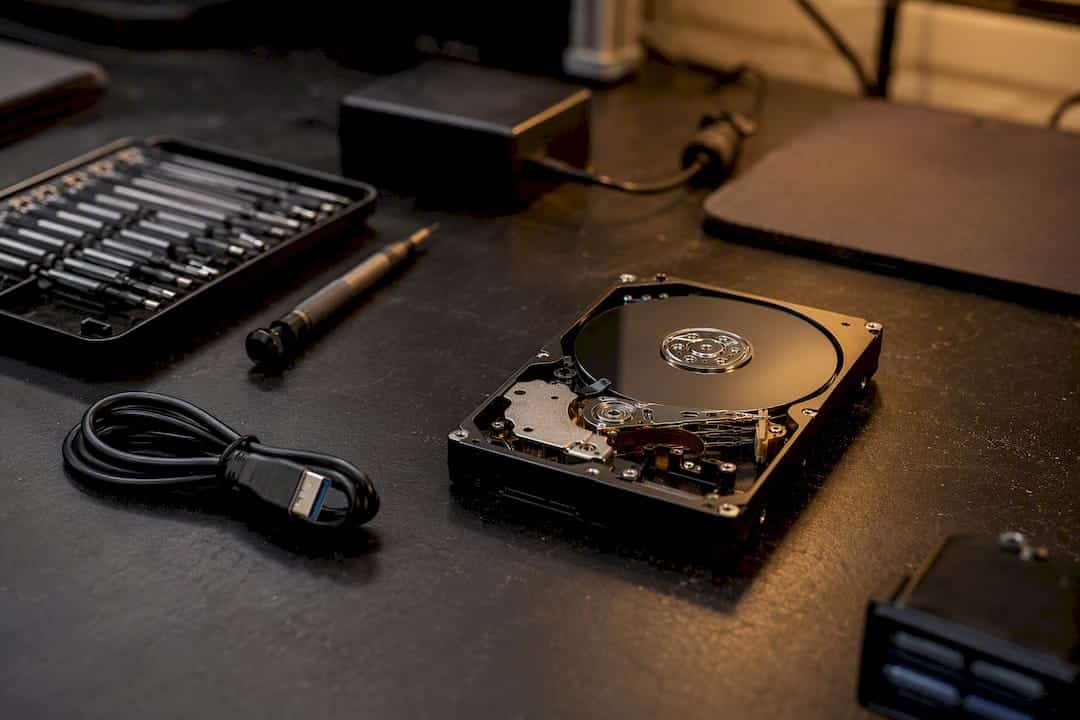
A MacBook battery replacement typically costs between $149 and $249 through Apple, $120 to $260 at a qualified independent shop, or $60 to $130 for a DIY kit if you’re comfortable opening the case yourself. Apple waives the fee entirely under AppleCare+ once your battery’s maximum capacity drops below 80%. For most owners, the right path depends less on price and more on your MacBook’s age, warranty status, and how much risk you’re willing to take with the internals.
- Apple: best for newer, sealed unibody models or anyone still under AppleCare+.
- Independent shop: often the better call for older MacBooks out of warranty, when speed or price matters more than an Apple Store visit.
- DIY kit: only worth it if you’ve swapped a battery before and understand the adhesive and connector risks involved.
TL;DR:
- Out-of-warranty MacBook battery replacements typically cost between $149 and $249 from Apple, with free service if your battery capacity drops below 80% under AppleCare+.
- Independent repair shops usually charge $120 to $260, with prices varying based on OEM or aftermarket parts, and often offer shorter or longer warranties.
- DIY replacement kits cost $60 to $130 but carry risks such as adhesive damage, swelling, voided warranty, and potential damage to internal components.
- Replacement time varies from under an hour for older, screw-based models to several hours for glued-in batteries in newer designs, depending on stock availability.
- Fully diagnostic, experienced local technicians offer same-day service, clear upfront pricing, and safeguard data, making them preferable for complex or urgent repairs.
Table of Contents
- How Much Is a MacBook Battery Replacement Cost Through Apple?
- What Do Independent Shops Charge for a Battery Swap?
- Are DIY Battery Kits Actually Worth the Savings?
- Why Do Battery Replacement Quotes Vary So Much?
- How Long Does a MacBook Battery Replacement Take?
- How Do You Choose Where to Get Your MacBook Battery Replaced?
- Why Local, Experienced Technicians Make the Difference
- How Battery Health Actually Shows What You’re Dealing With
- Get Your MacBook’s Battery Diagnosed the Right Way
- Key Takeaways
- Sources
- FAQ
How Much Is a MacBook Battery Replacement Cost Through Apple?
Apple’s own repair pages list out-of-warranty battery service running roughly $149 to $249, depending on which MacBook you own. A 13-inch MacBook Air typically lands near the lower end of that band, while a larger MacBook Pro, especially one with a bigger battery pack, tends to sit closer to the top.
Apple’s policy is straightforward on paper: if your battery’s maximum capacity has fallen below 80% and you’re still covered by AppleCare+, the replacement is free. Outside that coverage, you pay the published rate, which may adjust after inspection.
- Sales tax applies on top of the quoted service fee in most states.
- Mail-in service can add shipping charges if you’re not near an Apple Store or authorized provider.
- The initial quote assumes only the battery needs work. If inspection turns up a swollen cell that’s damaged the trackpad or top case, the price climbs from there.
Apple Authorized Service Providers set their own fees within Apple’s general guidelines, so two “Apple” quotes in the same city aren’t always identical. Always ask for the total before you commit, not just the battery line item.
What Do Independent Shops Charge for a Battery Swap?
Independent and third-party repair shops generally quote between $120 and $260 for a MacBook battery replacement, a range wide enough that the part matters as much as the labor. Shops using OEM battery cells priced closer to genuine Apple stock will charge more than those installing aftermarket packs, and aftermarket cells don’t always match Apple’s cycle-life ratings.
Warranty coverage is where shops separate from each other fast. Some offer 90 days on parts and labor; others stretch to a year. A shop that won’t commit to a specific warranty length in writing is telling you something.
- Ask whether the replacement battery is OEM, Apple-refurbished, or aftermarket.
- Confirm the part warranty and the labor warranty separately. They’re not always the same length.
- Independent shops usually beat Apple on turnaround for out-of-warranty machines, since there’s no shipping queue to a repair depot.
Pro Tip: Get the warranty terms in writing before you hand over your MacBook. A verbal “yeah, we cover that” means nothing if the battery fails again in six months.
Older MacBooks well outside AppleCare coverage, or owners who need the laptop back the same day, are usually better served by a trusted local shop than an Apple mail-in queue.
Are DIY Battery Kits Actually Worth the Savings?
DIY battery kits typically run $60 to $130 for most MacBook models, including the replacement cell, adhesive strips, and a small toolkit with spudgers and precision screwdrivers. On paper, that’s less than half of Apple’s low end.
The catch is what compact unibody designs do to that math. Newer MacBooks glue the battery directly to the case, which means removal requires careful adhesive dissolving, not just unscrewing a few brackets.
- Order the correct kit for your exact model year. Battery shape and connector position change between generations, sometimes within the same model line.
- Set aside real time, not a lunch break. Adhesive removal on a glued-in pack can take an hour or more if you’re doing it carefully.
- Watch for swelling and hidden connector clips. A swollen cell can crack against the trackpad cable if pried the wrong way, and one missed clip can leave a component disconnected after reassembly.
Pro Tip: A swollen lithium battery should never be bent, punctured, or forced. If yours looks puffy, stop and get it removed by someone with proper handling experience rather than risk it yourself.
DIY also voids any remaining Apple warranty on the machine, and a botched swap that damages the logic board or top case turns a $90 project into a bill far larger than Apple ever quoted.
Why Do Battery Replacement Quotes Vary So Much?
Model generation is the biggest single factor. A MacBook Air’s smaller battery costs less to source and swap than the larger, denser pack found in a 16-inch MacBook Pro, and Apple’s own model-specific pricing reflects that gap directly.
Labor time matters more than most owners expect. Compact, glued-in designs simply take longer to service than older MacBooks with screwed-in battery packs, and shops price labor by the hour whether they say so explicitly or not.
- Whether the top case, keyboard assembly, or trackpad has to come out alongside the battery.
- Diagnostic fees, which some shops waive and others charge upfront regardless of outcome.
- Sales tax and shipping, both of which sit outside the “battery price” you see quoted first.
- Whether data backup is included or left entirely to you before the machine goes in for service.
That last point deserves attention. A battery swap shouldn’t touch your data, but any repair that involves opening the machine carries some risk, and a shop that doesn’t ask about backups before starting work isn’t being careful.
How Long Does a MacBook Battery Replacement Take?
Turnaround depends heavily on where you go and whether parts are in stock. Apple Store visits with the correct battery on hand can be same-day; mail-in service through Apple typically runs three to seven business days.
- Inspection first. Every reputable provider checks for swelling, corrosion, or connector damage before quoting a final price.
- Parts confirmation. If the exact battery isn’t in stock, expect a delay while it’s ordered.
- The swap itself. Straightforward replacements on older, non-glued models can take under an hour; newer unibody designs take longer.
- Verification. A good shop checks battery health readings after reassembly, not just that the machine powers on.
Back up your files before any repair, regardless of provider. A battery job rarely touches storage, but you want that insurance anyway.
How Do You Choose Where to Get Your MacBook Battery Replaced?
Start with three questions: Is the MacBook still under AppleCare+? How old is it? And how much do you care about getting an OEM part specifically versus getting it fixed fast and cheap?
- Warranty status determines whether Apple is free or a paid option.
- Model age affects whether OEM parts are even readily available through third parties.
- Urgency pushes toward a local shop with same-day capacity over a multi-day mail-in queue.
- Data sensitivity matters if the repair involves opening a machine with sensitive files and no recent backup.
When you call any provider, ask directly: Is the replacement part OEM or aftermarket? What’s the warranty length on parts versus labor? Is the diagnostic free? What’s the realistic turnaround for my specific model?
Pro Tip: A shop that won’t give you an itemized breakdown, parts, labor, tax, separately, before you agree to anything is a shop you should keep calling around past.
Red flags are easy to spot once you’re listening for them: a vague flat quote with no line items, reluctance to name the battery brand, or pressure to bundle in unrelated repairs you didn’t ask about. A technical diagnosis of what’s actually wrong with your battery should come before any price discussion, not after.
Why Local, Experienced Technicians Make the Difference
Macwestlosangeles has handled Mac hardware repair and data recovery in Los Angeles since 2006, which means a lot of MacBook battery jobs across nearly every generation Apple has shipped, from screwed-in packs to glued unibody designs.
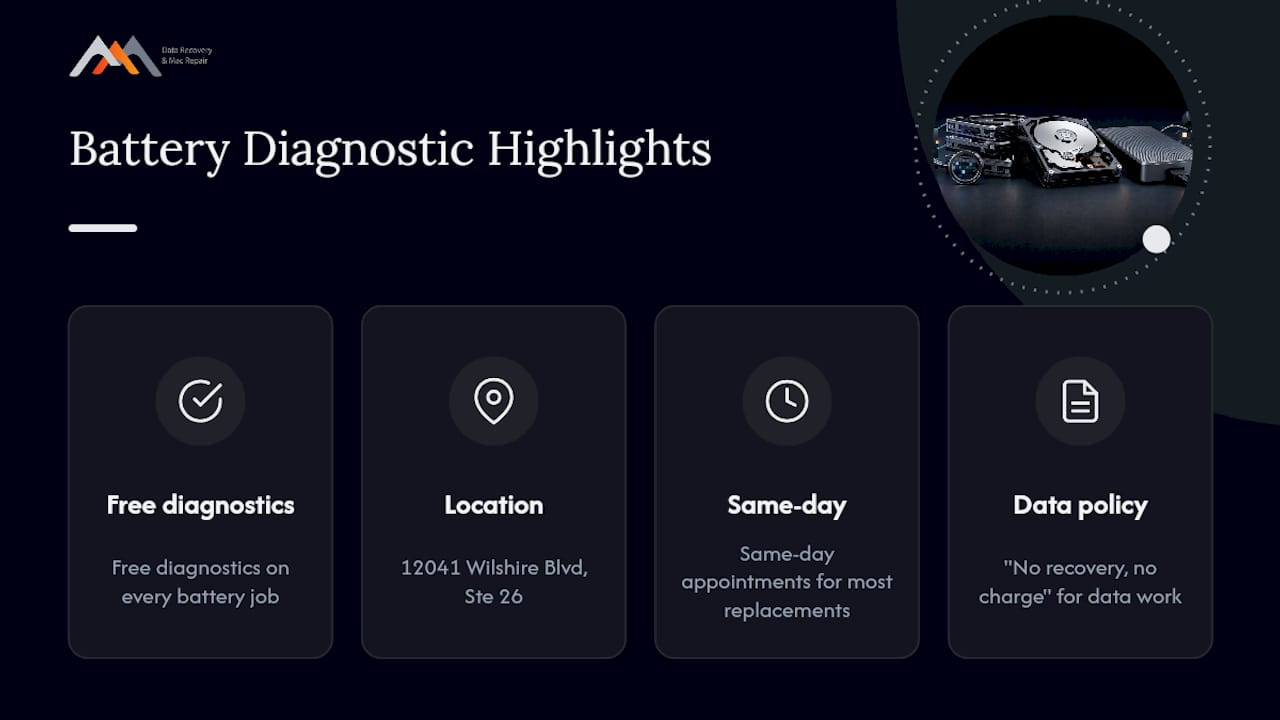
- Free Diagnostics on every MacBook that comes in, so you know what’s actually wrong before you commit to a price.
- Same-day appointments for battery replacement on most models when parts are on hand.
- No recovery, no charge policy on any data recovery work tied to a repair, so a battery job never becomes a data gamble.
- Technicians who work daily with logic board component repair, APFS file systems, and NVMe storage, meaning a battery swap that uncovers a deeper issue gets diagnosed on the spot instead of bounced to another shop.
Before calling, have your MacBook model, year, and battery symptoms ready, along with whether your files are backed up.
How Battery Health Actually Shows What You’re Dealing With
Most owners never check their battery’s condition until the laptop starts shutting down unexpectedly, and by then the decision is already made for you. Apple’s 80% capacity threshold gets cited everywhere, but the number that matters more day to day is cycle count against your MacBook’s rated maximum, visible in System Settings under Battery, then Battery Health.
The conventional advice, “replace it when it hits 80%”, treats the threshold as a hard trigger. In practice, a battery at 82% that’s swollen or that dies from full to zero in twenty minutes needs attention now, warranty math aside. Capacity percentage is a guideline, not a diagnosis.
What gets underrated is the repair versus replace calculation on older Macs. A five-year-old MacBook with a healthy logic board and a dead battery is often a better investment than it looks, a $150 to $250 fix versus a $1,200 replacement laptop is not a close call. But that math flips fast if the same machine also needs a top case, keyboard, or trackpad, which is exactly why getting a full diagnostic before authorizing any single repair matters more than chasing the lowest advertised battery price.
— Kaya
Get Your MacBook’s Battery Diagnosed the Right Way
If you’ve read this far, you already know Apple, independent shops, and DIY kits each come with their own price band and trade-offs. What you actually need next is a straight answer about your specific MacBook, not another price range.
Macwestlosangeles offers free diagnostics on every battery job, so you find out exactly what’s wrong and what it costs before committing to anything, no guessing based on a generic price chart. Centrally located at 12041 Wilshire Blvd, Ste 26, between the 405 and Santa Monica near UCLA and the Getty Center, we serve West LA, Santa Monica, Beverly Hills, Brentwood, Westwood, Venice, Hollywood, and Culver City with same-day appointments for most battery replacements. If your MacBook also handles files you can’t afford to lose, our “no recovery, no charge” policy applies to any data work tied to the repair. Check our Mac repair service page for current appointment availability, or call 310-866-0828 directly to get a same-day diagnostic scheduled.
Key Takeaways
Apple’s official battery service band of $149 to $249 sets the ceiling for most MacBook owners, while independent shops and DIY kits offer lower prices in exchange for warranty and part-quality trade-offs.
| Point | Details |
|---|---|
| Apple pricing band | Out-of-warranty service runs $149 to $249, free under AppleCare+ if capacity is below 80%. |
| Shop pricing band | Independent shops typically quote $120 to $260 depending on OEM versus aftermarket parts. |
| DIY kit cost | Kits run $60 to $130 but risk adhesive damage, swelling hazards, and warranty loss. |
| Price drivers | Model generation, battery size, extra parts needed, and diagnostic or shipping fees all shift the total. |
| Macwestlosangeles option | Offers free diagnostics, same-day appointments, and a no recovery no charge policy for LA-area MacBook owners since 2006. |
Sources
- MacBook Repair Cost in the United States — All 37 Models, Official Apple Prices
- How Much Does MacBook Pro Battery Replacement Cost? – iFixit
- MacBook battery replacement cost overview – Android Authority
FAQ
Is It Worth Replacing a MacBook Battery?
Yes, in most cases, especially if the rest of the machine is healthy. A $150 to $250 battery job is far cheaper than replacing a MacBook outright, and it typically restores normal runtime and performance.
Is Apple Still Doing the $29 Battery Replacement?
No, that pricing was a temporary program tied to a specific past battery issue on certain models and no longer applies. Current out-of-warranty pricing runs $149 to $249 depending on the model.
Is It Worth Repairing a Three-Year-Old MacBook?
Usually yes, since a three-year-old MacBook is typically well within its useful life and a battery or minor repair costs a fraction of a replacement. Get a free diagnostic first to rule out other issues before committing.
Is It Worth Replacing an Apple Battery With an Aftermarket Part?
It depends on your priorities: aftermarket batteries cost less but may not match Apple’s cycle-life ratings, while OEM parts cost more and typically hold capacity longer. Ask any shop directly which type they’re installing before agreeing to a price.
Does Battery Replacement Affect My MacBook’s Warranty?
Apple or Apple Authorized Service Provider repairs preserve your existing warranty coverage, while DIY kits typically void it. Independent, non-authorized shops fall in between, so ask about warranty impact before authorizing any work.