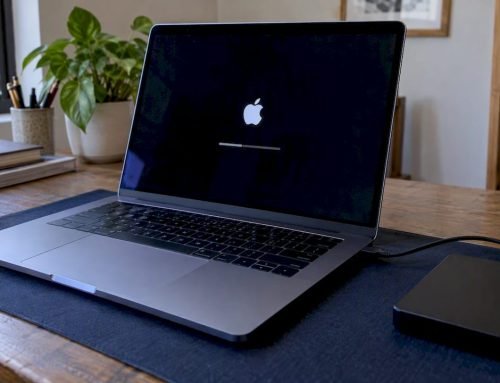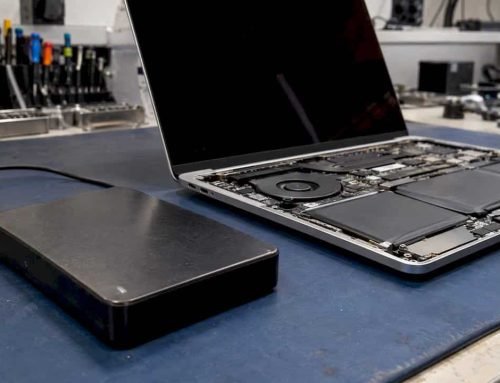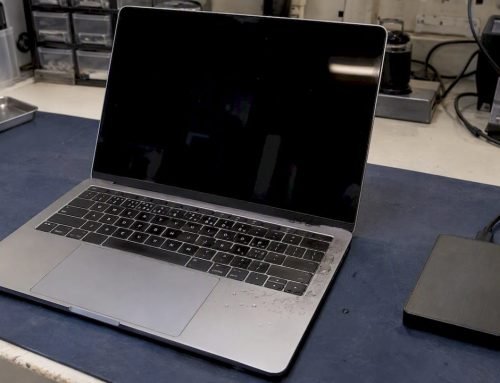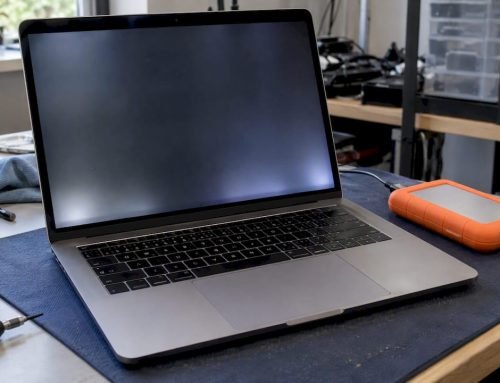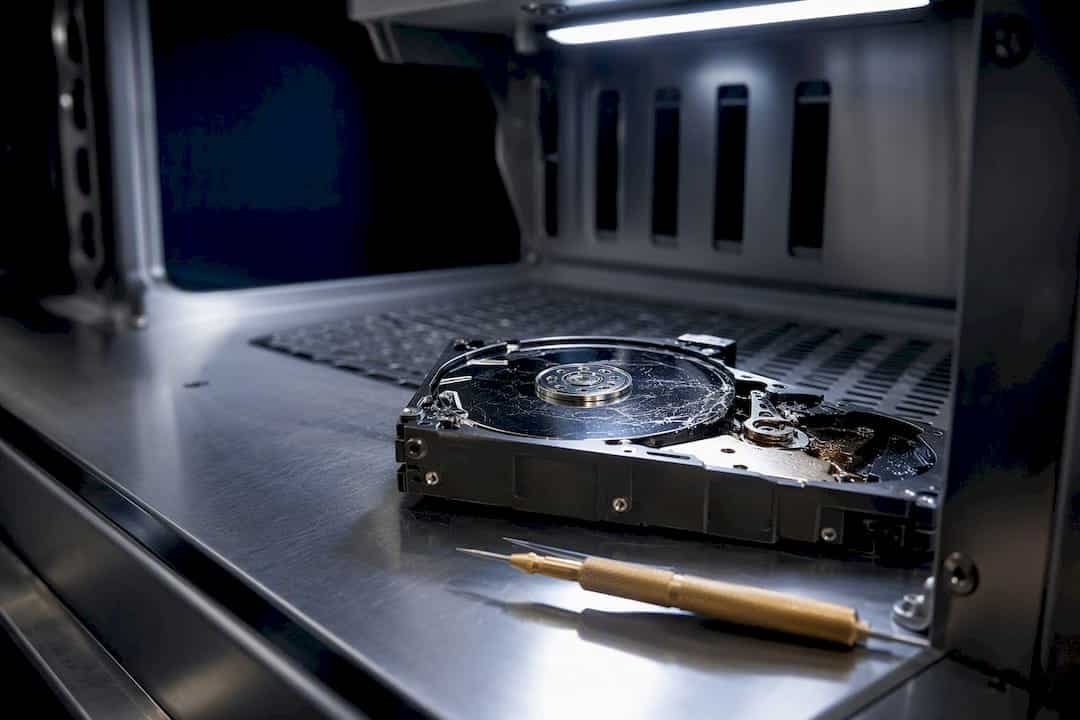
A certified ISO Class 5 cleanroom is required only when a hard drive’s internal components must be physically exposed to recover its data. If your drive is clicking, grinding, silent, or has visible water or fire damage, stop all disk writes immediately, and do not power it back on. For logical failures like accidental deletion or formatting, a cleanroom is unnecessary. Macwest Data Recovery has operated a certified cleanroom facility in West Los Angeles since 2006, offering free diagnostics and a no recovery, no charge policy on every case.
TL;DR:
- Mechanical drive failures with noises, impact, or water damage require a certified ISO Class 5 cleanroom for safe internal repairs, unlike logical failures.
- A genuine ISO Class 5 environment limits airborne particles to 3,520 per cubic meter, essential for platter and head-level recovery, not dust masks or tents.
- Recovery involves a strict process starting with sector-by-sector imaging, followed by cleanroom disassembly, head and platter repairs, and re-imaging, with each step dependent on the previous.
- Portable clean benches are only suitable for electronics work and cannot support head swaps, platter transfers, or internal repairs involving exposed recording surfaces.
- Costly cleanroom recovery is typically driven by physical damage severity, with logical repairs being quicker and cheaper, but physical damage from water, fire, or impact requiring longer, more complex processes.
Table of Contents
- When You Need Cleanroom Data Recovery vs. Software-Only Fixes
- What ISO Class 5 Actually Means for Your Data
- How a Certified Lab Recovers Data From a Failed Drive
- Clean Benches vs. Full Cleanrooms: Know the Limits
- What Cleanroom Recovery Costs and How Long It Takes
- Do This Before Your Drive Goes Anywhere
- Why Macwest Built a Real Cleanroom Instead of a Marketing Claim
- How Macwest Handles Your Recovery, Start to Finish
- Sources
- FAQ
When You Need Cleanroom Data Recovery vs. Software-Only Fixes
The decision comes down to one question: does the drive have to be opened? Mechanical failures expose the platters and read/write heads to open air, and that’s where cleanroom data recovery becomes non-negotiable. Logical failures never require opening the case at all.
Symptoms pointing to mechanical failure include:
- Clicking or grinding noises when the drive spins up
- A drive that won’t spin at all, or spins then stops
- Visible water, fire, or smoke damage to the enclosure
- The drive was dropped, crushed, or suffered a hard physical impact
- A burning smell or scorch marks near the connector
Accidental deletion, reformatting, and file system corruption sit in a different category entirely. These are software-level problems, and the correct first move is imaging the drive, not opening it. Trusted labs and manufacturers advise that hard drives be opened only inside particle-controlled environments, precisely because opening a failed drive outside a cleanroom converts a partially recoverable failure into a total loss. Open that same drive’s twin with a head crash on a kitchen table, and a single dust particle can turn a $400 recovery job into zero recoverable sectors.
What ISO Class 5 Actually Means for Your Data
ISO Class 5, sometimes called Class 100 under the older US federal standard, caps airborne particle counts at 3,520 particles 0.5 micrometers or larger per cubic meter of air. A normal room, by comparison, holds millions of particles of that size in the same volume. That gap explains why a technician can’t just open a drive on a clean desk with a dust mask and call it safe.
Cleanrooms hit that threshold through HEPA filtration, which captures at least 99.97% of particles down to 0.3 micrometers, while ULPA filters push efficiency to 99.9995% at 0.12 micrometers. Laminar airflow pushes filtered air in one steady direction across the workstation, and positive pressure keeps unfiltered air from leaking in through door seams. Temperature and humidity stay in tight ranges too, mainly to control static electricity that can zap sensitive drive electronics.
| Environment | Particle limit (≥0.5 µm/m³) | Typical use |
|---|---|---|
| ISO Class 5 cleanroom | 3,520 | Platter and head-level repairs |
| Portable clean bench | Higher, non-ISO certified | PCB swaps, electronics-only work |
| Standard office/home | Millions | Safe only for closed-case, logical recovery |
Pro Tip: If a shop tells you they have a “cleanroom” but can’t state its ISO classification or show a recent certification date, ask directly. A tent with a HEPA fan bolted to it is not the same thing as a certified ISO Class 5 facility.
How a Certified Lab Recovers Data From a Failed Drive
Recovery follows a strict sequence, and skipping a step is how amateur attempts destroy evidence that was still recoverable.
- Diagnostic imaging first. Technicians attempt write-blocked, sector-by-sector imaging of any readable areas before touching the drive’s internals, since labs prioritize imaging before physical intervention to preserve whatever data is still accessible.
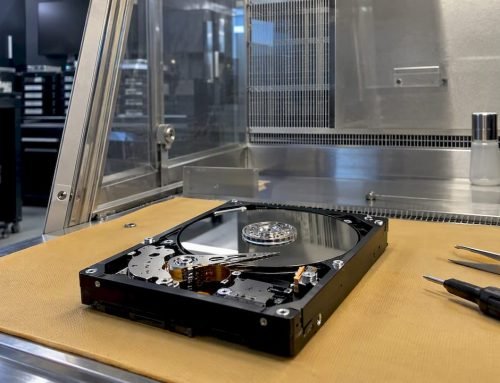
- Opening the chassis inside the cleanroom. The drive only comes apart once diagnostics confirm mechanical failure and imaging options are exhausted.
- Microscopic inspection. Technicians check the platters for scoring, contamination, or head debris under magnification.
- Head replacement or platter transfer. Damaged read/write heads get swapped with matched donor heads; in severe cases, platters move into a healthy donor drive entirely.
- Reassembly and re-imaging. Once the mechanical fault is corrected, the drive gets imaged again, now that its heads can actually read the surface.
- File system reconstruction and verification. Recovered data gets rebuilt into a usable structure, then checked against known file signatures for integrity.
Every step depends on the one before it. A head swap performed on a drive with unknown platter damage is a wasted donor part. This is also where NVMe and APFS-formatted Mac drives diverge from older SSDs and spinning platters, since solid-state failures rarely need a cleanroom at all. There are no moving heads to crash, though corrupted controllers and worn NAND cells bring their own recovery headaches.
Clean Benches vs. Full Cleanrooms: Know the Limits
Portable clean benches and fume hoods have a real place in data recovery, just a narrower one than most people assume. These units filter local air and reduce particulate counts around a workstation, which makes them fine for PCB swaps, connector repairs, and other electronics work that never exposes the platters.
Where they fall short: portable hoods do not reliably meet full ISO Class 5 certification, and they cannot support the work a genuine head crash or platter transfer requires.
- Safe for a clean bench: circuit board replacement, connector repair, firmware chip work
- Not safe for a clean bench: head swaps, platter transfers, any job that exposes the recording surface
- If your drive needs the latter, shipping to a certified facility beats a local attempt every time
If shipping is necessary, place the drive in an anti-static bag inside a padded box, avoid temperature extremes, and skip any DIY freezer tricks you’ve read about online. They rarely help and often accelerate condensation damage.
What Cleanroom Recovery Costs and How Long It Takes
Pricing depends on what’s actually broken. Logical recovery from formatting or deletion is the cheapest and fastest category. Mechanical failures requiring cleanroom work cost more because of the specialized infrastructure, trained labor, and donor parts involved, and RAID or NAS arrays add complexity on top of that since multiple drives must be imaged and reassembled in the correct order.
Turnaround also shifts with severity. A drive with light clicking might image cleanly in a day or two. A drive with fire damage, water intrusion, or scored platters can take considerably longer, since it may need multiple donor attempts.
Several factors move the odds of a full recovery up or down:
- Whether the drive was already opened by someone without cleanroom access
- Visible scoring or debris on the platters
- Exposure to water, fire, or extreme heat
- RAID complexity and which drives in the array actually failed
- Whether any imaging was possible before the physical damage worsened
The single biggest predictor of a bad outcome isn’t the initial failure. It’s a well-meaning DIY attempt that opened the case first.
Do This Before Your Drive Goes Anywhere
Stop all disk writes immediately. That means no more file transfers, no software installs, no “let me try one more thing” restart.
- Power down the device completely and unplug it from any dock or enclosure.
- Do not attempt to open the case, reseat parts, or run recovery software if you hear clicking, grinding, or smell burning.
- Write down exactly what happened: when the failure started, any noises, whether liquid was involved, and any prior recovery attempts.
- Pack the drive in an anti-static bag, cushion it in a padded box, and avoid leaving it in a hot car or direct sun during transport.
- Include a short note with your contact information and a summary of the symptoms.
Pro Tip: If the drive is part of a RAID array, note the drive order, RAID level (0, 1, 3, or 5), and controller model before disconnecting anything. That detail alone can save hours of diagnostic time. For a fuller walk-through of intake and packaging, see this guide on hard drive restoration steps for Mac users.
Why Macwest Built a Real Cleanroom Instead of a Marketing Claim
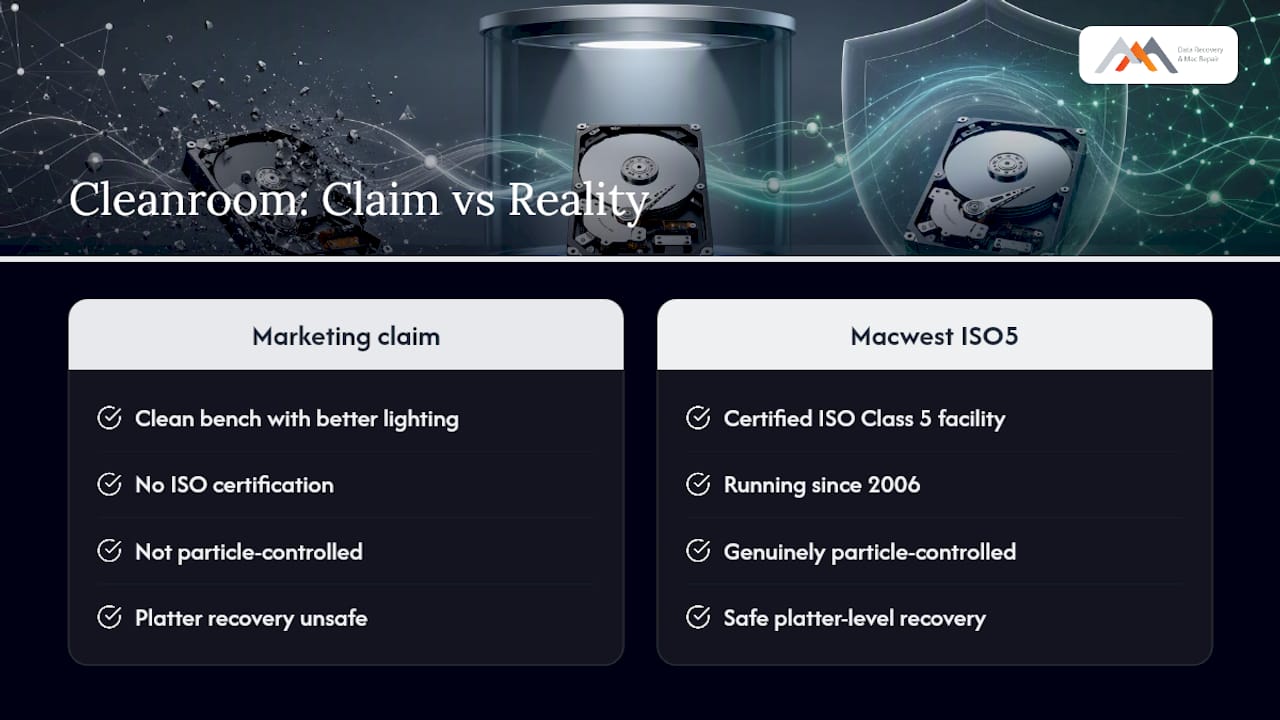
Most of the “cleanroom recovery” advertised online is a clean bench with better lighting. Macwest Data Recovery has run a certified ISO Class 5 facility in West Los Angeles since 2006, and that distinction matters because platter-level recovery either happens in a genuinely particle-controlled environment or it doesn’t happen safely at all.
Every case starts with free diagnostics, and the no recovery, no charge policy means you’re not paying for a guess. The lab handles APFS volumes, NVMe drives, RAID arrays across levels 0, 1, 3, and 5, and logic board component repair for Mac systems specifically, which is a narrower specialty than generalist recovery shops tend to offer.
— Kaya
How Macwest Handles Your Recovery, Start to Finish
If your drive is clicking, waterlogged, or simply won’t spin, you don’t need to gamble on a shop that treats a dust-filtered tent as equivalent to certified cleanroom infrastructure. Macwest Data Recovery runs its ISO Class 5 facility out of 12041 Wilshire Blvd, Ste 26, centrally positioned between the 405 and Santa Monica near UCLA and the Getty Center, and serves West LA, Santa Monica, Beverly Hills, Brentwood, Westwood, Venice, Hollywood, and Culver City.
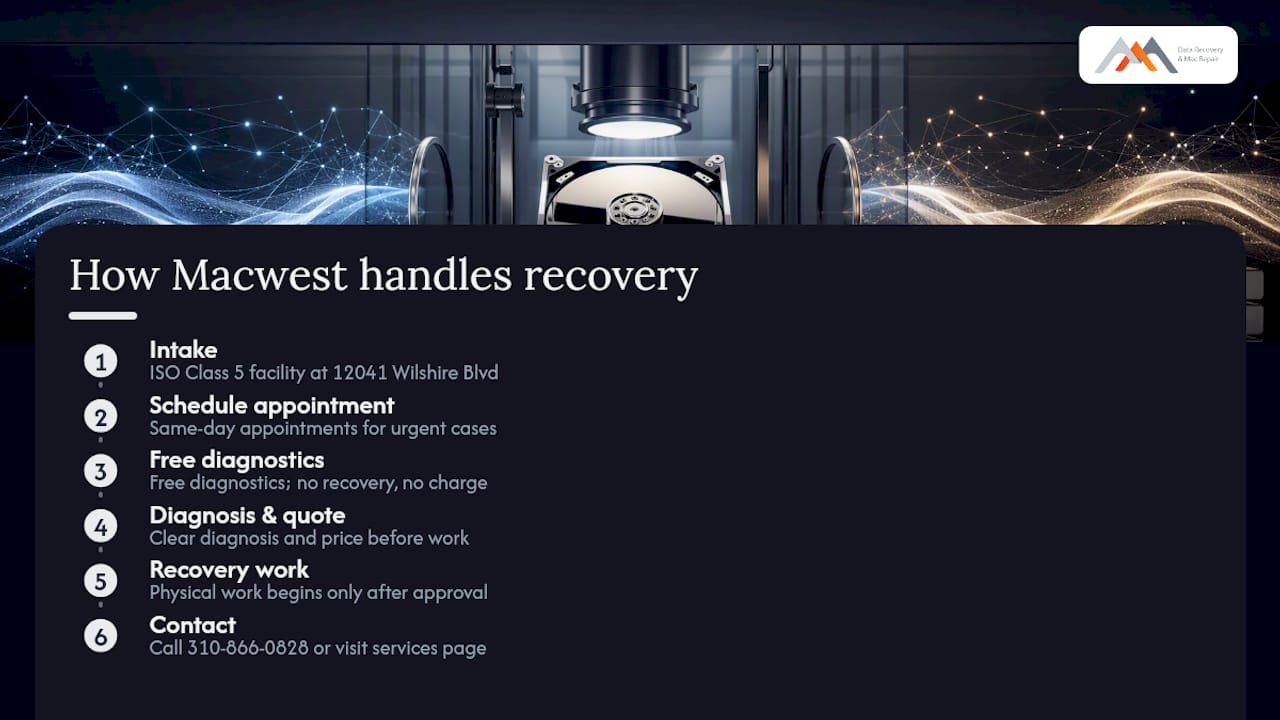
Every job starts with free diagnostics, backed by a no recovery, no charge guarantee, whether you’re dealing with a failed hard drive, a degraded RAID array, or a Mac with a damaged logic board. Same-day appointments are available for urgent cases, and after intake you’ll get a clear diagnosis and price before any physical work begins. Call 310-866-0828 or visit the data recovery services page to schedule a same-day diagnostic.
Sources
- ISO Class 5 cleanroom standards for ISO 14644-1 clean room classes — Terra Universal
- What Is a Clean Room in Data Recovery? Why ISO Class 5 Is Critical — Stellar
FAQ
How much should I pay for data recovery?
Logical recovery from deleted or formatted drives typically costs less than mechanical recovery, since cleanroom work involving head swaps or platter transfers requires more labor and infrastructure. Macwest offers free diagnostics before quoting any price, so you know the cost before committing.
Is it worth paying for data recovery?
For irreplaceable files like business records, family photos, or financial documents, professional recovery is usually worth it, especially since a no recovery, no charge policy means you only pay for a successful outcome. DIY attempts on a mechanically failed drive often eliminate any chance of professional recovery afterward.
What is the best hard drive recovery program?
Recovery software works only for logical failures like deletion or formatting on a mechanically healthy drive; it cannot fix a drive that’s clicking, grinding, or physically damaged. If your drive shows any mechanical symptoms, software will not help and may worsen the damage by forcing more read attempts on a failing head.
Do SSDs and NVMe drives ever need cleanroom recovery?
Rarely. Solid-state drives have no moving heads or platters, so cleanroom exposure risk mostly applies to spinning hard drives, though SSD recovery still requires specialized NAND-level techniques for controller failure or firmware corruption.
Can I open my hard drive at home if I’m careful?
No. Even a brief exposure to normal air can introduce a particle large enough to crash the read/write head against the platter, since the head floats only a few nanometers above the surface while ordinary dust measures hundreds of nanometers. Opening the drive outside a certified ISO Class 5 environment risks converting a recoverable failure into permanent data loss.