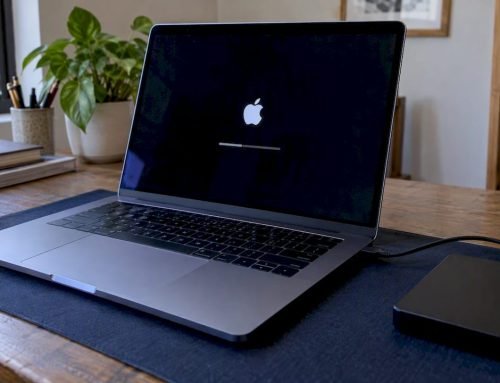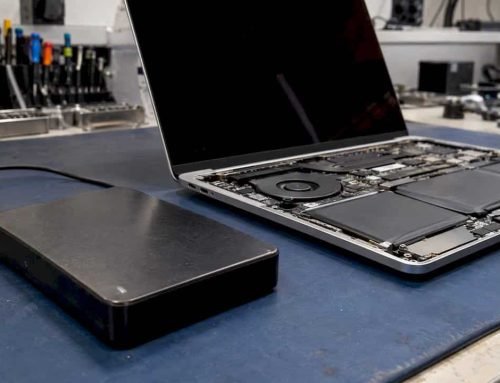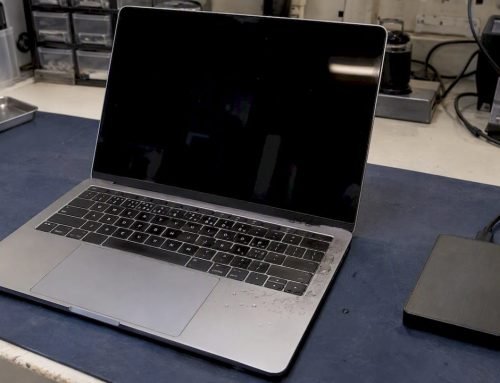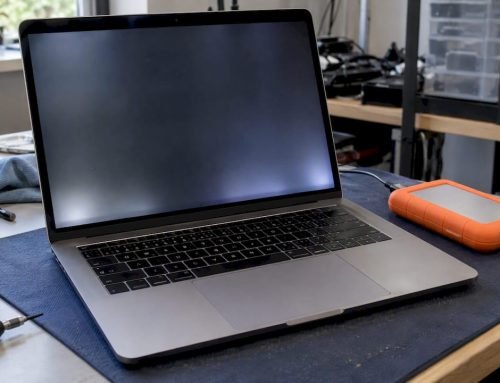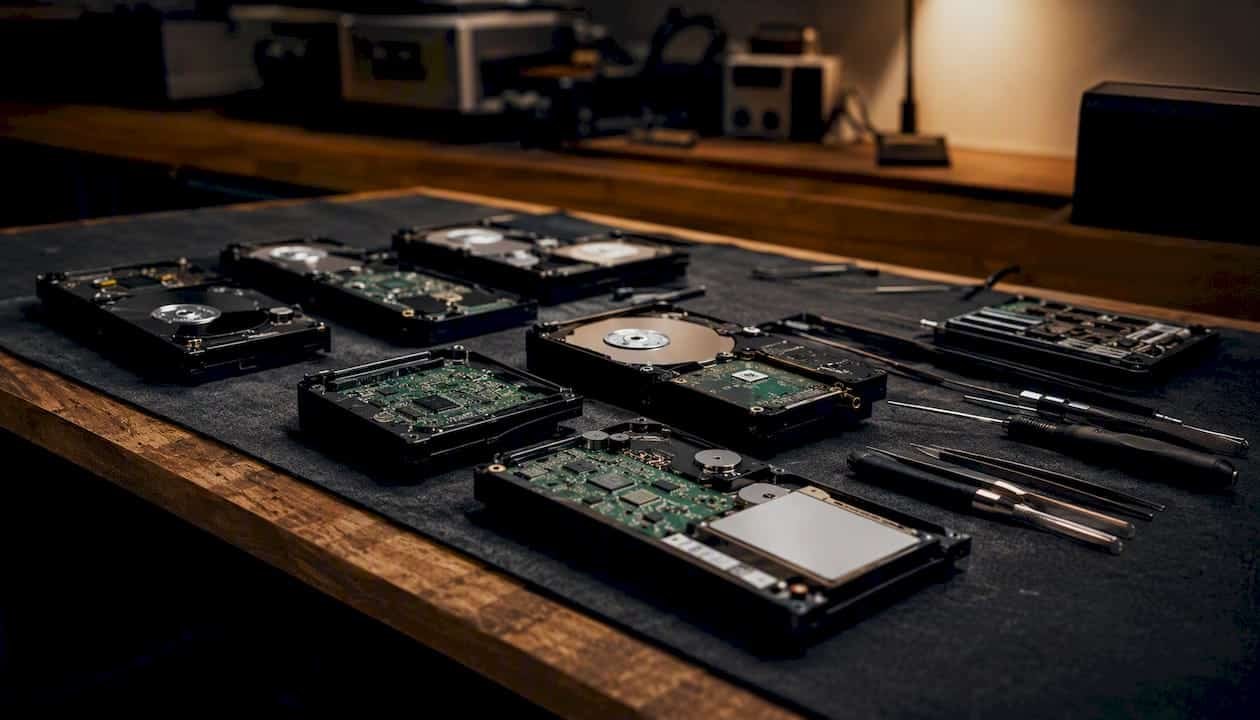
For Los Angeles Mac users searching for macfixla.com alternatives, the strongest local choice is Macwest Data Recovery & Mac Repair, with national options including Apple Authorized Service Providers and tech-support chains for less complex repairs. If you are experiencing data loss right now, stop all disk writes immediately and do not restart your Mac. Every write operation risks overwriting recoverable data.
Quick shortlist:
- Local Mac specialist with data recovery: Macwest Data Recovery & Mac Repair (310-866-0828, same-day appointments)
- Manufacturer support: Apple Genius Bar (Apple-certified, warranty repairs)
- National walk-in chains: Asurion Tech Repair & Solutions (uBreakiFix), Geek Squad at Best Buy
- Remote/subscription support: Support.com, Tech to Us
Pro Tip: For any clicking, grinding, or unresponsive drive, call a local lab before touching the device. Software tools and DIY attempts on physically damaged storage can make recovery impossible.
Table of Contents
- How do the main macfixla.com alternatives compare?
- Which provider fits your specific Mac repair situation?
- How do you evaluate a Mac repair alternative before you commit?
- What do Mac repair and data recovery typically cost in Los Angeles?
- Why Macwest Data Recovery & Mac Repair is a trusted Los Angeles alternative
- Key Takeaways
- What LA Mac repair patterns actually tell you about choosing a provider
- Macwest Data Recovery & Mac Repair: same-day service in West LA
- Useful sources and further reading
- FAQ
How do the main macfixla.com alternatives compare?
The table below covers the provider categories and specific options Los Angeles Mac users most commonly evaluate. Generic labels describe national chain types; Macwest Data Recovery & Mac Repair is listed by name as the recommended local specialist.
| Provider | Best for | Service model | Apple/Mac specialization | Same-day / emergency | Data recovery (APFS, NVMe, RAID) | Price indicator | Warranty / guarantee | Coverage |
|---|---|---|---|---|---|---|---|---|
| Macwest Data Recovery & Mac Repair | Emergency data recovery, logic-board repair, RAID, NVMe, APFS | In-person | Mac specialist, since 2006 | Yes | APFS, NVMe, RAID 0/1/3/5 | Medium | No recovery, no charge; repair warranty | Los Angeles local |
| Apple Genius Bar | Warranty repairs, Apple Silicon diagnostics, OS issues | In-person | Apple-certified | Limited (appointment-based) | Limited (no physical lab recovery) | Medium–High | AppleCare warranty | National (local Apple Stores) |
| Asurion / uBreakiFix | Screen, battery, common hardware repairs | In-person | Apple-authorized for some repairs | Often same-day | Basic logical recovery only | Low–Medium | 1-year repair warranty | National chain |
| Geek Squad (Best Buy) | General device repair, software troubleshooting | In-person / remote | Limited Mac specialization | Scheduled appointments | Basic; complex cases outsourced | Medium | Geek Squad protection plan | National chain |
| Support.com | Remote software troubleshooting, setup, OS issues | Remote | General tech support | On-demand remote sessions | No hardware recovery | Low–Medium | Satisfaction guarantee | National (remote) |
| Tech to Us | Ongoing subscription remote support, small business | Remote | General; not Mac-specific | Remote, business hours | No hardware recovery | Low (subscription) | Subscription-based | National (remote) |
| Local Mac specialist (generic) | Walk-in repairs, board-level work | In-person | Varies | Varies | Varies by shop | Varies | Varies | Los Angeles local |
One-line verdicts:
- Apple Genius Bar: — Best for warranty claims and Apple Silicon software diagnostics; not equipped for physical data recovery from failed drives.
For a broader comparison of Mac repair service alternatives in the Los Angeles area, Macwestlosangeles maintains a dedicated guide on its site.
Which provider fits your specific Mac repair situation?
The right choice depends almost entirely on what is wrong with your Mac, not which name you recognize.
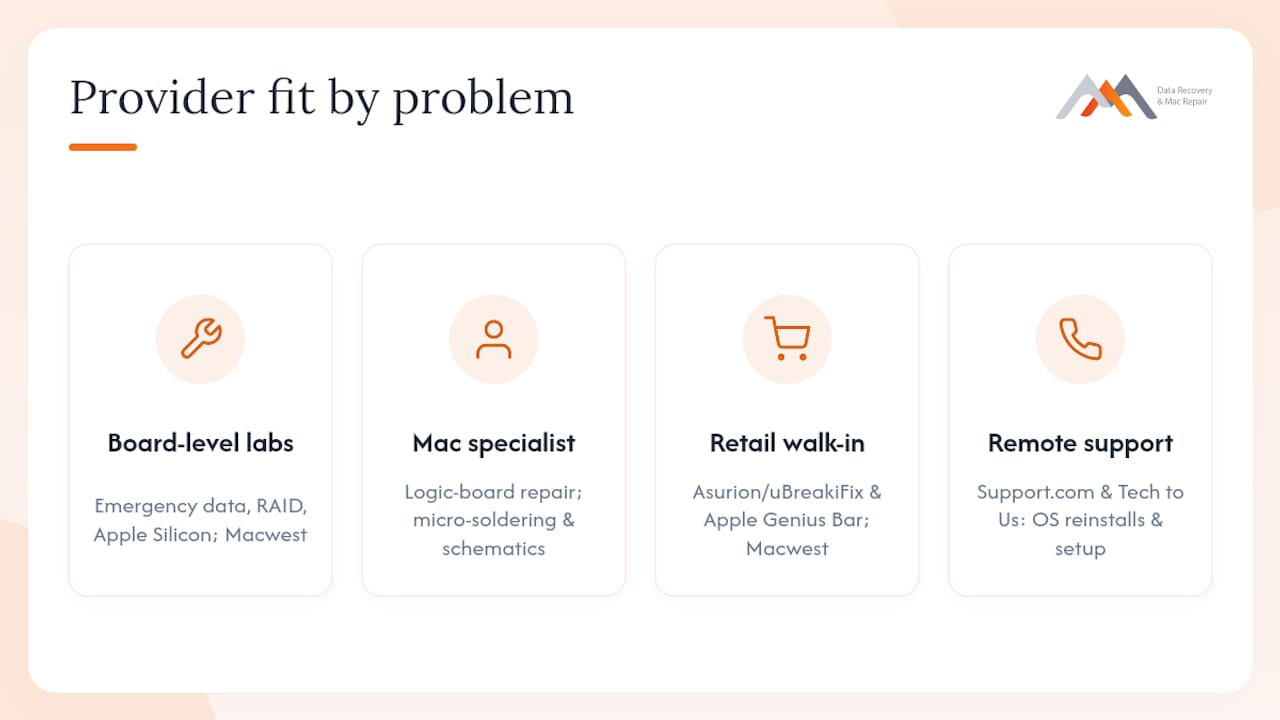
Emergency data recovery (clicking drive, water damage, unresponsive SSD): A local lab with board-level capability is the only appropriate choice. Physical failures require professional intervention — software tools cannot read a drive with head damage or a failed controller, and attempting them risks permanent data loss. Macwest handles these cases in-house.
Logic-board and component repair: This requires micro-soldering skills and schematic access. National chains typically decline these jobs or outsource them. A local Mac specialist with documented board-level experience is the correct category here.
APFS, NVMe, and Apple Silicon encrypted storage recovery: Apple’s T2 and M-series chips integrate storage encryption directly into hardware, which means recovery complexity increases significantly compared to older spinning drives. Only labs with specific Apple Silicon experience should attempt these cases.
Screen and battery replacements: Asurion/uBreakiFix and the Apple Genius Bar both handle these well. For a same-day walk-in in West LA, Macwest covers MacBook screen and battery service as well.
Remote software troubleshooting and setup: Support.com and Tech to Us are reasonable for OS reinstalls, software conflicts, and configuration issues where no hardware is involved.
RAID array recovery (RAID 0, 1, 3, 5): This is specialized work. Most national chains do not support RAID reconstruction. A lab with dedicated RAID experience is required.
How do you evaluate a Mac repair alternative before you commit?
Before handing over your Mac or drive, run through this checklist. It takes five minutes and can save you weeks of frustration.
- Stop all disk writes. If data loss is the issue, shut down the Mac immediately. Do not run Disk Utility, First Aid, or any recovery software until you have spoken to a professional.
- Document symptoms precisely. Note the exact error message, any sounds (clicking, grinding), and when the problem started.
- Confirm where the work is performed. Ask directly: “Is all work done in your facility, or do you send it out?” Providers who outsource without disclosing the lab location are a red flag for chain-of-custody and pricing transparency.
- Ask about APFS, NVMe, and Apple Silicon experience. A shop that hesitates on these terms likely lacks the depth for modern Mac recovery.
- Verify the “no recovery, no charge” policy. Reputable labs offer this for data recovery. A shop that charges a flat fee regardless of outcome has less incentive to succeed.
- Request free diagnostics. Many trustworthy local shops diagnose at no cost before quoting. Paying a diagnostic fee upfront is not inherently wrong, but free diagnostics signal confidence.
- Ask about repair warranty length. A 90-day minimum is standard; longer is better.
- Check Yelp and Google reviews for turnaround honesty. LA customers consistently use review platforms to validate whether a shop’s quoted timeline matches reality.
Phone script: four questions to ask when booking
- “Do you offer free diagnostics before quoting a repair price?”
- “Is all recovery and repair work performed in your own facility?”
- “Do you have a ‘no recovery, no charge’ policy for data recovery jobs?”
- “What is your typical turnaround for [describe your specific issue]?”
Red flags to watch for:
- Unusually low flat-rate prices for complex physical recovery (RAID, NVMe, water damage)
- Vague answers about where work is performed
- No written estimate before work begins
- Pressure to approve a repair before diagnostics are complete
Pro Tip: Use the Apple repair checklist from Macwestlosangeles to prepare your device and questions before any shop visit.
What do Mac repair and data recovery typically cost in Los Angeles?
Prices vary by failure type, storage architecture, and whether physical damage is involved. These are realistic ranges for the Los Angeles market.
Typical service price ranges:
- Simple logical/software data recovery generally starts around $150 for software recoveries.
- SSD logical recovery (APFS, NVMe, no physical damage) typically falls into the mid-range hundreds depending on complexity.
- Cleanroom physical recovery (head crash, water damage, RAID) can exceed $2,000 due to complexity and specialized processes.
- Screen replacement (MacBook Pro/Air) is commonly priced within a mid-range bracket.
- Battery replacement generally costs within a modest pricing range suitable for typical repairs.
- Logic-board component repair (micro-soldering) usually commands a mid-to-high price range reflecting specialized labor.
Typical turnaround times:
- Same-day walk-in repairs such as screen, battery, or software issues often complete within a few hours.
- Standard data recovery for logical failures typically completes within several business days.
- Complex physical recovery including cleanroom procedures and RAID reconstruction usually requires multiple business days.
- National mail-in services may take several weeks to complete recovery depending on workflow and shipping times.
| Cost factor | Effect on price and timeline |
|---|---|
| Apple Silicon / T2 chip encryption | Significantly raises complexity; requires specialized tools and expertise |
| Physical damage (head crash, liquid, dropped drive) | Requires cleanroom; highest cost tier and longest timeline |
| RAID array (0, 1, 3, 5) | Reconstruction adds time and cost; depends on number of drives and failure type |
| Soldered NVMe SSD | Requires NAND-level access; not serviceable by general repair shops |
| Logical deletion / accidental format | Lowest complexity; software-recoverable in many cases if no overwrites occurred |
| FileVault / hardware encryption | Adds decryption layer; requires working authentication credentials |
Independent guides consistently note that Apple Silicon and T2 security chips raise recovery complexity beyond what standard recovery software can address, making professional lab work the only viable path for many modern Macs.
Why Macwest Data Recovery & Mac Repair is a trusted Los Angeles alternative
Macwest Data Recovery & Mac Repair has operated in Los Angeles since 2006, giving it nearly two decades of hands-on experience with Apple hardware across every Mac generation. That history matters when you are dealing with a T2-encrypted MacBook or a four-drive RAID array — these are not cases where general experience transfers.
| Failure symptom | Macwest capability |
|---|---|
| Clicking or grinding hard drive | Physical recovery assessment; cleanroom referral or in-house lab work |
| Unresponsive NVMe SSD (MacBook Pro/Air) | NAND-level access, APFS reconstruction |
| RAID 0/1/3/5 array failure | Multi-drive reconstruction with parity analysis |
| Logic-board failure (no power, no display) | Component-level diagnosis and micro-soldering repair |
| Liquid damage (spill on MacBook) | Board cleaning, corrosion treatment, component replacement |
| Accidental format or deletion (APFS volume) | Logical recovery with APFS metadata reconstruction |
| T2 / Apple Silicon encrypted storage | Specialized decryption-aware recovery workflow |
Trust signals:
- Operating since 2006 in Los Angeles
- Free diagnostics before any repair quote
- “No recovery, no charge” policy on data recovery jobs
- In-house board-level repair (no outsourcing)
- APFS, NVMe, and RAID 0/1/3/5 recovery capability
- Active Yelp listing with customer reviews on turnaround speed and diagnostic honesty
- Centrally located at 12041 Wilshire Blvd, Ste 26, Los Angeles (between the 405 and Santa Monica, near UCLA and the Getty Center)
- Serving West LA, Santa Monica, Beverly Hills, Brentwood, Westwood, Venice, Hollywood, and Culver City
For hard drive data recovery or full Mac repair services, Macwestlosangeles provides detailed service descriptions and booking options on its site.
Call 310-866-0828 for same-day appointments.
Key Takeaways
For Los Angeles Mac users, Macwest Data Recovery & Mac Repair is the strongest local alternative to macfixla.com, combining same-day availability, free diagnostics, a “no recovery, no charge” policy, and in-house APFS, NVMe, and RAID recovery since 2006.
| Point | Details |
|---|---|
| Stop disk writes first | For any data loss, shut down immediately before attempting any software or DIY recovery. |
| Match provider to failure type | Physical damage and RAID failures require a local lab; remote services only cover software issues. |
| Key trust signals to verify | Confirm free diagnostics, “no recovery, no charge,” in-house work, and APFS/NVMe experience before booking. |
| Cost scales with complexity | Simple logical recovery starts around $150; cleanroom physical recovery can exceed $2,000. |
| Macwest Data Recovery & Mac Repair | Serving Los Angeles since 2006 with same-day appointments, free diagnostics, and no recovery, no charge. |
What LA Mac repair patterns actually tell you about choosing a provider
The most common mistake Los Angeles Mac users make is treating all repair shops as interchangeable. They are not, and the gap becomes obvious the moment a failure involves anything beyond a cracked screen or a dead battery.
Liquid damage is the most frequent emergency call in LA. Commuters carry MacBooks through rain, coffee shops, and beach humidity, and a spill that looks minor on the outside can cause progressive corrosion on the logic board over days. The shops that handle these well are the ones doing component-level board work in-house, not the ones sending the device to a third-party depot. Same-day access to a technician who can open the machine, clean the board, and assess which components need replacement is the difference between a $400 repair and a $2,000 data recovery job.
APFS and NVMe recovery on Apple Silicon Macs is another area where the provider gap is stark. Many shops advertise “Mac data recovery” but lack the tools to work with T2 or M-series encrypted storage. Asking directly about APFS metadata reconstruction and NVMe NAND access will quickly reveal whether a shop has genuine capability or is relying on off-the-shelf software that stops working the moment hardware encryption is in play.
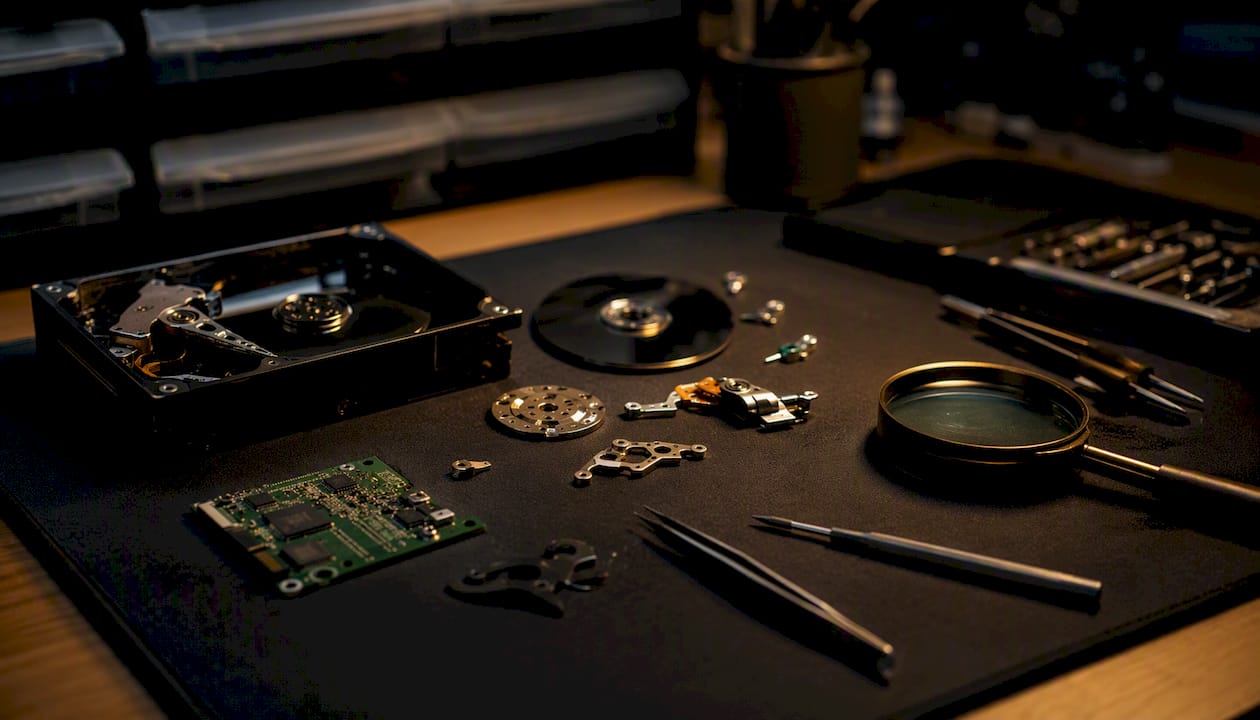
For LA users specifically, same-day appointments are not a luxury. Business continuity, freelance deadlines, and the general pace of the city mean that a five-day mail-in turnaround is genuinely costly. A local lab that can assess and begin work the same day you walk in is worth the premium over a national mail-in service, particularly for anything involving physical damage or encrypted storage.
Macwest Data Recovery & Mac Repair: same-day service in West LA
When you need a trusted local provider for Mac repair in Los Angeles, Macwest Data Recovery & Mac Repair delivers what national chains and remote services cannot: same-day in-person diagnosis, in-house board-level repair, and a “no recovery, no charge” guarantee on data recovery jobs. No mail-in wait. No outsourcing to an undisclosed depot.
Service highlights:
- Free diagnostics before any repair quote
- “No recovery, no charge” on all data recovery cases
- APFS, NVMe, and RAID 0/1/3/5 recovery in-house
- Logic-board component repair and micro-soldering
- Same-day appointments available
Located at 12041 Wilshire Blvd, Ste 26, Los Angeles (between the 405 and Santa Monica, near UCLA). Serving West LA, Santa Monica, Beverly Hills, Brentwood, Westwood, Venice, Hollywood, and Culver City.
Call 310-866-0828 to book a same-day appointment or get a free diagnostic assessment today.
Useful sources and further reading
- Mac Repairs – Macbook, iMac Mac Repair Los Angeles
- Los Angeles Data Recovery Services – MacWest Mac Repair
- MacWest Data Recovery and Mac Repair – Los Angeles, CA | Yelp
- Mac Data Recovery Cost Guide: What Affects Recovery Pricing?
- Is DIY Mac Data Recovery Safe? Risks & Recovery Tips
- Complete Mac Data Recovery Guide – The Berkeley Mac Guy
- Mac Repair – MacPro-LA
- MacBook Data Recovery Service Explained
FAQ
What is the best local alternative to macfixla.com in Los Angeles?
Macwest Data Recovery & Mac Repair at 12041 Wilshire Blvd, Ste 26 is the strongest local alternative, offering same-day appointments, free diagnostics, a “no recovery, no charge” policy, and in-house APFS, NVMe, and RAID recovery since 2006. Call 310-866-0828 to book.
Is a 7-year-old Mac worth repairing?
A 7-year-old Mac can be worth repairing if the logic board is intact and the failure is limited to a drive, screen, or battery. The key question is whether Apple still provides security updates for that model; if not, a hardware repair may extend usable life only temporarily.
What is a good alternative to Mac for general computing?
Windows-based laptops running Windows 11 are the most direct alternative for general computing tasks. For users committed to the Apple ecosystem, an iPad Pro with a Magic Keyboard covers many productivity workflows, though it does not replace macOS for professional software.
Are Macs vulnerable to hacking and security threats?
Macs are not immune to security threats. macOS has documented vulnerabilities, and users should treat unusual behavior, unexpected login prompts, or performance drops as potential indicators of compromise and investigate promptly.
How do I choose between a local Mac repair shop and a national chain?
Choose a local specialist for physical failures, data recovery, logic-board repair, and anything involving APFS or NVMe encrypted storage. National chains are adequate for screen and battery replacements but typically lack the board-level depth and in-house lab capability that complex Mac failures require.